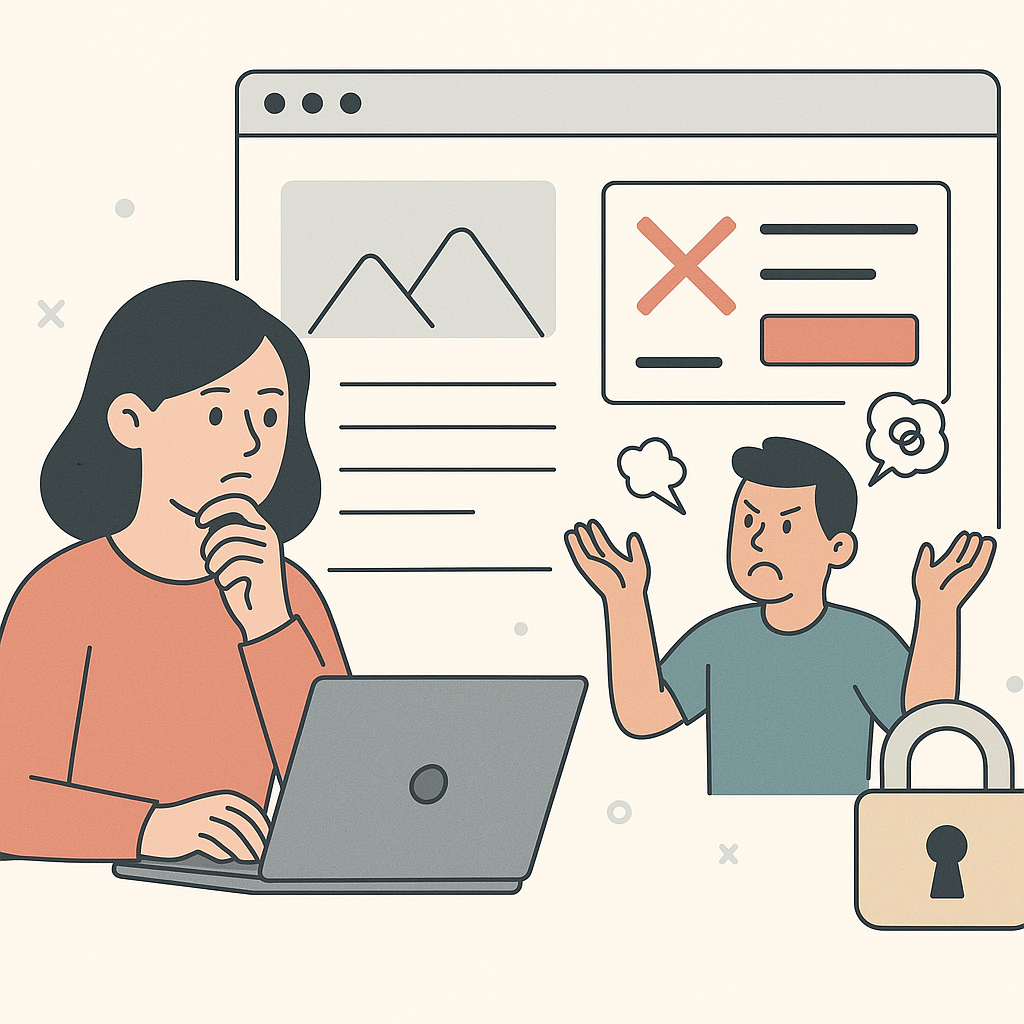
You want to edit client websites without developers. Because waiting weeks for a “small change” is killing campaign momentum.
This guide is about the workflow that makes that possible. Preview first. Ship safely. Roll back cleanly. Keep proof of what changed.
It’s not a tutorial for page builders. It’s not a list of tools. And it’s not about replacing developers for backend changes.
It’s about the day-to-day edits agencies need to ship on live sites without breaking production pages.
Pick the guide that matches your constraint

Speed: break the queue
If your work keeps turning into tickets and “next sprint,” start here:
why agencies get stuck waiting on developers
Safety on production
If you need a preview → publish workflow that holds up on live client sites, read:
how to safely edit live client websites
If you want guardrails that prevent the most common incidents, use:
prevent breaking client websites
If you’re trying to explain why “small edits” cause real incidents, read:
why small website changes break live client sites
If you want the checklist of what agencies get wrong under pressure, read:
common mistakes agencies make when editing live websites
Permissions and approvals
If the client won’t grant access (or approvals keep stalling), use this model:
agency website editing permissions
If you need a clean boundary line for what must stay with developers, read:
when agencies still need developers
If you’re unsure whether to touch production at all, start here:
when you should not edit a live client website
Rollback and proof
If you need the undo button, start with:
If a change already went sideways, follow this playbook:
what to do when a live website change goes wrong
If you need an audit trail that works across clients, use:
track and audit website changes across client sites
If you need a fast way to answer “what changed?”, start here:
visibility into live website changes
If you’re managing many sites, use this scaling guide:
edit live client websites across multiple clients
If you’re solo, use this freelancer workflow:
edit live client websites safely as a freelancer
If you want the full operating system, read:
website change management for agencies
Tool selection
If you’re evaluating options, use this criteria guide:
tools for agencies to edit client websites
The Developer Dependency Problem

Here's what typically happens when you need to make a website change:
The Traditional Process:
| Step | Action | Time Required |
|---|---|---|
| 1. Identify the opportunity | You see a chance to improve conversions | Minutes |
| 2. Create the plan | Design the new layout. Write the copy. Plan the changes | Hours |
| 3. Submit to developer | Send your request to the dev team | Minutes |
| 4. Wait | Days or weeks pass. Your request sits in a queue | Days to weeks |
| 5. Review and revise | Back-and-forth iterations to get it right | Days |
| 6. Deploy | Finally, the changes go live | Hours |
The problem: By the time your optimization is live, the campaign opportunity might have passed. Your client's competitors have already moved ahead. Speed matters in digital marketing.
The Real Cost of Waiting
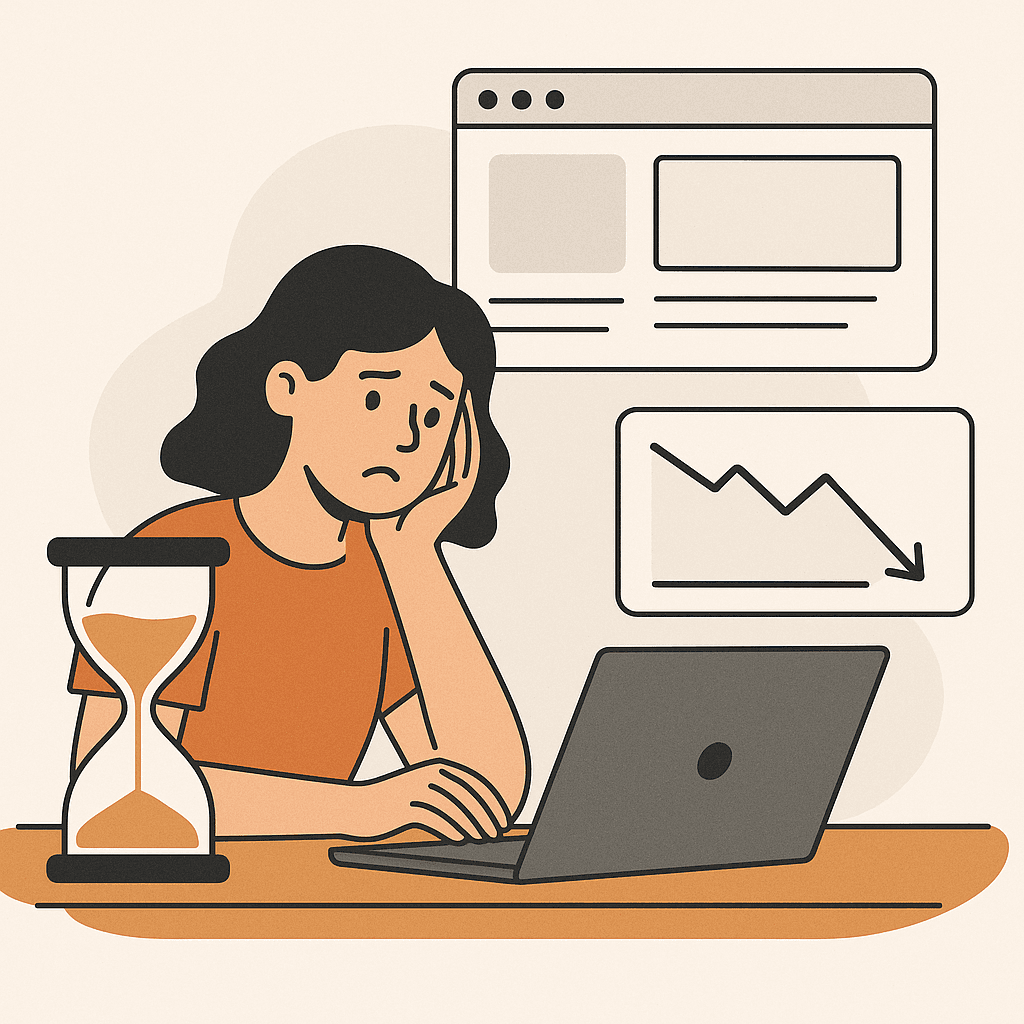
The cost of developer dependencies isn't just about time. It's about lost revenue:
| Cost | Impact |
|---|---|
| Delayed A/B tests | You can't test new ideas quickly |
| Missed optimization windows | Campaign momentum dies while you wait |
| Reduced iteration speed | You can't refine and improve fast enough |
| Lower ROAS | Slower optimization means lower returns on ad spend |
| Client frustration | Clients see competitors moving faster |
The bottom line: When you can't move quickly, you can't compete effectively. In today's fast-paced digital marketing landscape, speed is everything. Every day of delay costs money.
The No-Code Solution
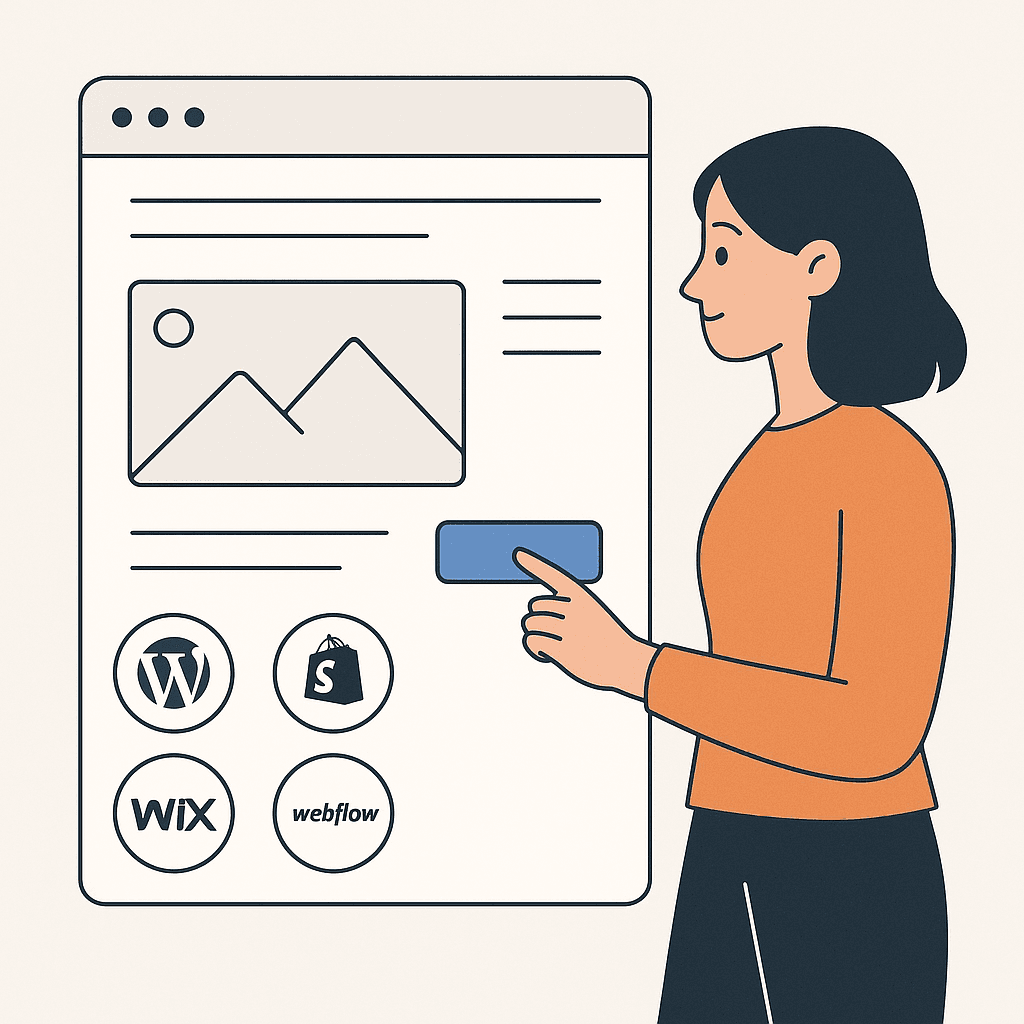
Modern website editing tools have evolved significantly. Marketing teams can now make significant changes without any coding knowledge. These universal website editors work with any platform. Examples include popular content management systems, e-commerce platforms, and website builders.
They allow you to:
| Capability | What You Can Do |
|---|---|
| Edit layouts visually | Drag and drop elements. Resize sections. Rearrange content |
| Create variations | Build different versions for different campaigns |
| Personalize content | Show different messaging based on traffic source |
| Optimize in real-time | Make changes and see them live immediately |
| Test quickly | Launch A/B tests without developer help |
How Universal Website Editors Work
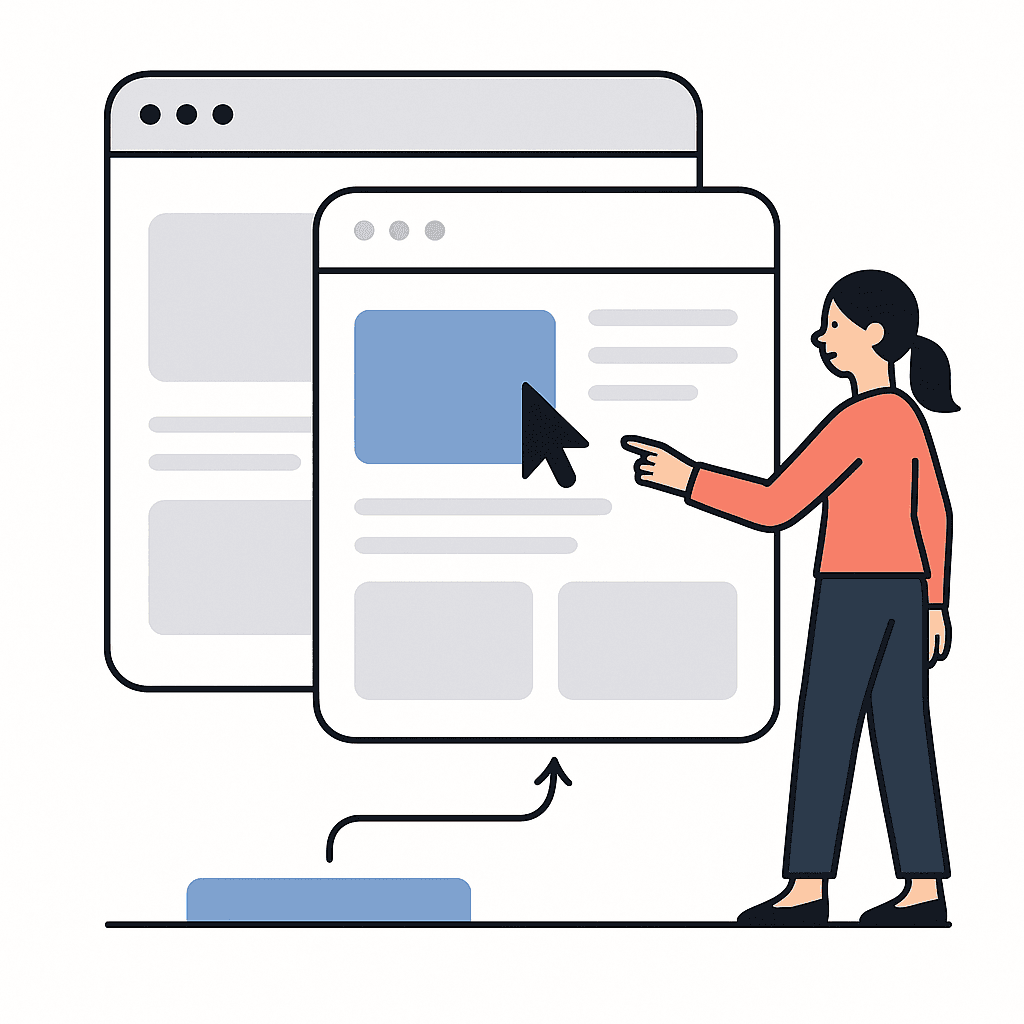
Universal website editors use overlay technology. They create variations of your existing website. Importantly, they don't modify the original code.
Think of it like this: It's a layer on top of your site. You can edit this layer freely. Meanwhile, your main site remains untouched and safe.
How it works:
Key benefit: Because you're not modifying the original site, you can experiment freely. There's no risk. If a variation doesn't work, you simply turn it off. No harm done to your main site.
Real-World Agency Use Cases

Marketing agencies are using no-code website editors in several powerful ways:
Campaign-Specific Variations
Create unique landing experiences for different paid media campaigns. Learn how to create campaign-specific variations for each campaign. For example, a paid search campaign might emphasize search intent. Meanwhile, a social media campaign focuses on social proof. Each gets its own optimized variation.
Traffic Source Personalization
Show different content to visitors from different sources. SEO visitors might see educational content. Paid media visitors see conversion-focused messaging. This is part of adaptive personalization that improves alignment.
A/B Testing at Scale
Test multiple variations simultaneously. You don't need to wait for developers. Quickly identify what works. Then scale successful tests across campaigns.
Client Site Optimization
Make optimization changes to client sites without involving their development team. Move faster. Deliver better results. This eliminates the hidden cost of developer dependencies that slows down optimization cycles.
Getting Started: Your First No-Code Edit

Your First No-Code Edit
- Choose a universal editor: Select a tool that works with your client's platform.
- Connect the site: Link your client's website. Usually, this just means adding a script tag.
- Create a variation: Start with a simple change. Maybe a headline or CTA button.
- Target your audience: Set rules for when this variation should show.
- Launch and measure: Deploy the variation and track performance.
Most modern tools can have you making edits within 10 minutes of setup.
Best Practices for No-Code Website Editing

To get the most out of no-code editing, follow these best practices:
Start Small
Begin with simple changes. Examples include headlines, CTAs, and images. As you get comfortable, expand to more complex layouts.
Test Everything
Use A/B testing to validate your changes. Just because you can make changes quickly doesn't mean every change is an improvement.
Document Your Variations
Keep track of what variations you've created. Note who they target. Track how they perform. This helps you optimize over time.
Collaborate with Your Team
No-code tools make it easy for your entire team to contribute. Designers can create layouts. Copywriters can update text. Strategists can set targeting rules.
Measure Impact
Track how your no-code edits affect conversions, ROAS, and other key metrics. Use data to guide future optimizations.
Overcoming Common Objections
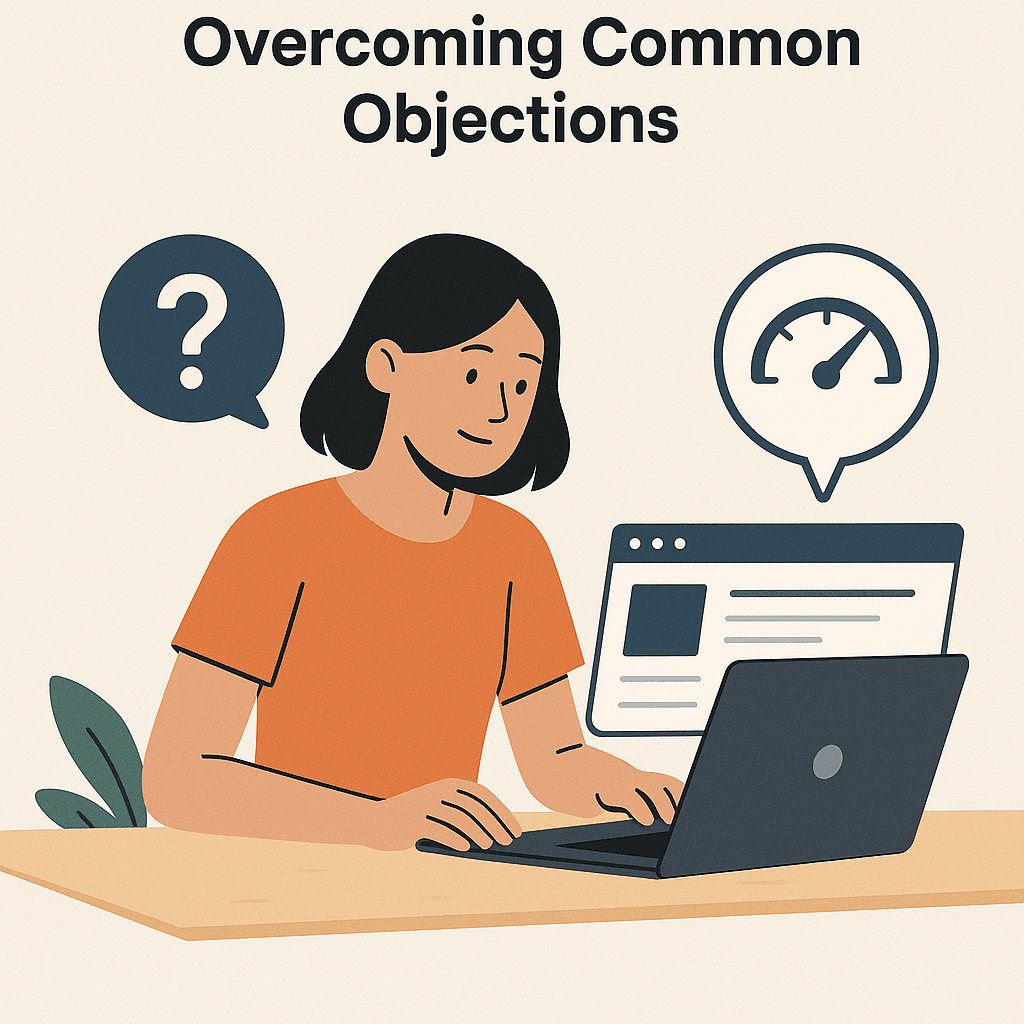
Some agencies hesitate to adopt no-code tools. Here are common concerns and how to address them:
"Will it slow down the site?"
Modern overlay technology is lightweight. It doesn't impact page speed when implemented correctly. Most tools add less than 100ms to page load time.
"What if the client's site changes?"
Universal editors work on top of your existing site. They adapt to most site changes automatically. If major changes occur, you can easily update your variations.
"Is it really that easy?"
Yes. If you can use design tools like visual design software or graphic design platforms, you can use no-code website editors. Most marketers are productive within hours, not days.
"What about complex customizations?"
For complex changes, you might still need developers. But 80% of optimization opportunities can be handled without code. Focus on the 80% first, then evaluate if you need developers for the rest.
The Competitive Advantage

Agencies that eliminate developer dependencies gain a significant competitive advantage:
| Advantage | Benefit |
|---|---|
| Faster iteration | Test and optimize in days, not weeks |
| Better results | More optimization cycles mean better performance |
| Higher client satisfaction | Deliver results faster |
| Lower costs | Reduce reliance on expensive developer resources |
| More flexibility | Adapt quickly to changing campaign needs |
Making the Transition
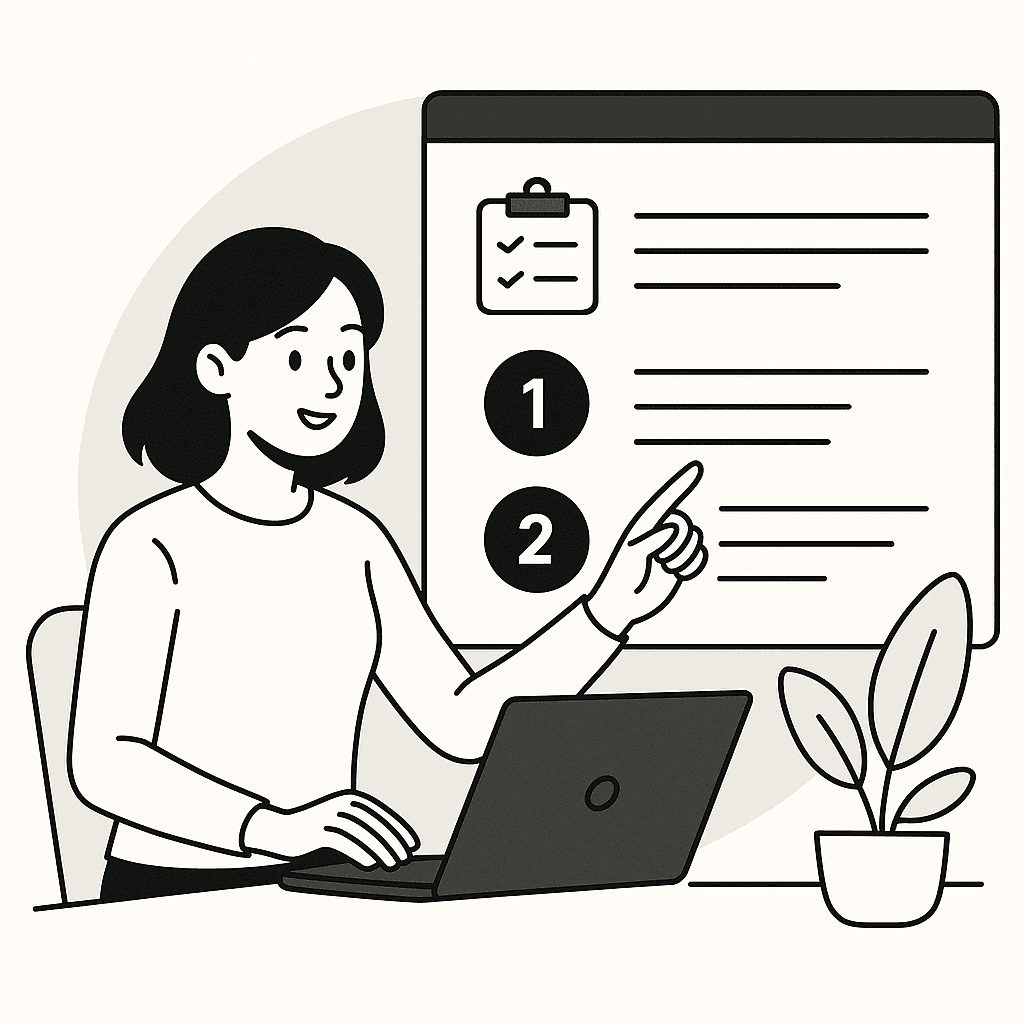
Action Plan
- Audit your current workflow: Identify where developer bottlenecks occur.
- Choose a tool: Select a universal website editor that fits your needs.
- Start with one client: Test the approach with a single client first.
- Train your team: Get your team comfortable with the new tool.
- Scale gradually: Expand to more clients as you gain confidence.
The Future of Agency Workflows

The future of marketing agencies is no-code. As tools become more powerful and easier to use, the agencies that adopt them will move faster. They'll deliver better results. They'll win more clients.
Don't let developer dependencies slow you down. With modern no-code website editors, you can own your optimization process. You can move at the speed of marketing. You can deliver the results your clients deserve, without waiting weeks for dev resources.
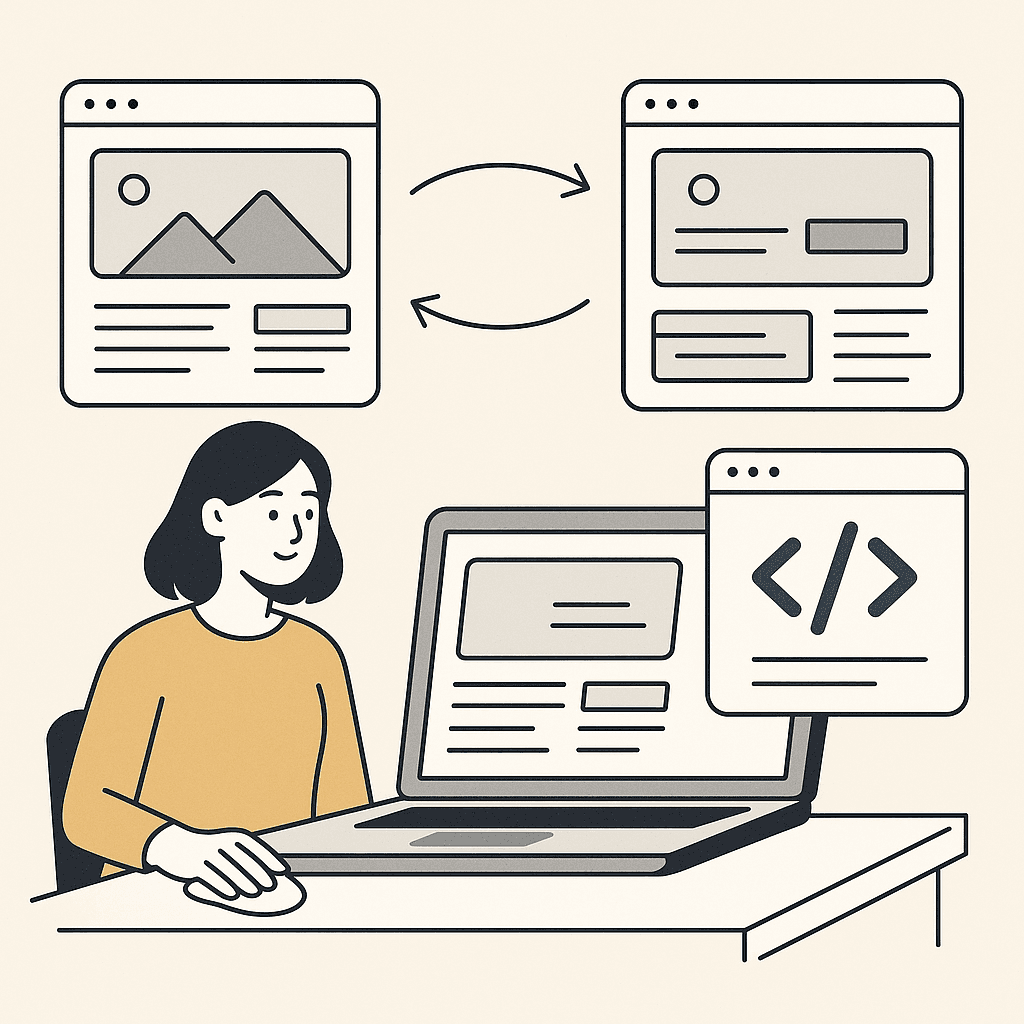
Keep Your Clients Happy - Move at the Speed of Marketing
Every day you wait for developers is another risk to client retention. Don't let developer dependencies slow you down. With modern no-code website editors, you can own your optimization process and move at the speed of marketing, turning ideas into results in hours instead of weeks. Deliver results that matter and keep your clients happy.