
13 min read
Landing Page Not Converting? Fix It in 30 Minutes
If your landing page is not converting, verify tracking first. Then fix message match, above-the-fold clarity, friction, proof, and CTA timing.
Read more →
Practical guides for shipping website changes without breaking production pages.
This isn’t a blog about tools, page builders, or experiments. It’s about risk, workflow, and making changes you can roll back.
If your landing page is not converting, verify tracking first. Then fix message match, above-the-fold clarity, friction, proof, and CTA timing.

If nothing converts, don't test everything. Fix the decision structure first, then trust, then timing. Here's the order that works.
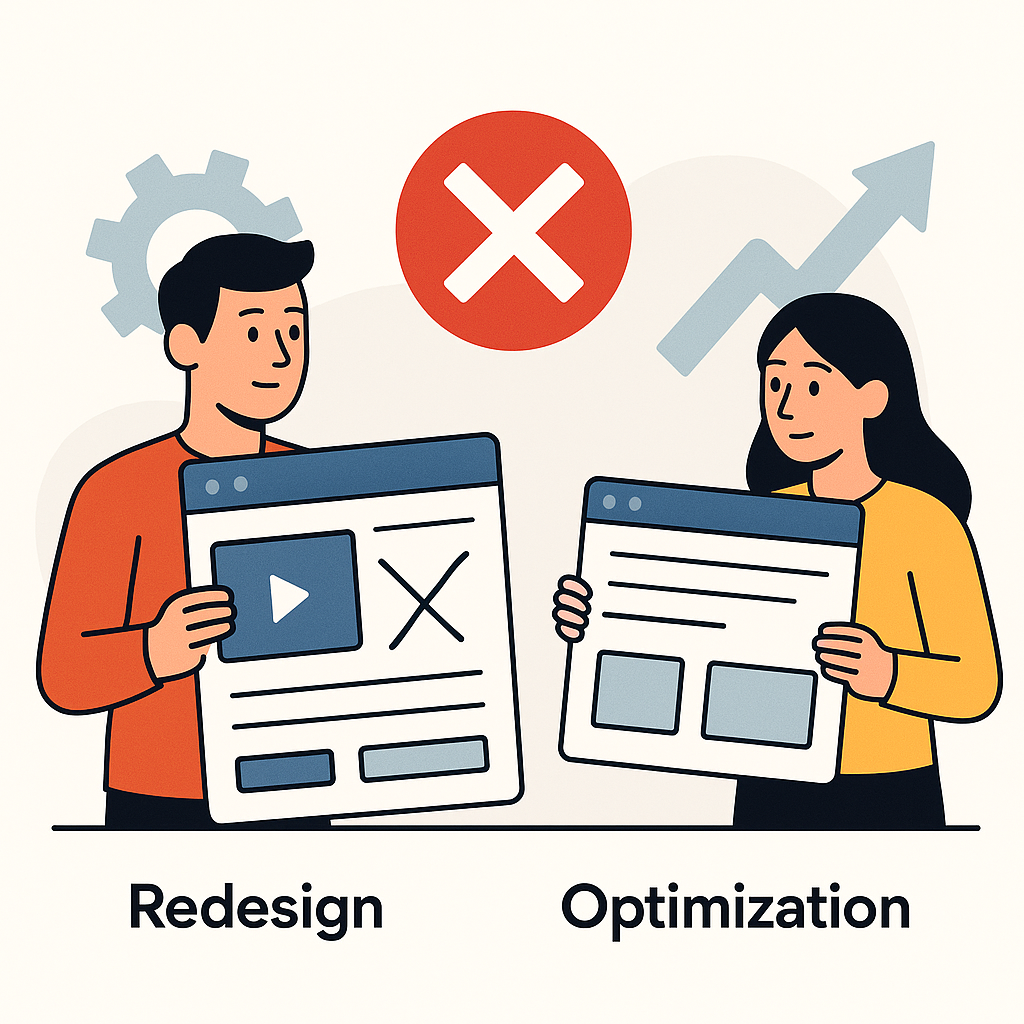
Not sure if you need a redesign or optimization? If the page intent is broken, optimization won't fix it. Here's the test.

If your service page isn't converting, it's often asking for commitment before the visitor is ready. Learn the stall patterns and the fix.
Agencies get blamed for breaking client websites because changes lack clear boundaries or ownership. Blame is a symptom of missing governance.

If your blog gets traffic but captures no leads, the problem is usually progression, not content volume. Learn what's missing after the click.
Homepages rarely convert because they try to serve too many intents at once. The fix isn't better design. It's clearer routing.

CTAs fail when the ask comes before readiness. Learn the timing mistakes that stall conversions, even when your offer and traffic are right.

Visitors rarely think 'this is a scam.' They hesitate because trust builds in steps. Learn what proof is missing and why they stall.

If the right people visit but don't act, it's usually intent mismatch. The page is solving a decision they didn't come to make.

Website changes don't fail because of tools. They fail because of unclear ownership, shared surfaces, and uncontrolled scope. Learn why.
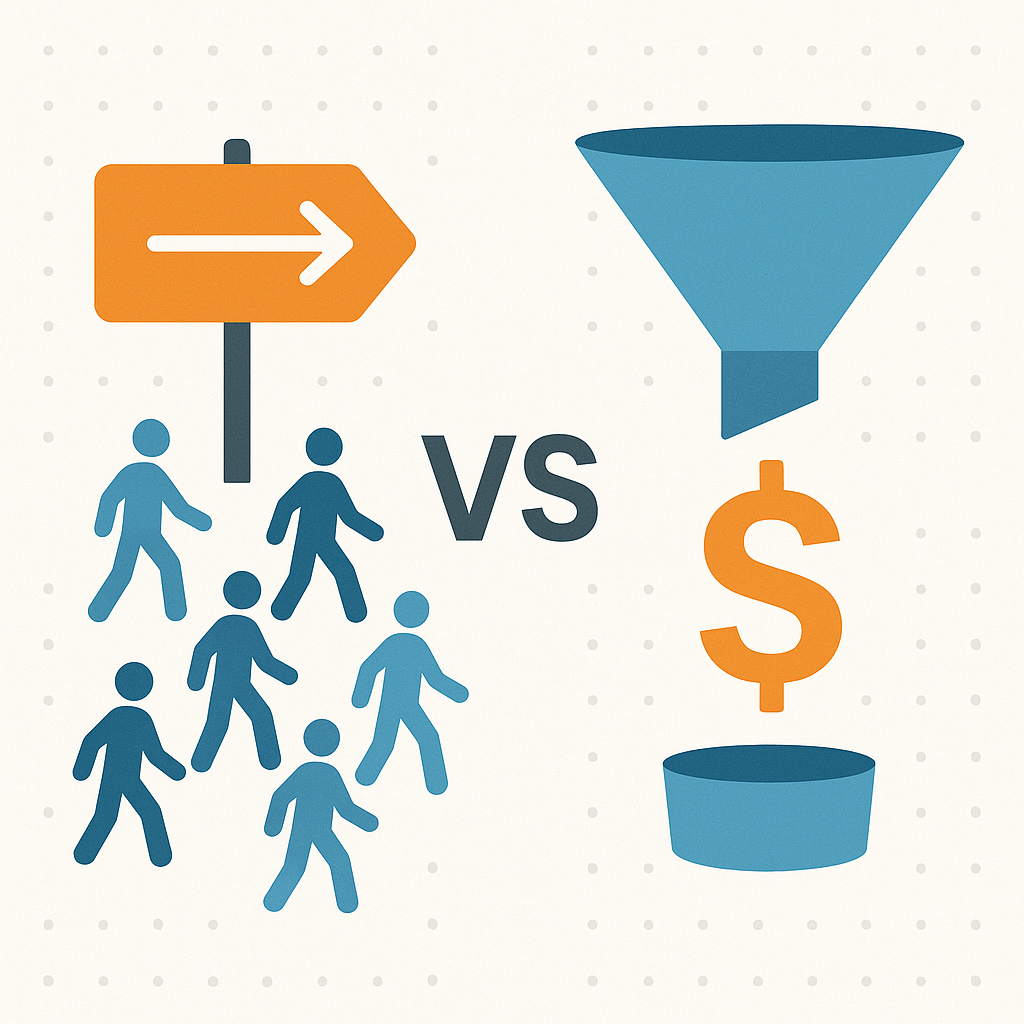
Traffic vs conversion problem: learn the fast diagnosis that stops random fixes. Decide what's broken before you buy more traffic or rewrite the page.

Getting traffic but no leads or sales? The click isn't the problem. The decision is. Use this main guide to diagnose what breaks after the click.

Need ad-specific copy without touching the main page? Learn how agencies change website content for ads while keeping production pages stable and safe.

Agency website editing permissions decide how fast you can ship changes without breaking production. Use roles, approvals, and rollback to move safely.

Agencies get burned by the same live-edit mistakes: skipping preview, trusting desktop, bundling changes, and shipping without rollback. Fix the patterns.
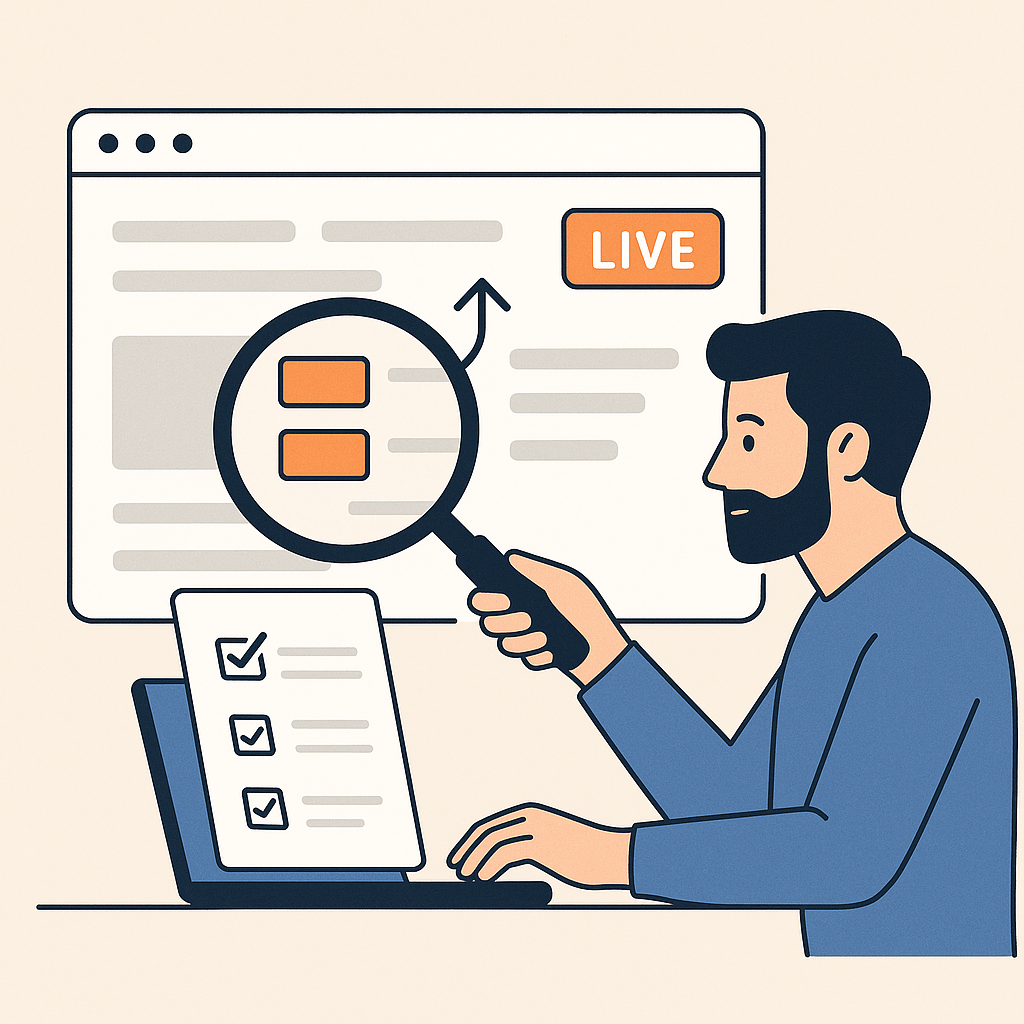
Visibility prevents blame. Use a minimum audit trail and proof artifacts so you can answer 'what changed?' fast and roll back without chaos.
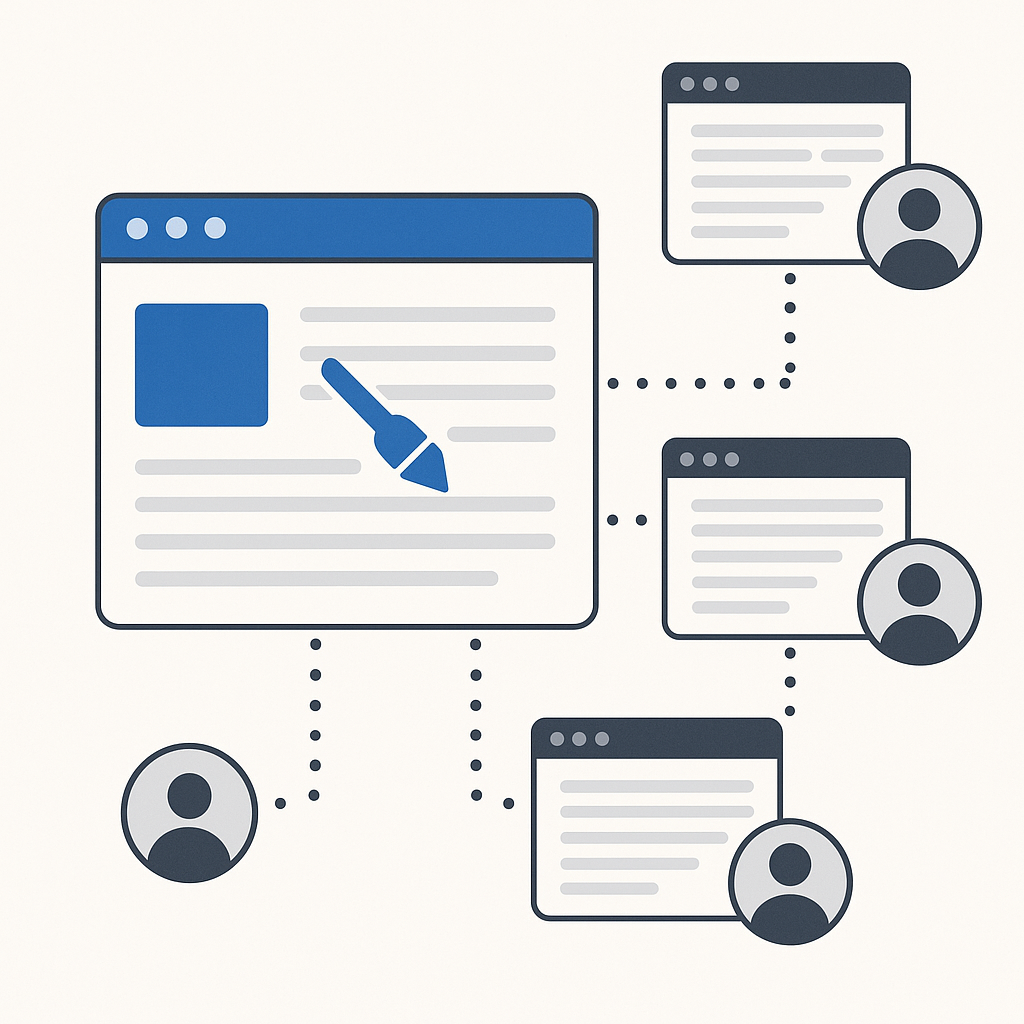
Multi-client editing fails without standards. Use one workflow, one audit trail, and one rollback rule so the same mistakes stop repeating.

When you're solo, live edits feel riskier. Use tighter boundaries, smaller changes, verification, rollback triggers, and proof to stay in control.

Prevent breaking client websites by using preview, small releases, a 10-minute verification routine, and fast rollback guardrails.
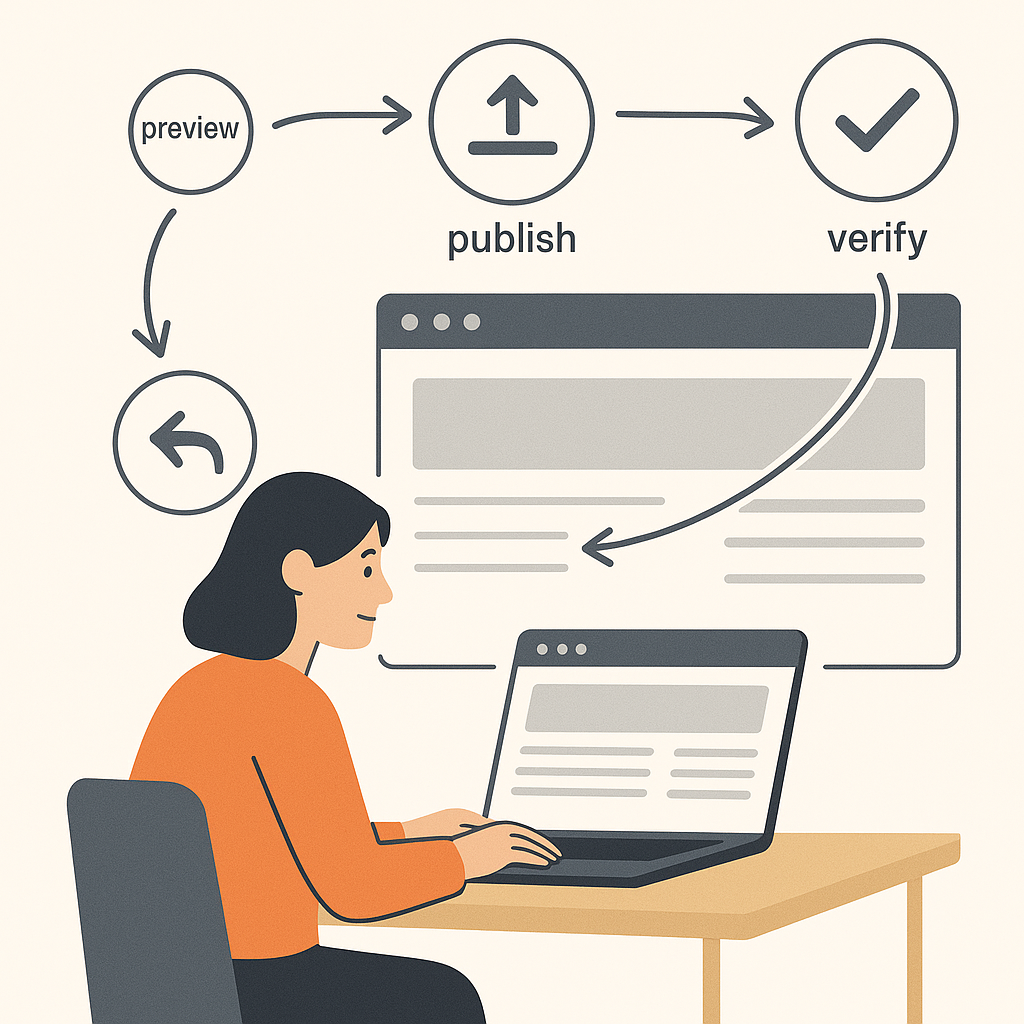
Rollback website changes fast with a preview → publish → verify → revert workflow. Ship improvements safely on client sites without panic.

Compare tools for agencies to edit client websites using safety-first criteria: preview, permissions, rollback, audit logs, and a low-risk pilot plan.
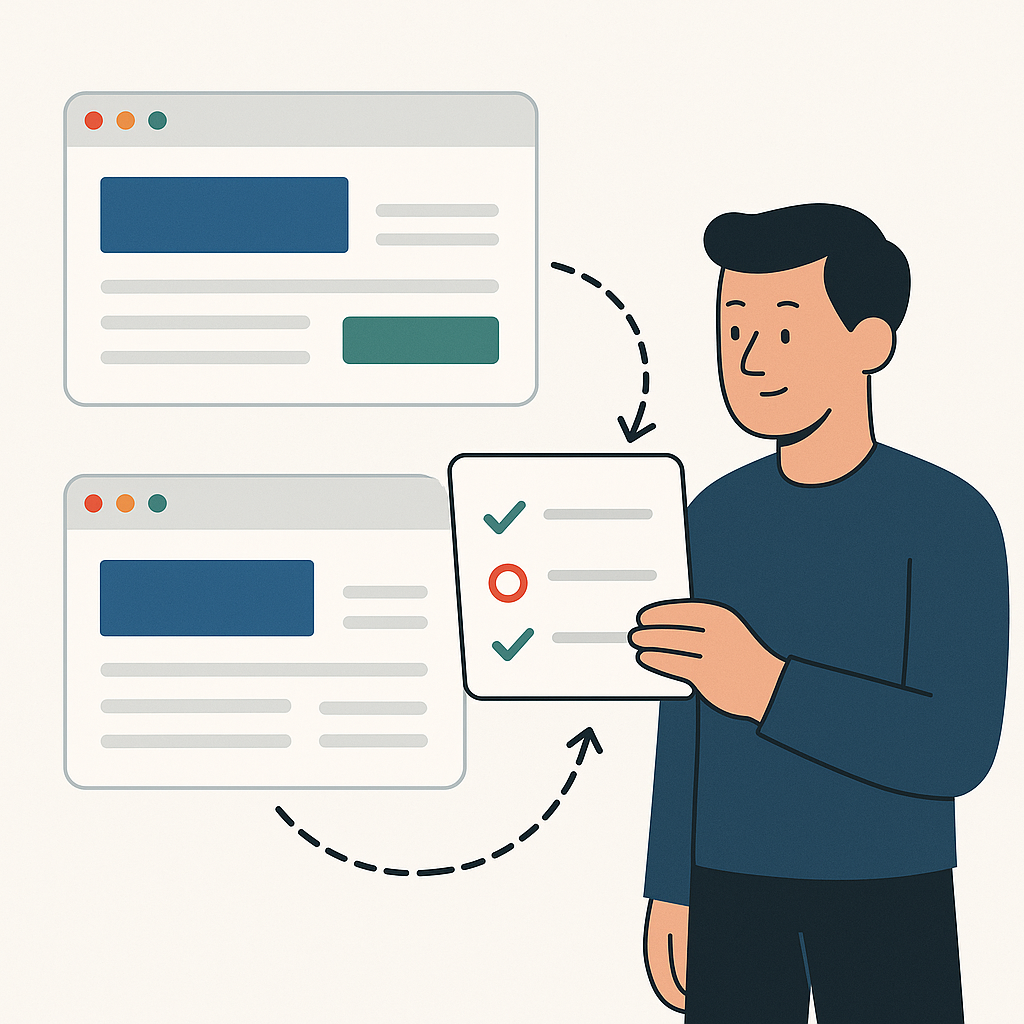
Track website changes agencies ship across client sites with a simple audit trail. Reduce disputes, speed up rollback, and make progress visible.

Website change management feels chaotic on client sites. Stop approval loops. Track every change. Roll back fast. Ship safely across clients.
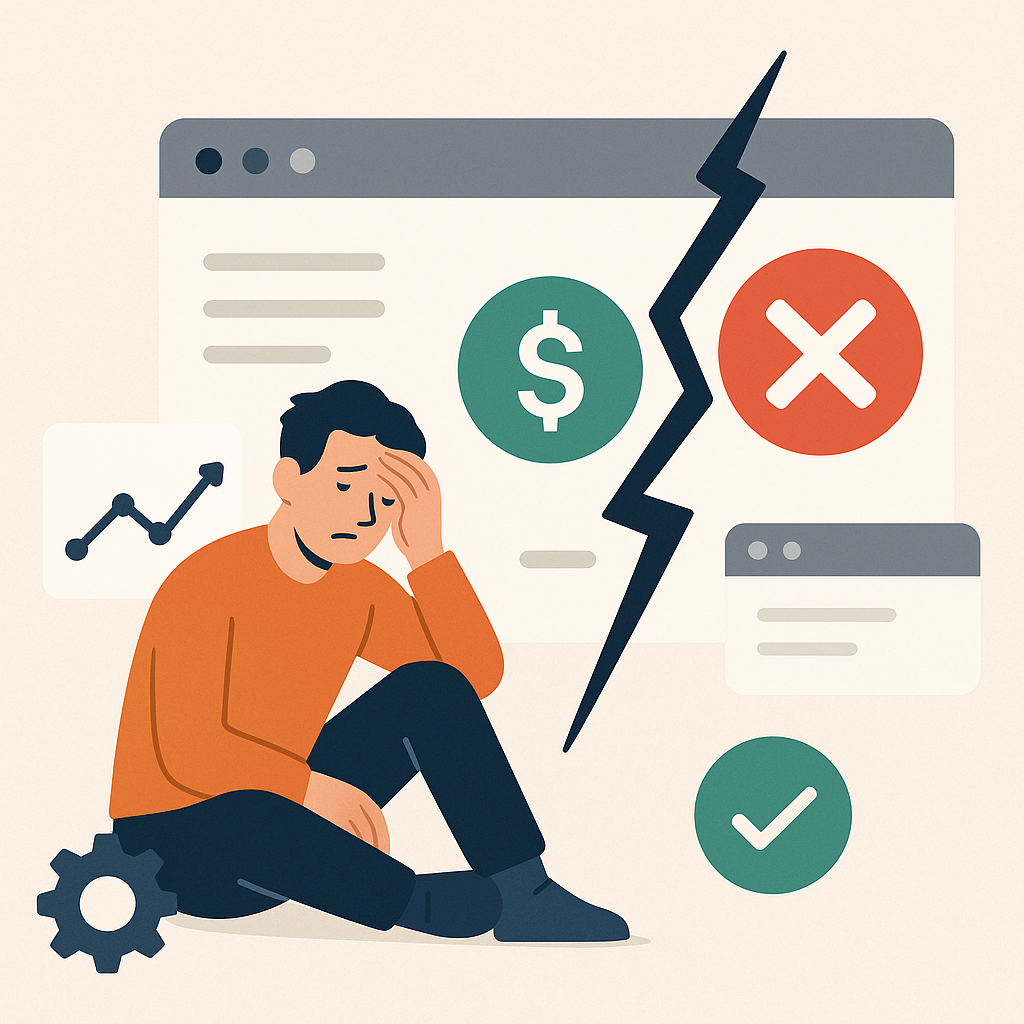
When a live change breaks something, don't panic. Roll back first if the money path is broken. Verify the basics. Then ship the smaller fix.

When agencies need developers depends on scope and risk. Use a clear boundary line so you can ship faster without breaking production.
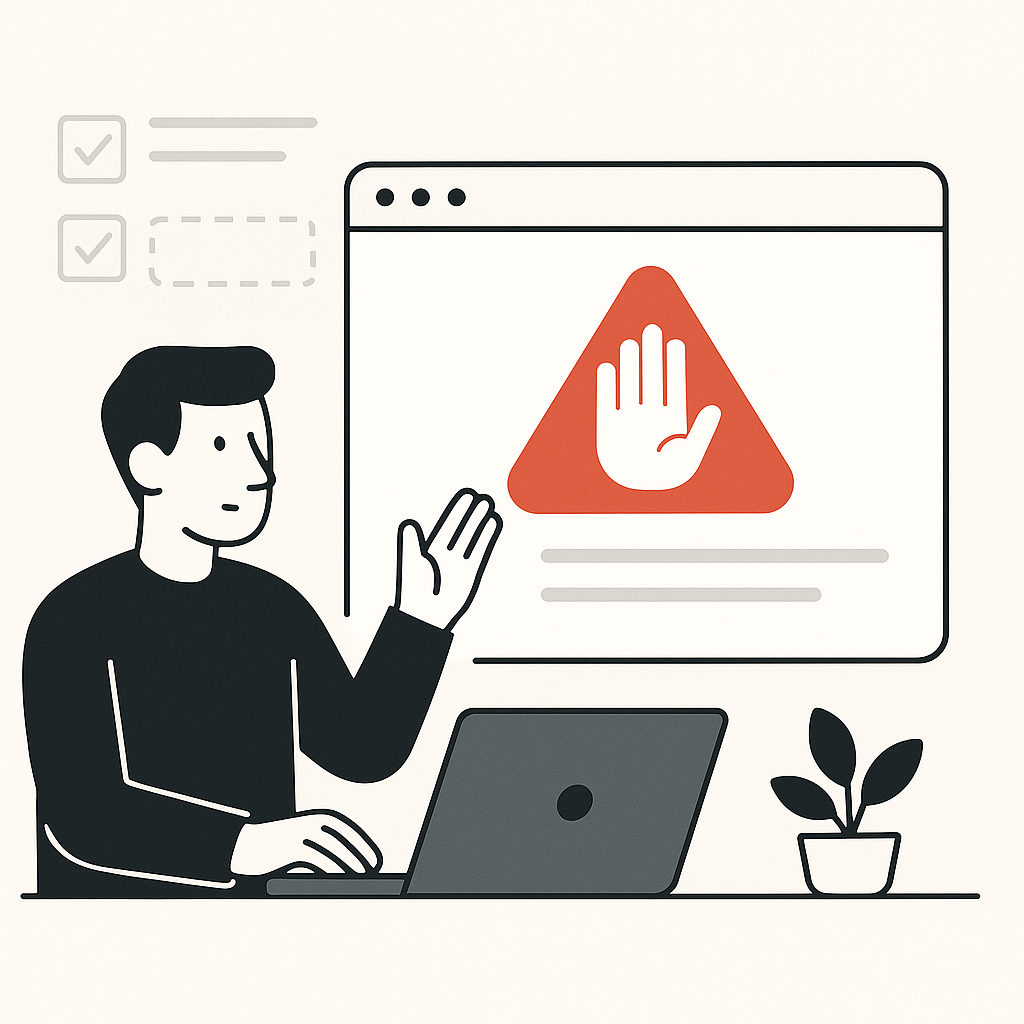
Knowing when to stop is part of safety. Use clear tests and boundaries so you can ship fast on safe changes and escalate risky ones.

Small edits break live client sites because mobile, forms, links, and tracking are connected. Learn the failure modes and guardrails.

Client website governance for agencies defines who decides, who approves, and what "good" looks like, so changes ship faster and blame stops spreading.

Client website governance for freelancers reduces risk and scope creep. Set boundaries, approval rules, and one intake path so "small edits" don't blow up.

Client website governance isn't bureaucracy. It's who decides, who approves, and what "good" means, so agency changes ship without fights or reversals.

Govern multiple client websites with a standard baseline for intake, approvals, and standards, so teams ship faster with less context-switching.
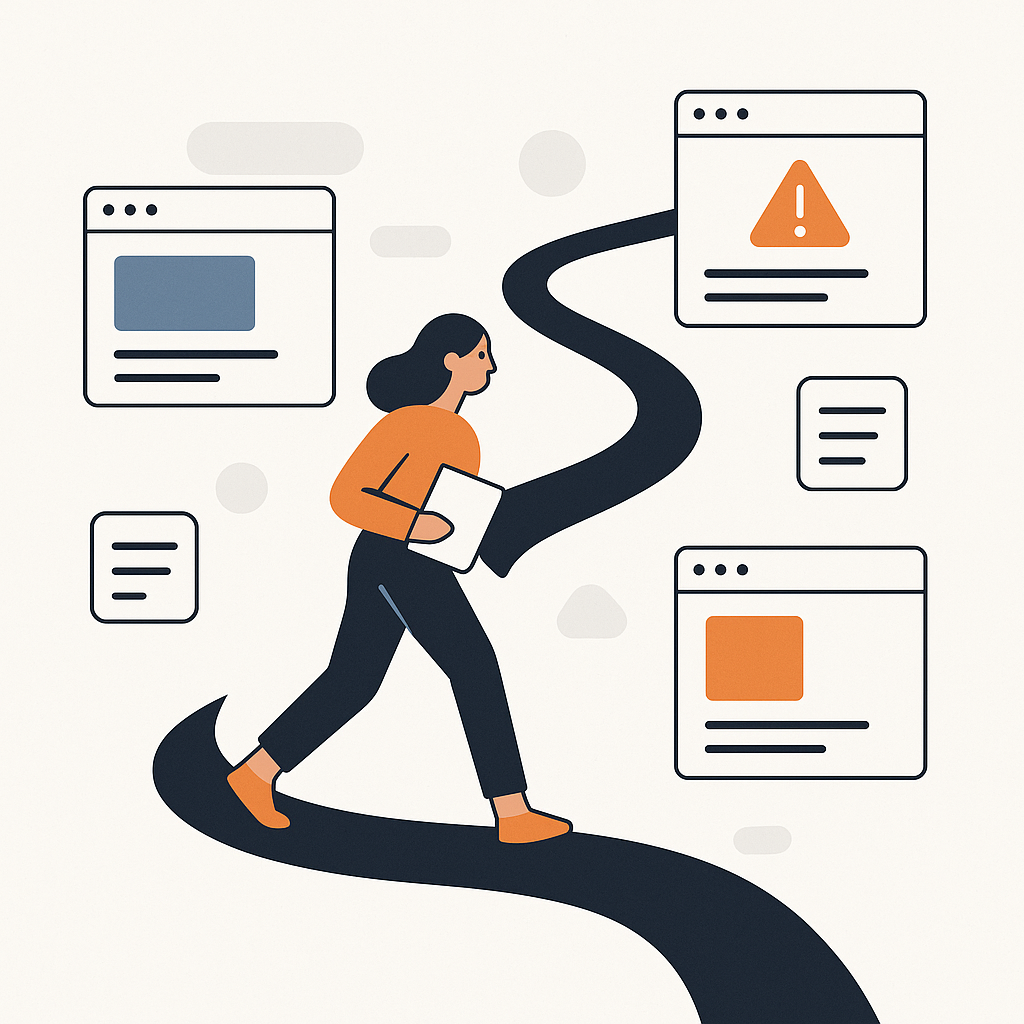
Intake website change requests with one path, required context, and risk tiers. Stop scattered asks and ship faster without unreviewed urgency.

Approval workflows for website changes shouldn't be a bottleneck. Use risk tiers, clear sign-off, and a fast path for low-risk edits that are reversible.

Signs your client website has no governance: scattered requests, unclear ownership, approval fights, reversals, and blame when results shift.
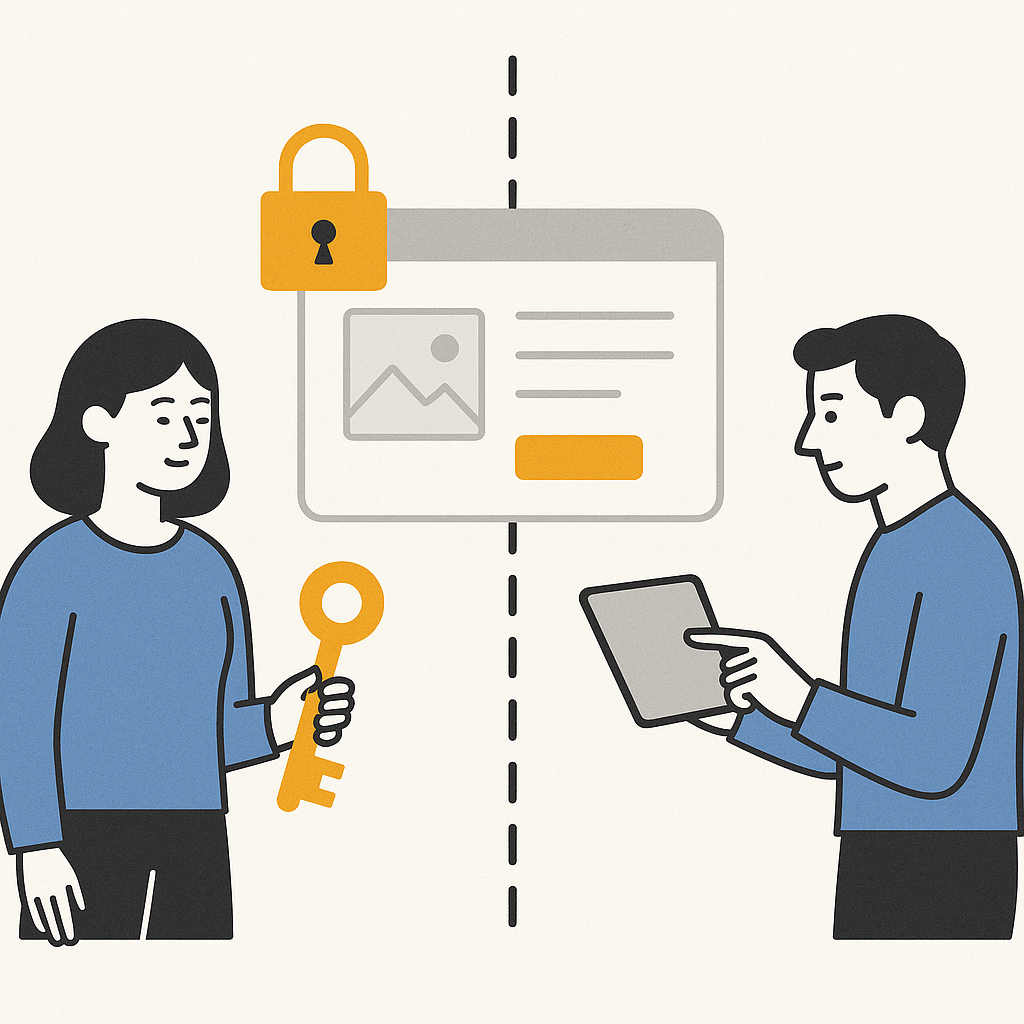
Website ownership vs access is where agency risk starts. Define the client–agency boundary so drive-by edits don't wreck results, trust, or velocity.

Website standards for agencies define what "good" means, so reviews stop being opinion fights, rework drops, and changes ship faster without reversals.

When stakeholders disagree about a website change, work stalls and trust erodes. Use a tie-breaker, escalation path, and decision record to move forward.

Who decides what on a client website? Define decision rights, approval tiers, and tie-breakers so changes ship without fights or reversals.

Tired of waiting on devs? Agencies waiting on developers lose weeks to queues and approvals. See the 3 bottlenecks. Ship changes safely.

Safely edit live client websites with a preview → publish workflow. Catch mobile and tracking issues early, and roll back fast if needed.

Your A/B test winner measures traffic mix, not copy quality. Revenue stays flat because you optimized for an average visitor who does not exist.

Developer dependencies cost more than the delay. They cost the tests you skipped, the optimizations that shipped too late, and the clients who left.
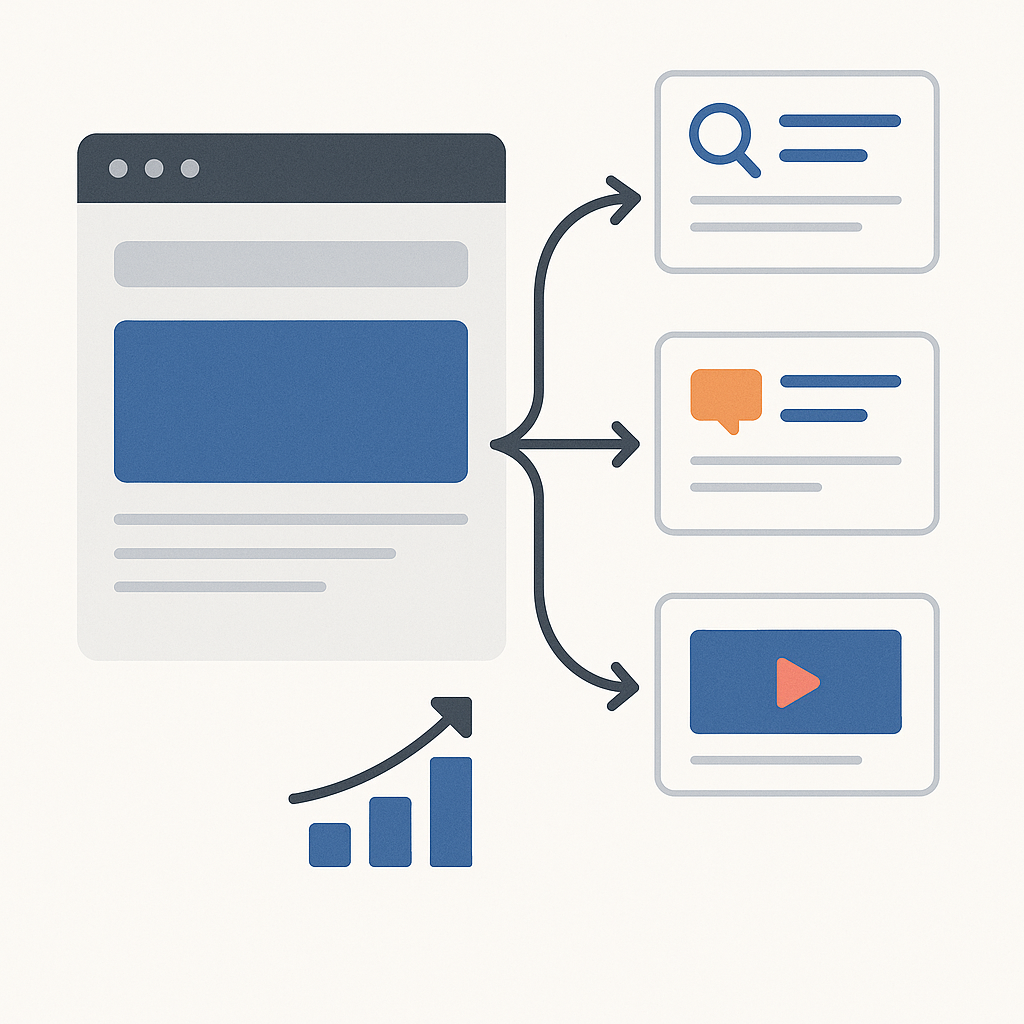
Need campaign or promo updates without touching core pages? This guide shows how to change campaign content safely on a live site.

Paid traffic is not one audience. Adaptive personalization shows the right page by source and stage. Keep the main site stable. Convert more.
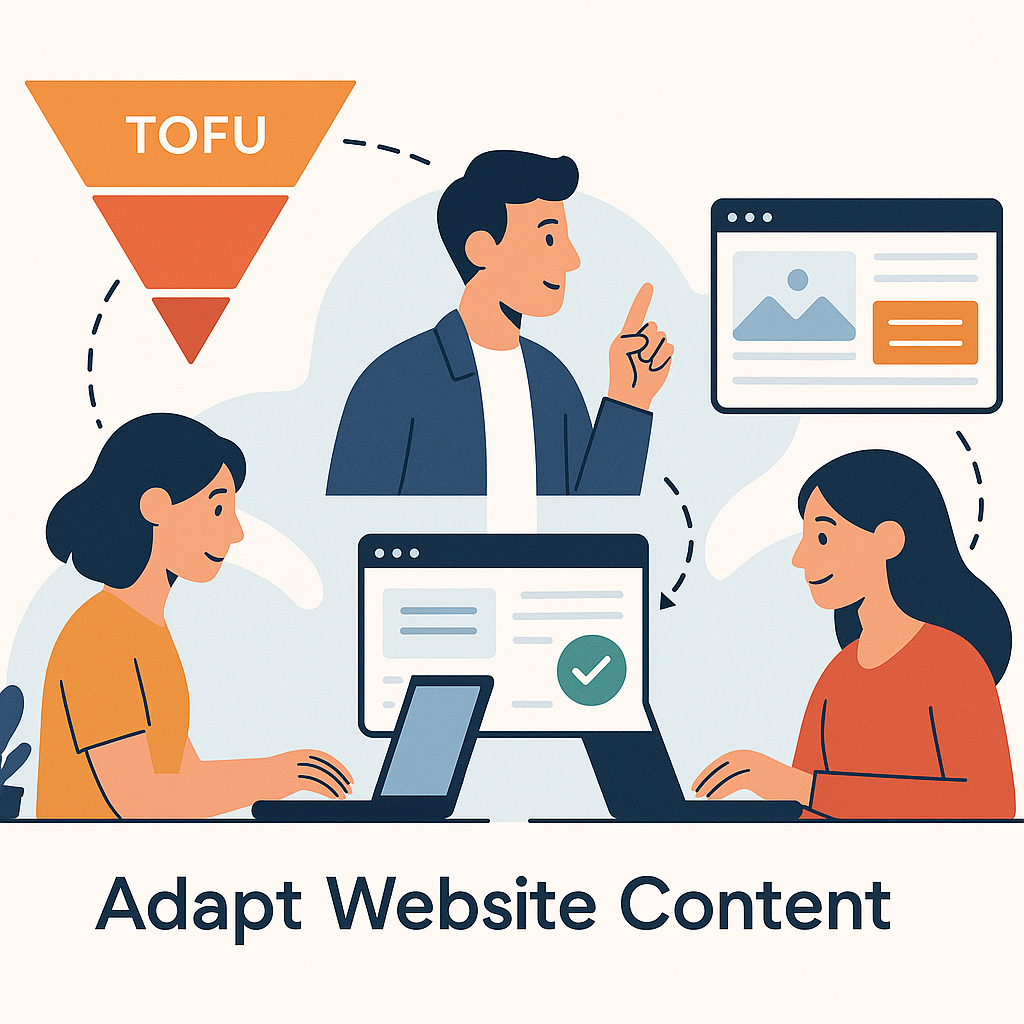
Visitors research before purchase. Adapt website content from TOFU to BOF. Show proof first. Then the CTA. Move them forward.
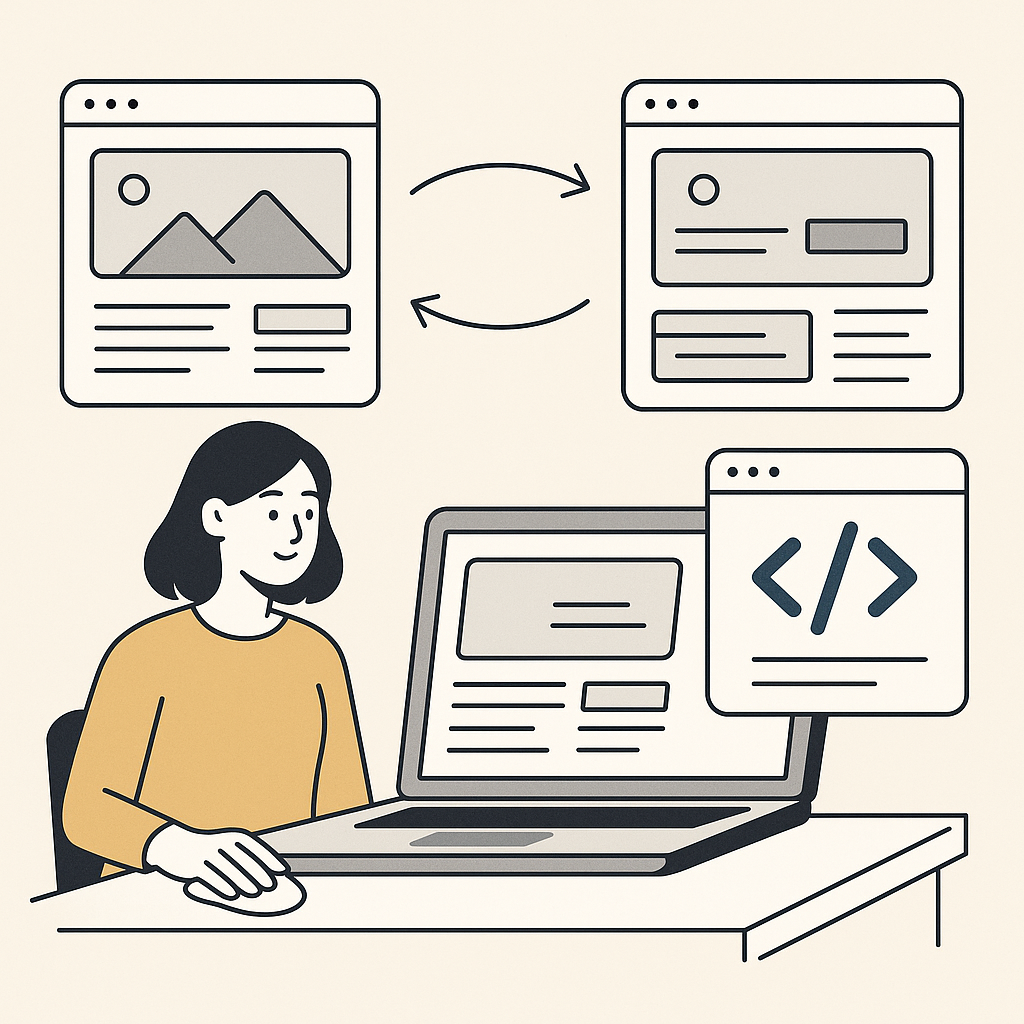
Need changes to ship faster? Edit client websites without developers. Preview first. Publish to paid traffic. Roll back cleanly. Keep control.
Retargeting clicks cost money. Landing pages waste retargeting budget by resetting context after the click. Keep momentum. Convert return visits.