
When stakeholders disagree about a website change, it rarely stays about the website.
It turns into politics.
The change is small.
But the stakes feel big.
So work stalls.
Then performance work gets stuck behind disagreement.
This is exactly why governance exists:
client website governance for agencies
Why Disagreement Becomes a Website Crisis

Disagreement becomes a crisis when there’s no way to end it.
No final decision owner.
No tie-breaker.
No written record.
So the same argument repeats.
Then deadlines slip.
Then someone ships anyway.
Then the change gets reversed.
And trust drops.
The Hidden Cause: No Tie-Breaker, No Decision Record

Most teams try to solve disagreement with meetings.
Meetings don’t solve missing ownership.
If nobody can make the final call, discussion never ends.
And if nothing is recorded, approvals get “rewritten” later.
If you want to define decision owners cleanly, start with:
Who Decides What on a Client Website? For Agencies
A Simple Disagreement Resolution System
You don’t need a heavyweight process.
You need three mechanisms:
- A tie-breaker role
- An escalation path
- A decision record
Here’s a practical flow.
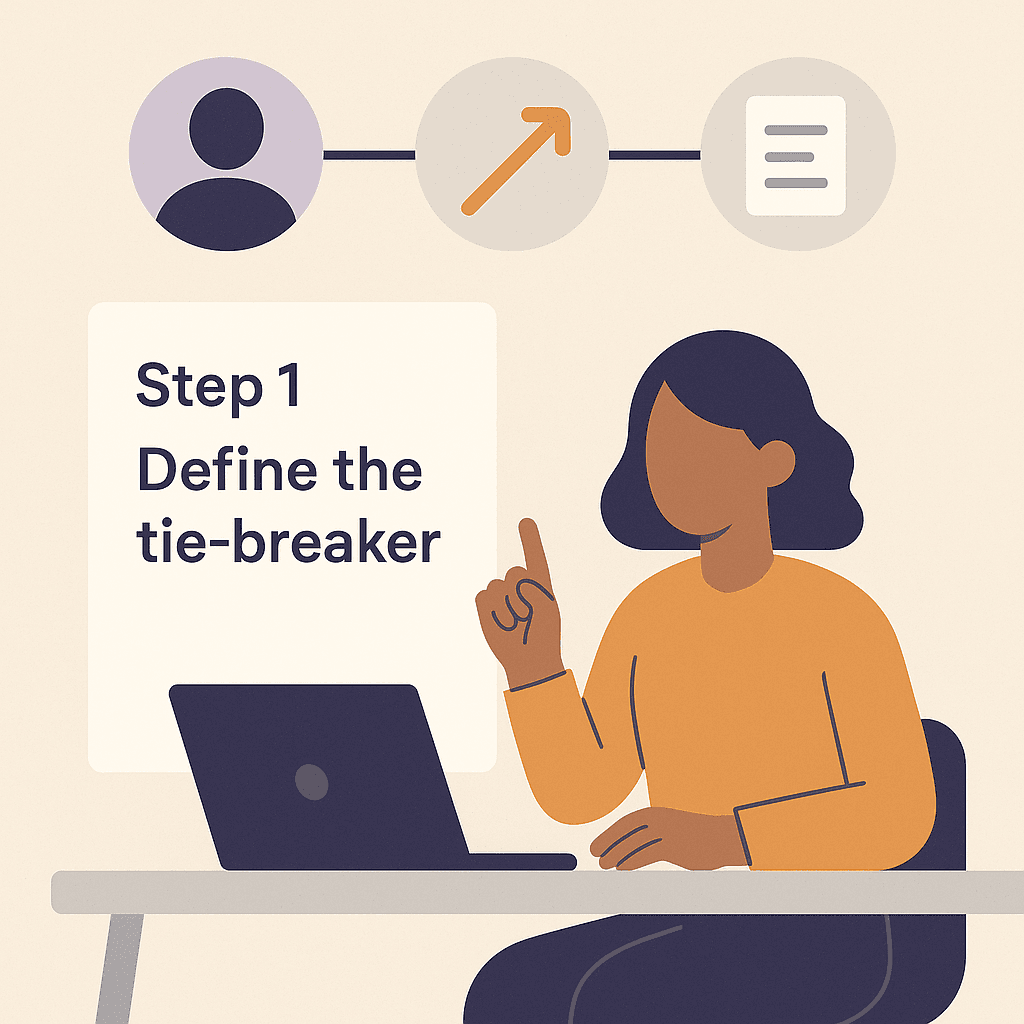
Step 1: Define the tie-breaker
Tie-breakers are boring.
That’s why they work.
Pick one role that can make the final call for each category of change.
If you don’t, the tie-breaker becomes “whoever is loudest.”
Step 2: Escalate with structure
When you escalate, don’t escalate the argument.
Escalate the decision.
Bring:
- Two options
- The tradeoff of each option
- The cost of delay
This keeps disagreement from becoming personal.
Step 3: Record the decision
Decision records should be short.
One paragraph works.
Record:
- Goal
- Constraints
- The chosen option
- Who approved
- When to revisit
How to Keep Performance Work Moving During Disagreement

Disagreement doesn’t have to freeze everything.
Use a parallel path:
- Keep shipping low-risk improvements
- Pause high-risk changes until the decision is made
- Record what you’re doing and why
Standards make this easier because they reduce preference fights.
Use:
Website Standards for Agencies: Stop Rewriting Pages
Approval tiers make it easier to separate low-risk from high-risk:
Lightweight Approval Workflows for Website Changes
If responsibility is fuzzy because access and ownership are mixed, use:
Website Ownership vs Access: Client–Agency Boundary
For an external baseline on escalation roles:
NIST guidance on incident response roles and escalation
And for change control fundamentals:
U.S. government guide on configuration and change control
Getting Started: Add a Tie-Breaker to One Client

You don’t need to fix all clients at once.
Fix one.
Then reuse the pattern.
Add a tie-breaker to one client
- Name the tie-breaker: One role that can make the final call for common change types.
- Define escalation inputs: Options, tradeoffs, and the cost of delay.
- Create a decision record template: Goal, constraints, choice, approver, review date.
- Pair with approval tiers: Define what can ship while disagreement is unresolved.
- Use it on the next conflict: Don’t wait for a perfect rollout.