
Approval workflows for website changes are supposed to reduce risk.
But in most agencies, they create the bottleneck.
Everything needs a review.
Then the review becomes a meeting.
Then the meeting becomes a debate.
Then nothing ships.
This is a core part of:
client website governance for agencies
Why Approvals Become a Bottleneck

Approvals become a bottleneck for one reason:
They aren’t tiered.
Low-risk changes get treated like high-risk changes.
So teams either:
- Move slowly and lose weeks
- Or skip approvals under urgency and increase risk
Both are expensive.
The Goal: Protect the Client Relationship Without Slowing Work

The goal isn’t “less approval.”
The goal is “right-sized approval.”
You want a fast path for low-risk work.
And a clear path for high-risk work.
So nobody feels surprised later.
If you don’t have decision ownership defined, approvals can’t work.
Pair this with:
Who Decides What on a Client Website? For Agencies
Approval Tiers by Risk Level
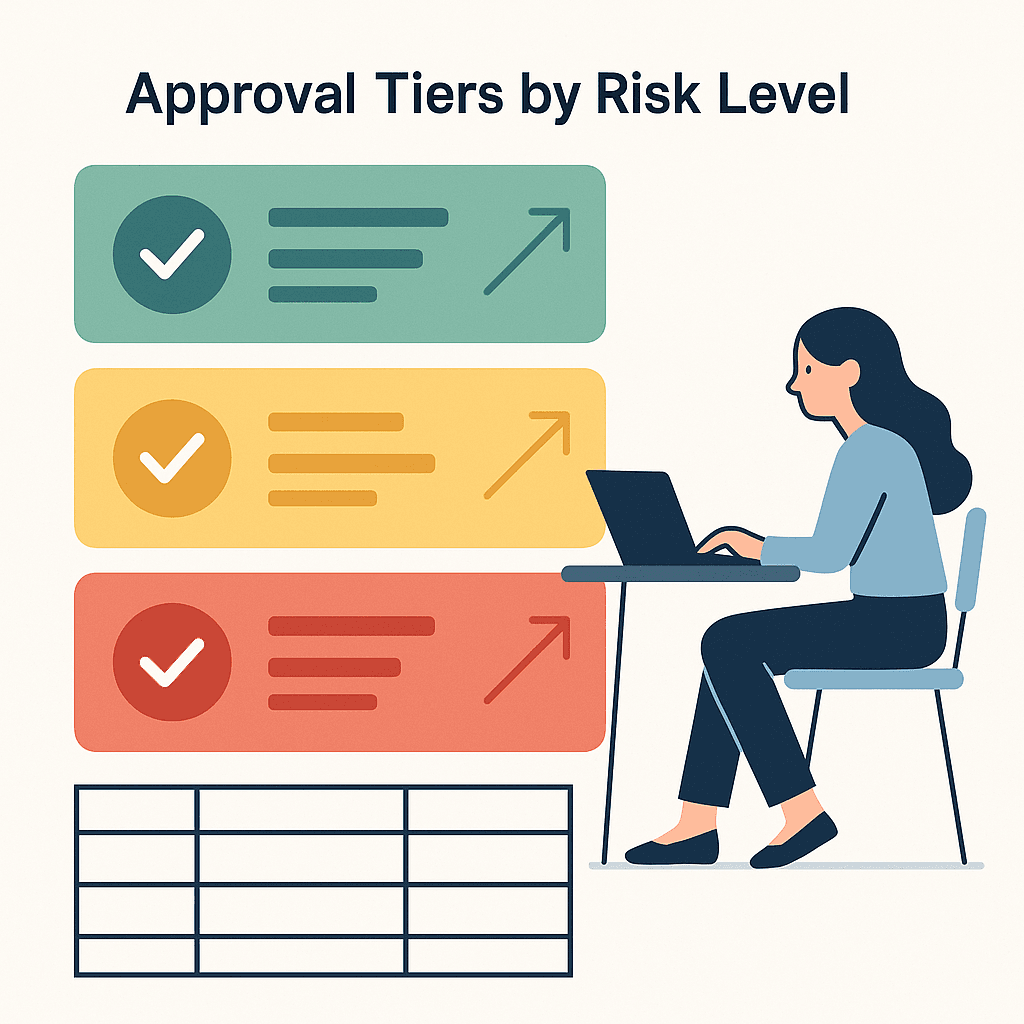
Risk tiers are what keep approvals lightweight.
You don’t need a complex scoring system.
You need a shared language.
| Tier | What it means | Typical examples | Approval requirement |
|---|---|---|---|
| Low risk | Reversible, limited impact, no claim/policy/tracking impact | Small clarity edits, minor layout tweaks, spacing fixes | Default owner can approve quickly |
| Medium risk | Meaningful change, contained impact | Headline tests, CTA repositioning, section reorder | Owner approves + one reviewer |
| High risk | Brand claims, tracking, policy, legal-sensitive, irreversible outcomes | New claims, pricing changes, tracking/measurement changes | Explicit sign-off + decision record |
Low-risk changes
Low risk is where speed should live.
The key is reversibility.
If you can undo it cleanly, you can approve it fast.
Medium-risk changes
Medium risk is where most performance work lives.
These changes can move outcomes.
So you want a clear owner and one review.
Not five.
High-risk changes
High risk is where surprises destroy trust.
So you slow down here.
Not because you love process.
Because the cost of reversal is high.
What Counts as Approval (So It Can’t Be Rewritten Later)
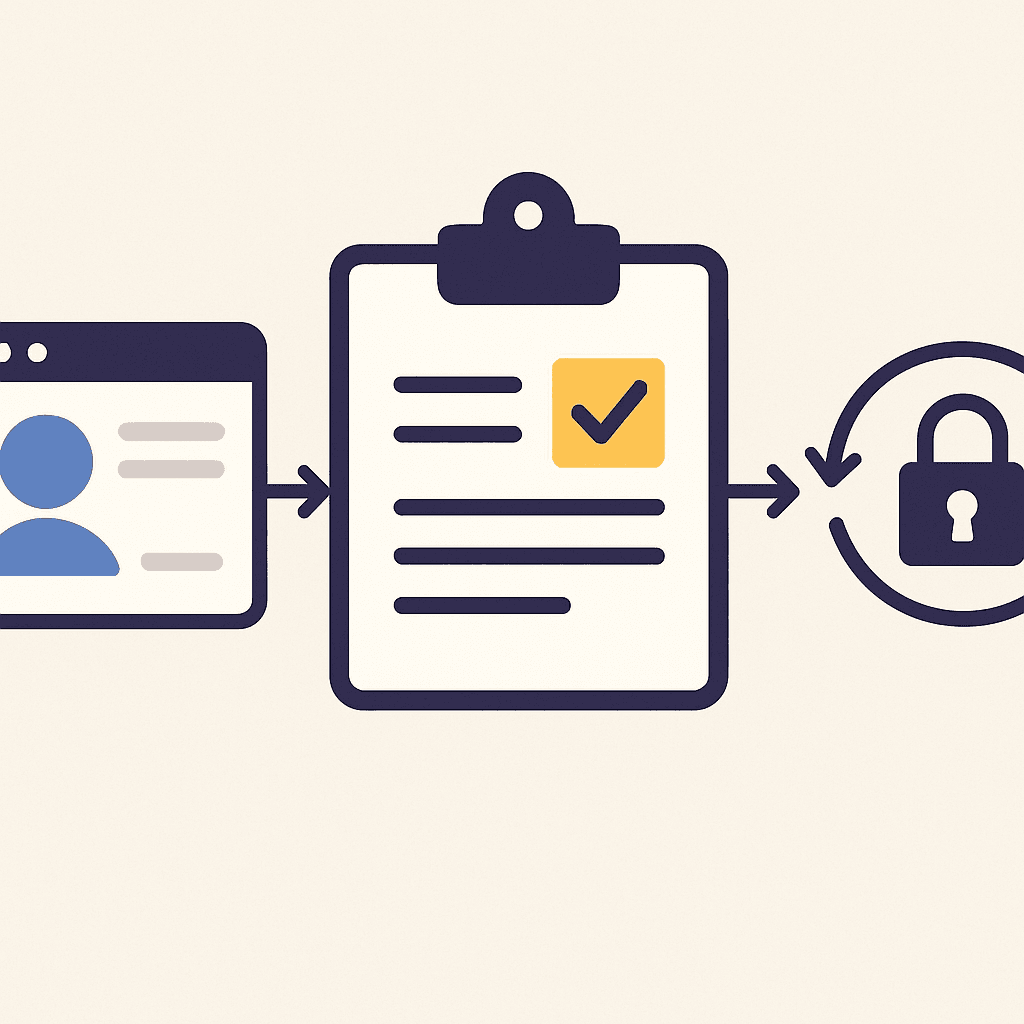
The biggest approval failure is this:
A change is “approved.”
Then later it becomes “not approved.”
That happens when approval is vague.
Define three rules:
- Where approval lives
- What approval looks like
- When approval expires
If you want the disagreement and reversal playbook, use:
When Stakeholders Disagree About a Website Change
And if you need the execution visibility that stops “what changed?” confusion, use:
website change management for agencies
Preventing ‘Approval Theater’

Approval theater is when reviews happen to feel safe.
Not to improve the decision.
You see it when:
- Reviewers aren’t accountable for the outcome
- Comments are contradictory
- The “review” is really just preference voting
Stop it with constraints:
- Fewer reviewers
- Clear criteria (standards)
- Timeboxed windows
- One decision owner
If intake is messy, approvals will be messy too.
Pair tiers with:
Intake Website Change Requests Without Chaos
For an external baseline on change control:
U.S. government guide on configuration and change control
And for escalation and role clarity:
NIST guidance on incident response roles and escalation
Getting Started: Implement Approval Tiers for One Client
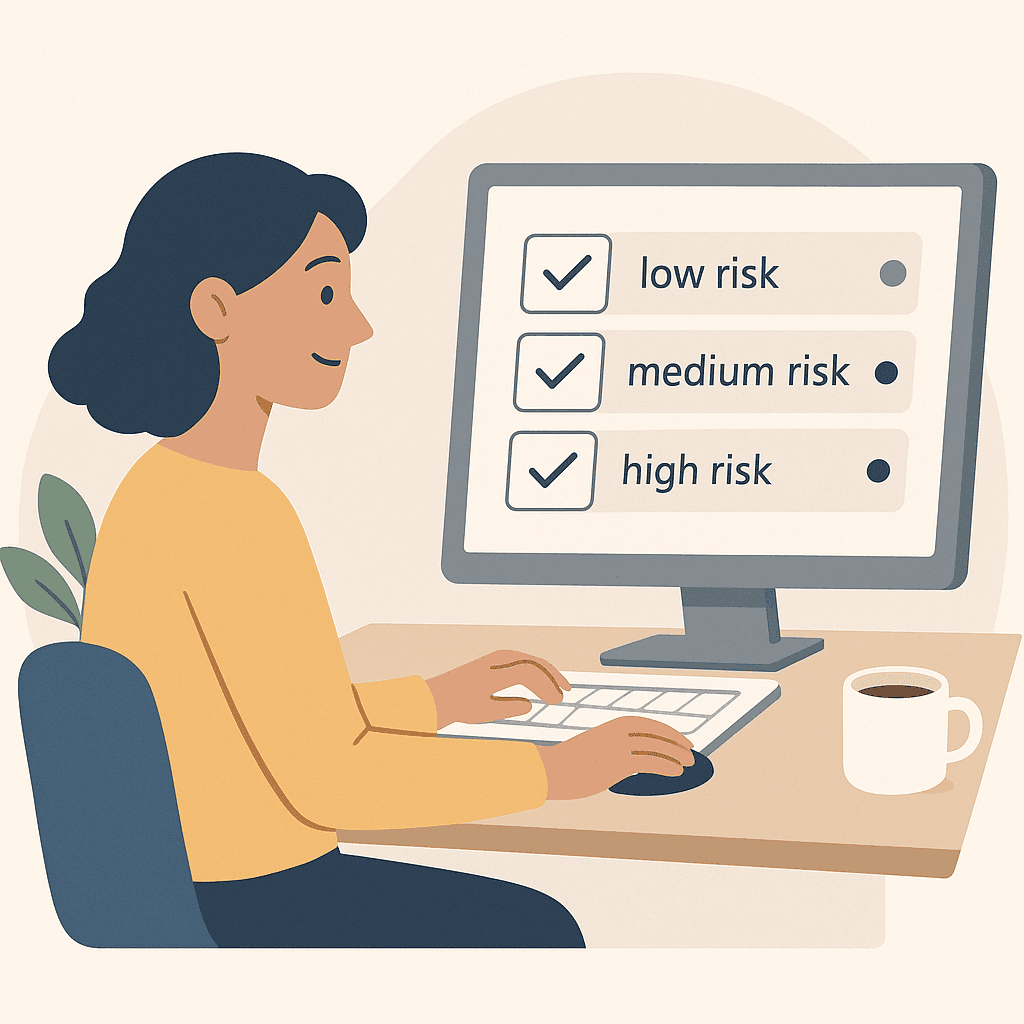
Start small.
Pick one client.
Then run tiers for one week.
Implement approval tiers for one client
- Define the three tiers: Low, medium, high risk with one sentence each.
- Assign default approvers: One role per tier.
- Define what counts as sign-off: Make it explicit and findable.
- Set a review window: Timebox reviews so work doesn’t stall.
- Record one decision: Write goal, constraints, approver, and revisit date.
- Adjust after the first week: Keep it lightweight and usable.