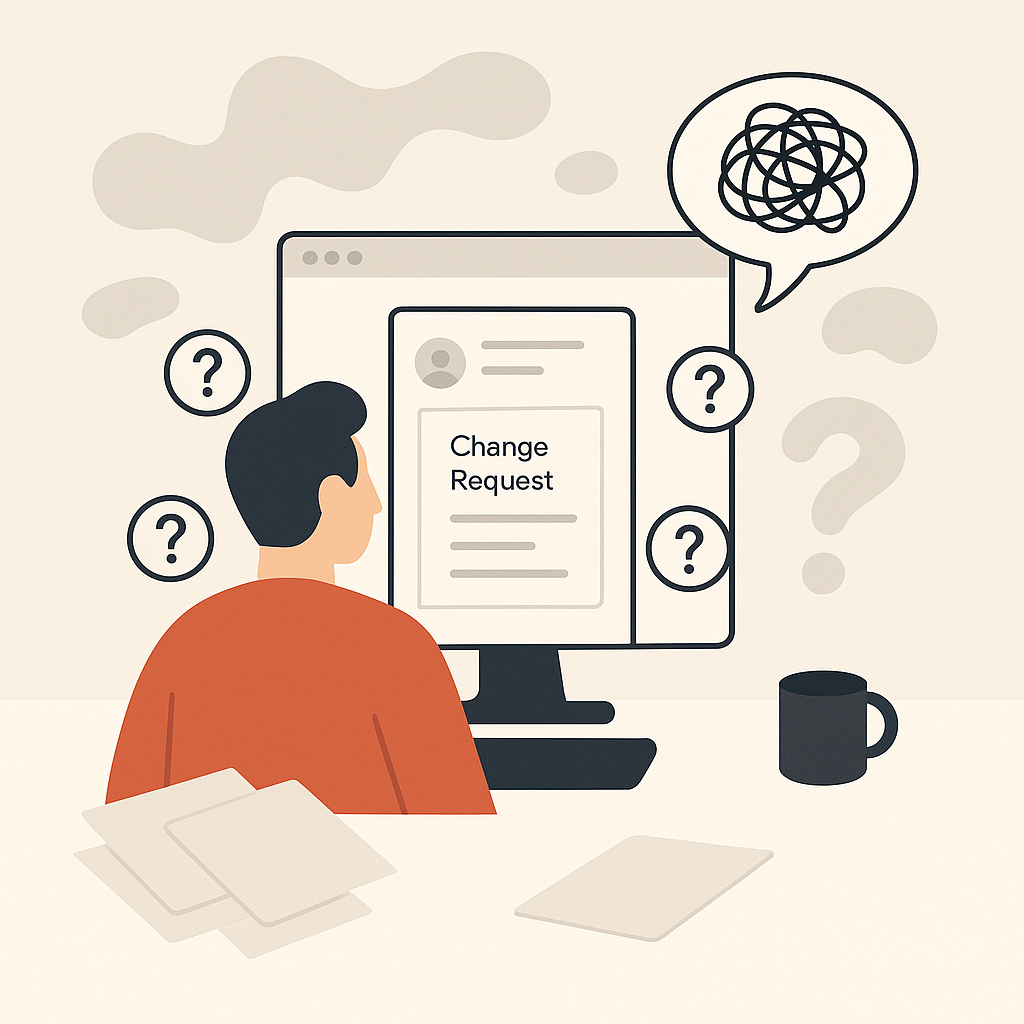
Client website governance for agencies isn’t a committee.
It’s the minimum structure that stops your work from turning into a bottleneck.
You can have great campaigns.
You can have clean reporting.
You can even have a client who “trusts you.”
And still get stuck.
Because the website is the part nobody actually governs.
Requests show up everywhere.
Approvals happen in someone’s head.
Then results dip.
And the first question is always the same:
“What changed?”
If you want fewer stalled changes, fewer reversals, and fewer “not in scope” fights, start here.
This guide focuses on governance.
Not the mechanics of editing.
If you want the execution layer, read:
What Client Website Governance Really Means

Governance answers one thing:
Who gets to decide what happens on the website?
Not who can click the buttons.
Not who has access.
Who is allowed to say “yes,” “no,” or “not yet.”
That’s why governance sits above editing.
Editing is how you ship changes safely.
Governance is how you prevent chaos before anyone ships anything.
Governance vs Editing
Governance is the system that decides:
- What needs approval
- Who approves it
- What standards must be met
- How requests enter the queue
- What happens when people disagree
Editing is the execution work after that system exists.
If you don’t have governance, editing becomes political.
And politics is always slower than work.
If you’re still building safe execution habits, start with:
- how to safely edit live client websites
- how agencies control permissions when editing client websites
- how to roll back website changes without breaking client sites
Why Client Websites Turn Into Chaos

Chaos doesn’t start with a bad edit.
It starts with a missing decision.
Here’s what that looks like inside an agency:
- A client asks for “a small change” on a call.
- Someone says “sure” because it feels harmless.
- Nobody writes down the goal, the owner, or the approval.
- The change ships.
- Performance shifts.
- The client asks if you caused it.
Now you’re in the blame loop.
The Blame Loop
The blame loop has a pattern:
- Results change.
- Everyone looks for a cause.
- The last visible website change becomes the suspect.
- People argue about whether it should have shipped.
- Teams stop shipping at all.
You can’t fix that with “better communication.”
You fix it by defining decisions up front.
The Four Governance Decisions Every Client Needs

If you only do four things, do these.
They’re the foundations that make everything else calmer.
Decision rights
Decision rights are simple:
Who decides what.
This is where most agencies stall.
Because access and authority are confused.
Start here:
Who Decides What on a Client Website? For Agencies
Ownership boundary
Access is not ownership.
If the client can edit pages, they can still be the decision owner.
If you can edit pages, you can still be “not allowed” to decide.
When that boundary is fuzzy, everything becomes risky.
Start here:
Website Ownership vs Access: Client–Agency Boundary
Standards
Standards are the quality floor.
They stop you from rewriting the same pages over and over.
They also make approvals faster, because reviewers know what “good” means.
Start here:
Website Standards for Agencies: Stop Rewriting Pages
Intake + approvals
Intake decides what enters the system.
Approvals decide what can ship.
If either one is vague, you end up with “unreviewed urgency.”
Start here:
Intake Website Change Requests Without Chaos
Then lock your approval model:
Lightweight Approval Workflows for Website Changes
When conflict shows up (it will), you need a tie-breaker:
When Stakeholders Disagree About a Website Change
If you’re trying to explain the whole concept in plain language first, read:
Client Website Governance: Meaning for Agencies
If you manage many client sites and the rules keep changing by account, read:
Govern Multiple Client Websites Without Losing Your Mind
If you’re a solo operator and liability is concentrated, read:
Client Website Governance for Freelancers (No Chaos)
If you want a fast diagnostic before you build anything, read:
Signs Your Client Website Has No Governance Yet
A Lightweight Governance System (You Can Set Up in a Week)

You don’t need a “framework.”
You need a week where you stop improvising.
And you write down the decisions you keep re-making.
Here’s a simple setup you can run with one client first.
Week-one setup checklist
If you want the short version, your “week one” deliverables are:
- A decision-rights map (who decides what)
- A boundary page (ownership vs access)
- A one-page standards sheet (what “good” means)
- A single intake path with required fields
- Approval tiers by risk level
- A visibility habit (what changed, why, and who approved)
If you want the visibility piece to be more than a habit, start here:
How Agencies Track and Audit Website Changes Across Clients
How Governance Speeds Up Performance Work

Governance doesn’t slow work down.
It removes the parts that were never “work” in the first place.
The repeated debates.
The missing context.
The approvals that happen three times.
The reversals that create rework.
Here’s what changes when governance is real:
- “We can’t change the page” becomes “this is pre-approved.”
- “Not in scope” becomes “new request, here’s the intake.”
- “Who approved this?” becomes “it’s recorded.”
- “Let’s get everyone on a call” becomes “the tie-breaker decides.”
And if the execution layer is what’s slowing you down, governance gives you the permission to fix it.
That’s when you bring in:
If you want an external reference point for why change control matters (without adopting enterprise nonsense), this is a solid baseline:
U.S. government guide on configuration and change control
And if you want a practical quality floor that reduces incidents and rework, set an accessibility baseline:
web accessibility guidelines (quality baseline)
Getting Started: Set Up Governance for One Client

You don’t need to roll this out across every account.
Pick one client where the work keeps stalling.
The one where the website is the bottleneck.
Then set up governance once.
Set up governance for one client
- Pick the tie-breaker: Choose who makes the final call when stakeholders disagree.
- Write the decision map: List 6–10 common change types and who decides each one.
- Define the boundary: Write what the agency can ship without asking and what requires explicit sign-off.
- Create the standards sheet: Define the quality floor so reviewers stop debating preferences.
- Set one intake path: Define the required fields and the rule for bypassing intake.
- Add approval tiers: Define low/medium/high risk and what each tier requires.
- Record one real decision: Use the next request to practice the full flow, end-to-end.