
Client website governance sounds heavy.
It sounds like meetings.
It sounds like slower work.
But here’s the truth:
When you don’t have governance, you still pay the cost.
You just pay it as chaos.
Random requests.
Approval loops.
Reversals.
And that awful moment when results dip and everyone asks what changed.
If you want the full model (and the simple setup you can use on one client first), start here:
client website governance for agencies
The Simple Definition (No Corporate Speak)

Client website governance is the set of decisions made before edits happen:
- Who decides what
- Who approves what
- What standards apply
- How requests enter the system
- What happens when people disagree
That’s it.
It’s not a committee.
It’s not paperwork.
It’s just clarity.
Governance is the decisions before the edits
If you’ve ever said, “We can’t change the page because it’s not in scope,” you already understand governance.
You were pointing at a boundary.
The problem is that boundary wasn’t written down.
So every request turns into a negotiation.
Governance vs Editing vs Maintenance
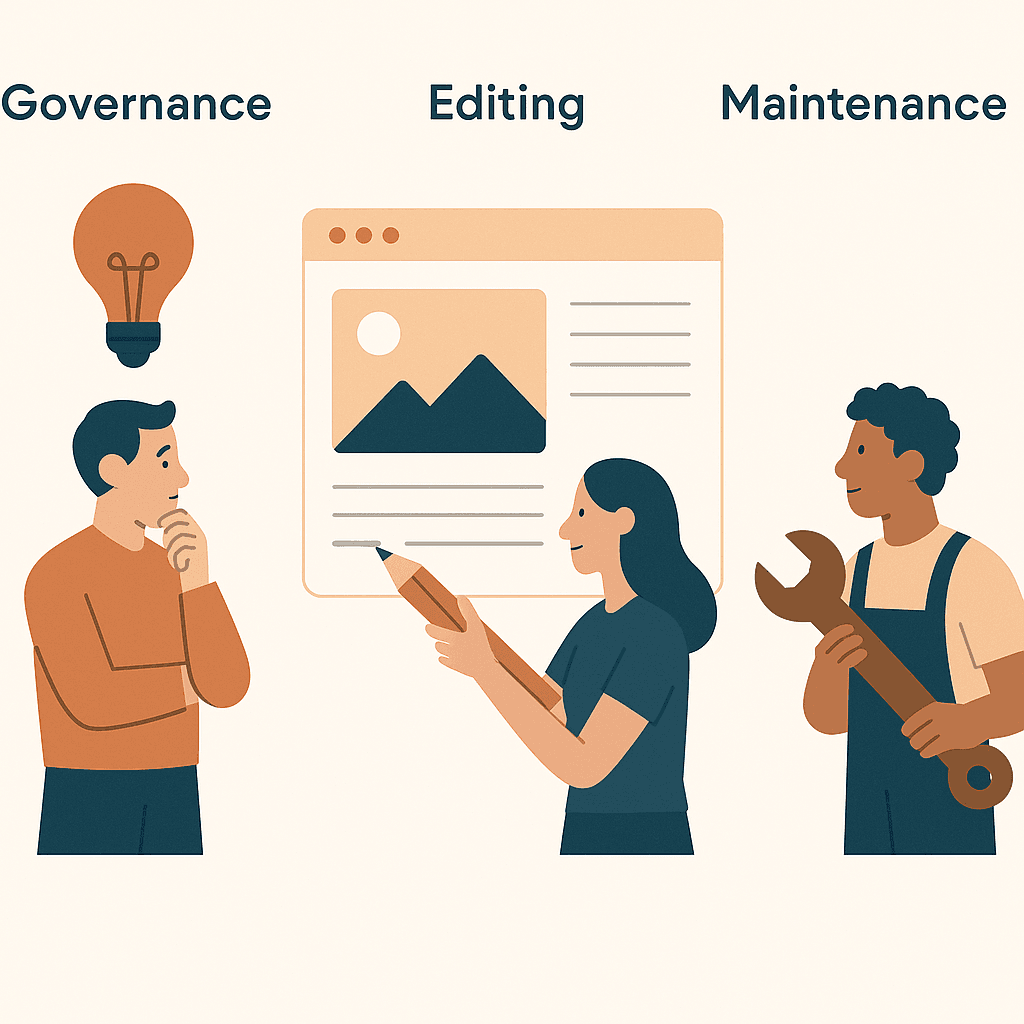
These three get mixed up constantly.
Then everyone wonders why “small changes” take weeks.
Governance is the decision layer.
Editing is the execution layer.
Maintenance is the upkeep layer.
What governance does (and doesn’t do)
Governance does:
- Decide what needs approval (and what doesn’t)
- Assign decision owners (so debates end)
- Define standards (so “good” is clear)
- Define intake (so requests arrive with context)
- Define conflict resolution (so disagreements move)
Governance does not:
- Teach your team how to safely ship changes
- Replace execution safeguards like rollback or audit trails
- Fix every technical constraint
If you need the execution visibility layer, this is the practical companion:
How Agencies Track and Audit Website Changes Across Clients
Why Agencies Need Governance Early

Governance feels optional at the beginning.
That’s why it’s usually missing.
Early on, one person “just knows” what’s allowed.
They remember who to ask.
They remember what the client hates.
They remember what broke last time.
Then volume increases.
A new stakeholder joins.
Or someone leaves.
And suddenly your agency is stuck in the worst loop:
You did everything you could on the campaigns.
But the website couldn’t move.
So results weren’t good enough.
Now the relationship feels at risk.
Governance is how you avoid that moment.
The Minimum Governance Model (That Still Works)
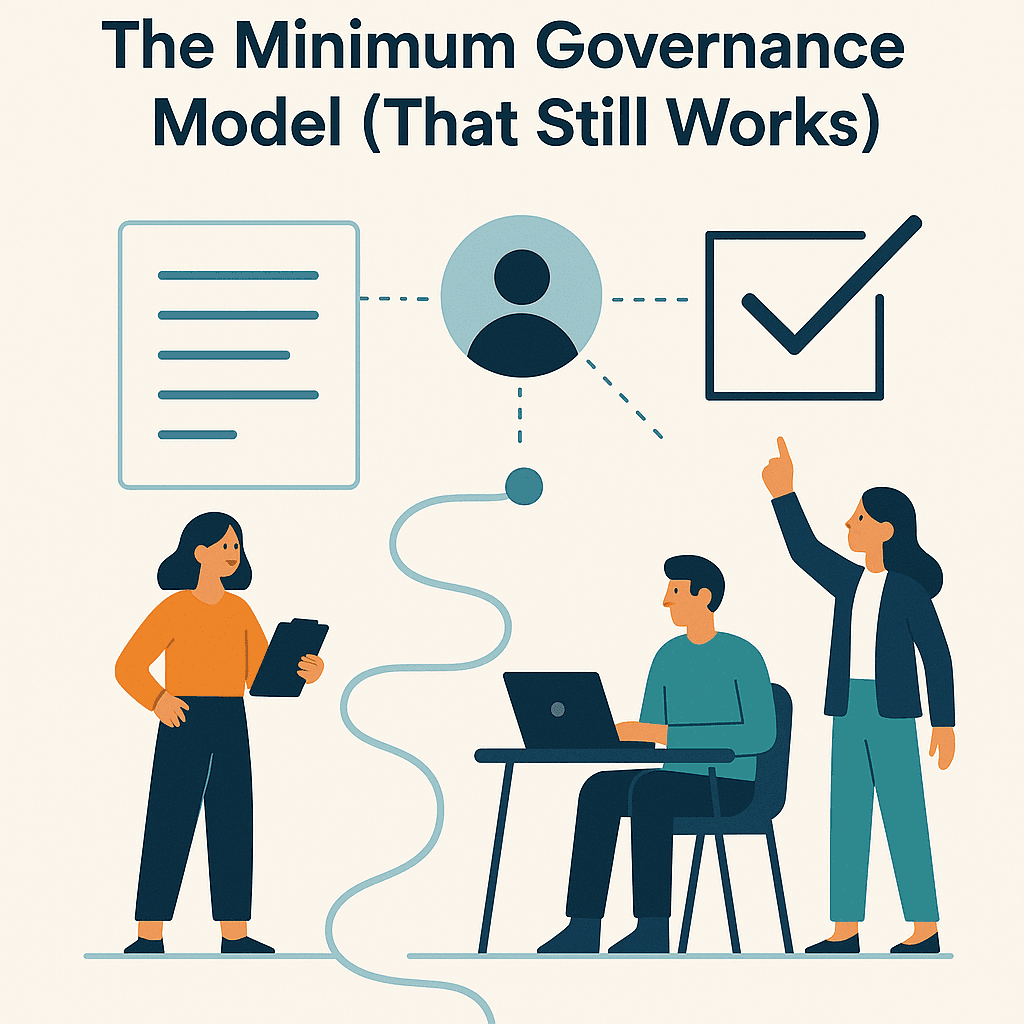
You don’t need a 40-page document.
You need four decisions written down and used.
Here’s a simple setup flow.
If you want a ready-to-use decision-rights model, use:
Who Decides What on a Client Website? For Agencies
If your biggest problem is “drive-by edits” and unclear responsibility, use:
Website Ownership vs Access: Client–Agency Boundary
If requests show up everywhere and nothing arrives with context, use:
Intake Website Change Requests Without Chaos
If approvals are the bottleneck, use:
Lightweight Approval Workflows for Website Changes
For an external baseline on why change control matters (without adopting enterprise bureaucracy), this is a solid reference:
U.S. government guide on configuration and change control
And for a practical quality floor that reduces risk and rework, start with:
web accessibility guidelines (quality baseline)
Getting Started: Explain Governance on One Client Call

The fastest way to introduce governance is to make it feel like relief.
Not control.
You’re not adding steps.
You’re removing arguments.
Explain governance on one client call
- Frame the problem: “We can ship changes faster when we agree on who decides and what needs approval.”
- Define the four decisions: Decision rights, boundary, standards, and intake.
- Pick a tie-breaker: Decide who makes the final call when stakeholders disagree.
- Agree on what needs sign-off: Define low vs high risk changes and what approval each requires.
- Set the intake path: One place for requests, with required context.
- Commit to a one-week rollout: “Let’s run this on one request and adjust after.”