Results drop.
Someone changed a page.
Nobody knows who approved it.
That’s the moment agencies realize the difference between website ownership vs access.
Access is who can edit.
Ownership is who is responsible for the decision.
If you want the full governance model that prevents this problem across the board, start here:
client website governance for agencies
Why Access Creates Risk When Ownership Is Unclear

Access is easy to grant.
Ownership is harder to define.
So most teams skip it.
Then the website becomes a shared surface area with unclear responsibility.
That’s when “small changes” start causing big problems.
Not because the edit was complex.
Because the decision was invisible.
Ownership, Access, Responsibility (Three Different Things)
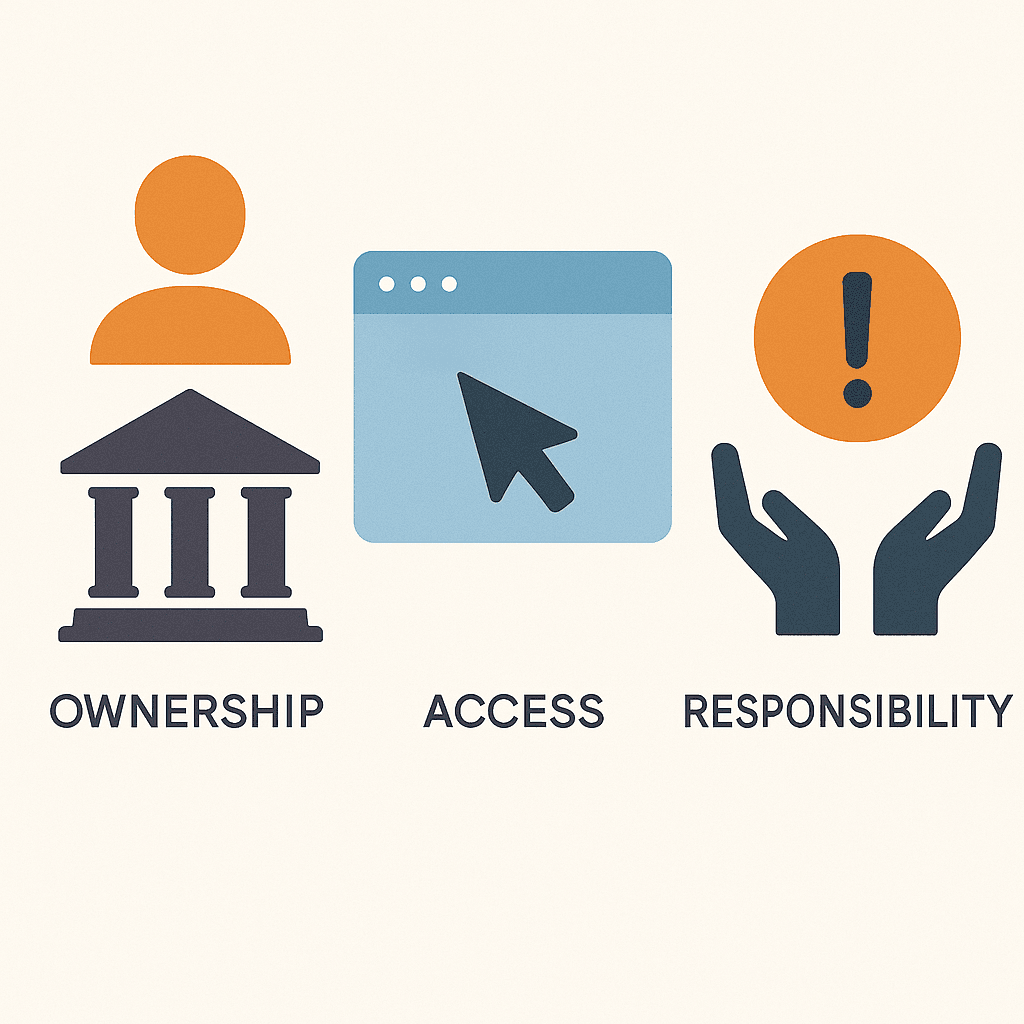
These words get used like they mean the same thing.
They don’t.
Ownership means:
Who is accountable for the outcome.
Access means:
Who can implement changes.
Responsibility means:
Who is expected to notice, react, and fix issues.
When you don’t separate these, agencies get blamed for changes they didn’t decide.
A simple test: who gets blamed?
Ask this:
When performance drops, who does the client call first?
That’s who they assume owns the outcome.
Even if the agency didn’t touch the page.
Even if a stakeholder changed it at midnight.
If you want to define ownership cleanly, pair this with a decision map:
Who Decides What on a Client Website? For Agencies
Common Boundary Failures (And What They Cost)

Boundary failures look boring.
That’s why they’re dangerous.
| Boundary failure | What it looks like | What it costs |
|---|---|---|
| Drive-by edits | A stakeholder changes copy without review | Sudden conversion swings and blame |
| “Access means authority” | Someone with login privileges makes decisions | Decisions get made by convenience, not accountability |
| “Just fix it” pressure | Agency is asked to patch changes under urgency | Risk increases and standards collapse |
| Shared responsibility fog | Nobody is sure who owns outcomes | Teams become cautious and slow |
You don’t fix this with stricter rules.
You fix it with clearer boundaries.
A Practical Client–Agency Boundary Model
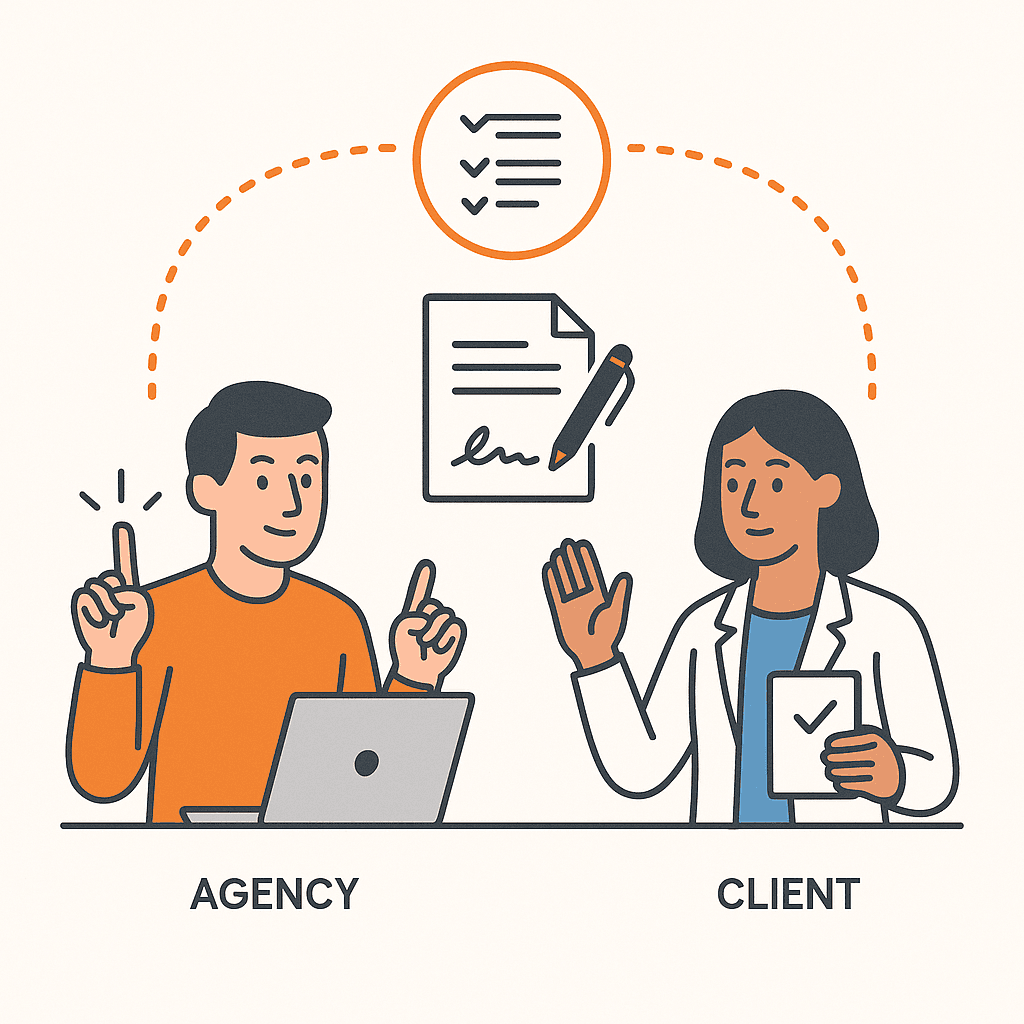
This is a simple model that works in real life:
The agency can own execution decisions within pre-approved boundaries.
The client owns final business and legal decisions.
And both sides agree on what requires sign-off.
What the agency can own
Agencies can often own:
- Conversion-focused layout adjustments (within boundaries)
- Copy refinements that don’t change core claims
- Small UX improvements that reduce friction
This is where speed comes from.
But it only works if the boundaries are written down.
What the client must own
Clients should own:
- Final approval of business claims
- Legal or compliance-sensitive changes
- Decisions that materially change positioning or policy
This protects everyone.
It also prevents the “you shipped this without asking” argument later.
How to Prevent Drive-By Edits Without Blocking Collaboration

You don’t need to block people.
You need to route changes through one system.
Here’s the simple combination:
- One intake path (so requests arrive with context)
- Approval tiers by risk (so low-risk changes move fast)
- Visibility into what shipped (so “what changed?” isn’t a mystery)
If you want the intake system, start here:
Intake Website Change Requests Without Chaos
If you need the practical execution guardrail that keeps access scoped, use:
How Agencies Control Permissions When Editing Client Websites
And if you want the visibility layer that reduces blame, use:
How Agencies Track and Audit Website Changes Across Clients
For an external baseline on why access control matters (without drifting into vendor-specific advice), see:
U.S. government guidance on access control principles
And for change control fundamentals:
U.S. government guide on configuration and change control
Getting Started: Set the Boundary in One Page

You don’t need a perfect policy.
You need one page everyone can point to.
Write a one-page boundary agreement
- Define the goal: “We want faster shipping with clear accountability.”
- Separate access from ownership: Write who can edit and who decides for common change types.
- Define what the agency can ship: List low-risk changes that are pre-approved.
- Define what requires sign-off: List changes that always require explicit approval.
- Set the intake rule: One path for requests. No bypassing under urgency.
- Pick the tie-breaker: One role that resolves disagreement.