
When you’re solo, everything concentrates on you.
If something breaks, it’s “your fault.”
If scope creeps, it lands on your calendar.
If stakeholders disagree, you’re the buffer.
That’s why client website governance for freelancers matters so much.
It’s the difference between shipping calmly and living in reactive mode.
This article is the solo version of the broader system:
client website governance for agencies
Why Freelancers Need Governance More Than Agencies

Agencies can absorb chaos.
They have layers.
They have teams.
Freelancers don’t.
Your margin gets eaten by:
- Clarifying vague requests
- Negotiating “small changes”
- Fixing reversals
- Managing blame
Governance is how you protect your time and your reputation.
The Three Boundaries That Prevent Scope Creep

If you set only three boundaries, set these:
- What you edit
- What you advise
- What the client owns
This isn’t about saying “no.”
It’s about making “yes” predictable.
What’s included vs what’s a new request
Define one simple rule:
If it changes the goal, it’s a new request.
If it changes risk level, it’s a new request.
If it requires a new approver, it’s a new request.
Here are examples:
| Request | Included? | Why |
|---|---|---|
| “Fix this typo” | Usually included | Low risk and clear |
| “Change the headline” | Depends | May change positioning and approvals |
| “Add a new claim” | New request | Higher risk, needs sign-off |
| “Update tracking” | New request | Can change how success is measured |
A Simple Approval Rule That Protects You
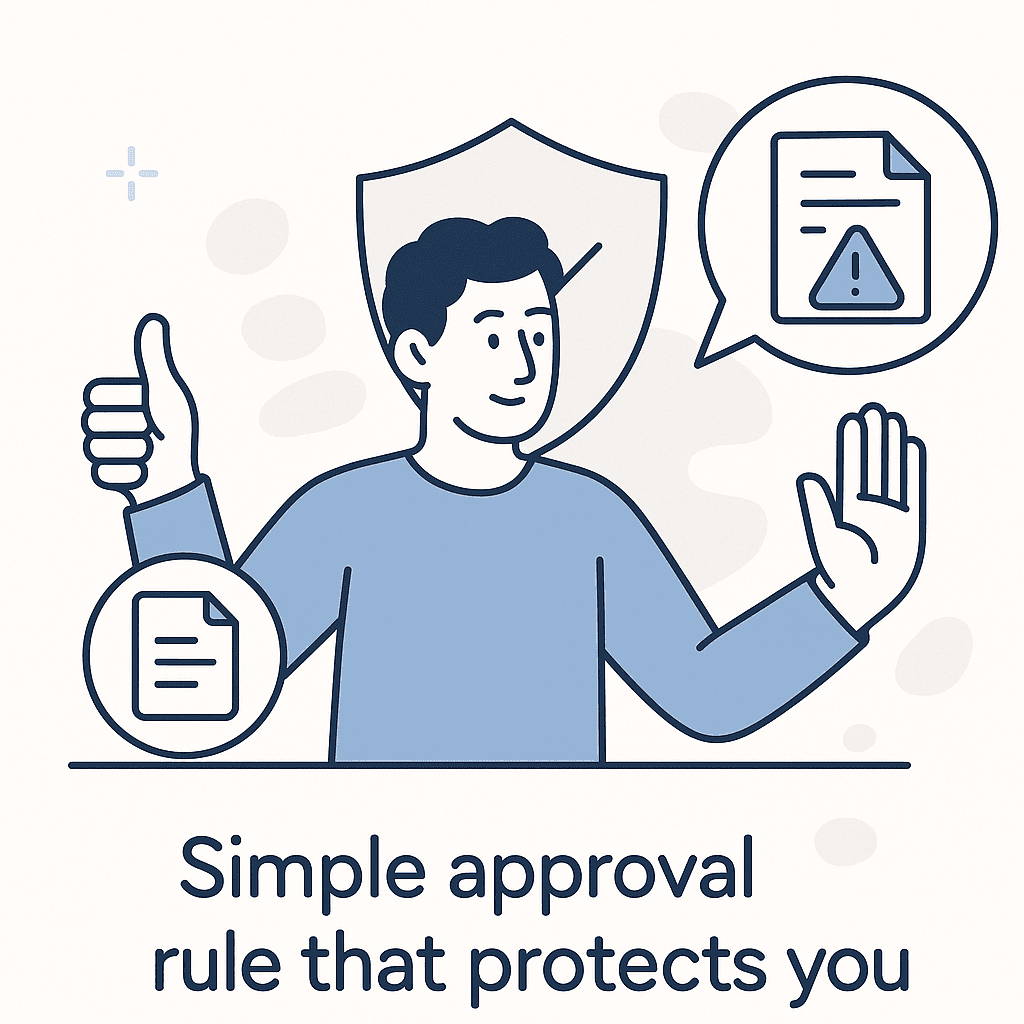
The approval rule is what keeps you out of blame.
A simple model:
- Low-risk changes can move fast.
- High-risk changes require explicit sign-off.
The key is explicit.
No “sounds good” buried in a message thread.
If you want a full tier model, use:
Lightweight Approval Workflows for Website Changes
How to Handle ‘Not in Scope’ Without Losing Trust

Most freelancers fear “not in scope” because it sounds defensive.
So they avoid it.
Then scope creeps anyway.
Try this framing instead:
“Happy to help. This touches a different outcome than the current request. Let’s treat it as a new request so we can capture goal, deadline, and approvals.”
Or:
“Not in scope, but I’m okay including it if we agree on sign-off and timing.”
That last line matters.
It keeps trust.
And it keeps you safe.
To keep requests from arriving scattered and vague, pair this with intake:
Intake Website Change Requests Without Chaos
And if ownership is fuzzy because the client can edit too, use:
Website Ownership vs Access: Client–Agency Boundary
When conflict shows up between stakeholders, you need a tie-breaker:
When Stakeholders Disagree About a Website Change
For an external baseline on change control:
U.S. government guide on configuration and change control
And for escalation and role clarity:
NIST guidance on incident response roles and escalation
Getting Started: Your One-Page Governance Template

Your governance template should fit on one page.
That’s the point.
You can use it on a call.
You can send it after.
And you can point to it when urgency shows up.
Create a one-page freelancer governance template
- Write the three boundaries: What you edit, what you advise, what the client owns.
- Define “new request”: State the rule for scope creep (goal/risk/approvers).
- Add approval tiers: Low vs high risk with one clear sign-off rule.
- Set one intake path: One place requests go, with required context.
- Pick the tie-breaker: Decide who resolves stakeholder conflict.
- Use it on the next request: Don’t wait for a perfect rollout.