You have clicks. You have spend. The landing page is not converting.
If you are running paid campaigns, the worst move is guessing. A random headline rewrite can hide the real problem for a week, and you can end up optimizing around broken tracking.
This article is a 30-minute triage you can run on a paid-traffic landing page. It fits into the broader system for why websites get traffic but no leads or sales, but it focuses on one job: confirm the data, then fix the above-the-fold decision path (promise, proof, friction, and next step).
Before You Change Anything: Make Sure It’s Not a Tracking Problem

When a landing page is not converting, you need to answer one question first: are you missing conversions, or are visitors truly not taking the action?
The quickest sanity checks (without digging through tag managers)
Run these checks in this order. Each one gives you a clean yes or no.
- Submit the form yourself (once). Use a real email and a real phone number if the form requires it.
- Confirm the success state: thank-you page, success message, calendar confirmation, or account creation.
- Confirm the lead arrived: email notification, CRM record, inbox, or whatever the team uses to receive leads.
- Confirm the conversion is recorded: check the platform you use to judge performance.
If any step fails, stop. You do not have a conversion problem yet. You have a broken measurement or lead path, and every “optimization” you ship will be judged incorrectly.
If you need help getting the terminology right, Google’s guide to how Google Ads tracks website conversions is a reliable reference.
Client-side vs server-side tracking: why you might be undercounting
Browser tracking misses real conversions. It can happen because of blockers, cookie limits, cross-domain flows, and redirects that interrupt the journey.
You do not need to switch infrastructure to run this triage. You just need to be careful with conclusions. If you see “no conversions,” treat it as “we did not record conversions” until you can prove the conversion path is intact.
For GA4 specifically, the definition of what counts as a conversion is worth double checking in Google’s GA4 conversions documentation.
Run a quick A/A baseline before you change the page
If your numbers are jumpy, ship nothing for a short window and watch the conversion rate. The point is not statistical purity. The point is to avoid “we changed X and it moved” when the metric was noisy anyway.
Practical guardrail: pick one source (one campaign, one ad group, or one query cluster) and watch it for a day. If performance is swinging wildly with no changes, you need a cleaner baseline before you start making calls.
Do you have a lead problem or a lead-handling problem?
Sometimes leads exist and nobody sees them. Or they come in and the follow up is slow. That downstream leak looks like “not converting,” especially when the client is judging you on revenue, not form submits.
If your sanity check submit does not show up in the inbox or CRM, start there. Fixing the page will not matter if the lead never reaches a human.
If the numbers are noisy, triage by source
The fastest way to de-noise is segmentation. If one campaign is converting and another is not, you have a routing problem, not a mysterious site problem.
This is the same diagnosis described in traffic vs conversion problem. Sort the failure before you start changing the page.
The 30-Minute Landing Page Triage (Paid Traffic)
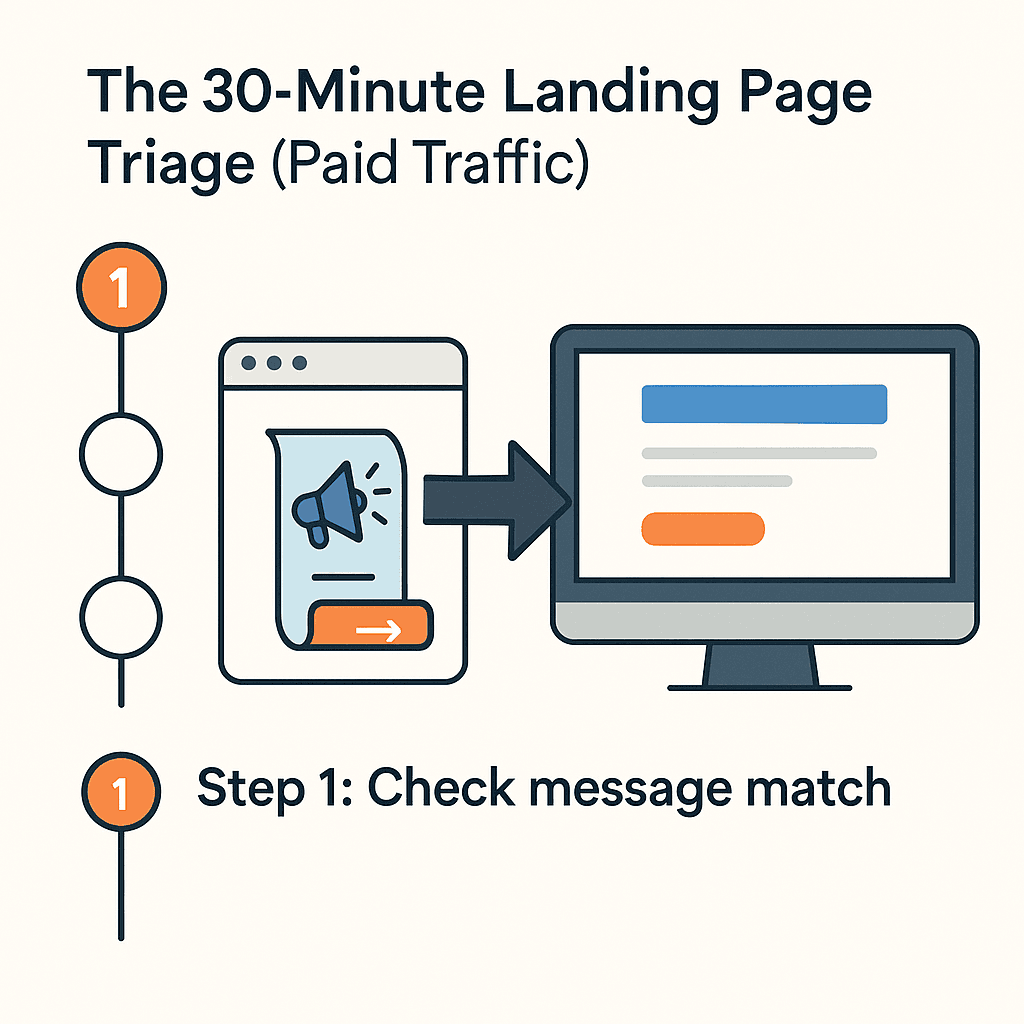
This is a sequence, not a menu. If you skip the early steps, the later fixes will not stick.
Step 1: Check message match (ad promise → headline → next step)
Message match means the visitor sees the same promise after the click that they saw before the click. Not “same general category.” Same next decision.
Here is a quick way to audit it. Fill this table for one ad and one landing page:
| The promise before the click | The promise after the click | The next step you ask for |
|---|---|---|
| “Get a 30-minute landing page teardown for agencies” | “Landing Page Optimization Services” | “Book a demo” |
| “Fix checkout drop off without a redesign” | “All-in-one ecommerce platform” | “Start a trial” |
| “Secure intake forms for clinics” | “Modern website for clinics” | “Request pricing” |
If the headline answers a different question than the ad, do not tweak the hero yet. Rewrite the headline and subhead so the visitor can say: “Yes, I’m in the right place.”
When this is the problem, it often shows up as intent mismatch. The visitor might be qualified, but the page is solving a decision they did not come to make.
Step 2: Fix the hero (everything above the fold)
Above the fold has one job: make the next step feel safe.
A clean hero answers three questions in one scan:
- Is this for me?
- What do you do?
- What happens next?
Here is a simple rewrite pattern you can use:
- Headline: “Fix [problem] without [risk]”
- Subhead: “For [audience]. We do [outcome] by [mechanism]. You get [deliverable] in [timeframe].”
- Primary CTA: the smallest credible next step
If you can only improve one thing quickly, improve this. It usually beats random button moves because it changes the decision path, not the styling.
Step 3: Put email capture above the fold
If the visitor is not ready for a call, forcing “Book a demo” is a timing mistake. It is better to offer a smaller commitment: “Get the checklist,” “Send me the teardown,” or “Show me examples.”
The rule is not “always put a form above the fold.” The rule is “make the next step available when the intent is hot.”
Step 4: Add a numeric trust signal near the CTA
Use numbers that are true and that reduce doubt quickly. Examples:
- “4.8/5 from 312 reviews”
- “Used by 180+ teams”
- “Average response time: under 2 minutes”
Place it near the CTA, not three sections down. Proof works when it shows up right where the visitor is deciding.
Step 5: Audit the form (field by field, and action every field)
Form friction is rarely “the form is too long.” It is “the visitor cannot justify the cost of each field.”
Audit every field with one question: What do we do with this data within 24 hours?
If you ask for phone number and you will call, say that. If you ask for phone number and you will not call, remove it. This is not a politeness rule. It is a trust rule.
Step 6: Add proof at the moment of doubt
“Add testimonials” is generic advice. The useful version is more specific: proof should sit next to the claim it supports.
Here is the pattern:
- Make one claim.
- Immediately show one proof element that matches it.
Example: if you claim “ship changes safely,” show the mechanism (preview, controlled rollout, rollback). If you claim “improve conversion,” show a before and after screenshot, a short quote, or a concrete example of the change.
Step 7: Fix CTA timing (make the next step smaller)
When a landing page is not converting, the CTA is often “right” and still wrong. It is asking for the final step when the visitor is still in the middle step.
If you suspect this, read the full model for commitment timing errors. The short version is simple: the ask has to match readiness.
The 5 Most Common Reasons a Landing Page Isn’t Converting
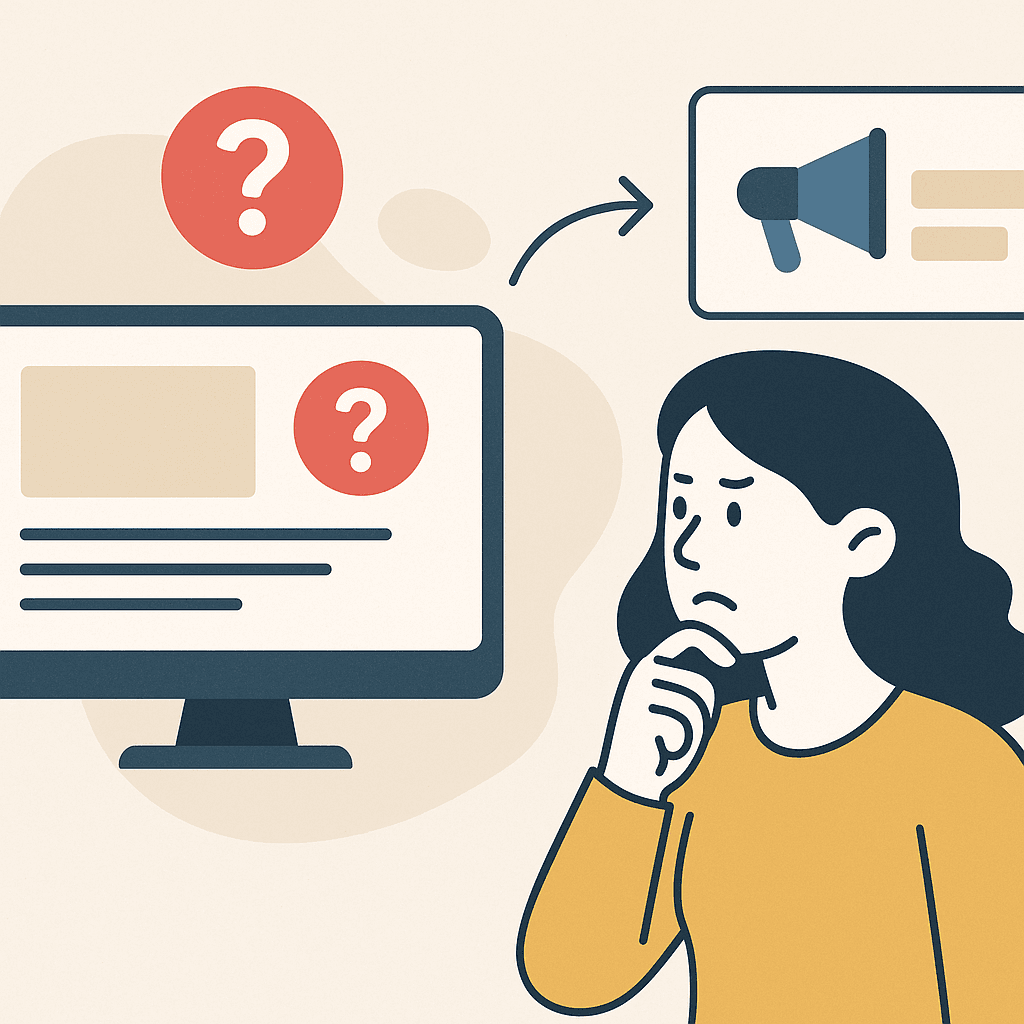
Most “reasons” lists are a grab bag. These are the five that show up constantly on paid traffic, and they map to fixes you can ship quickly.
Reason 1: The page answers a different question than the ad
This is message match. You paid for a click on one promise, then you delivered a different page role.
Fix: rewrite the headline and first CTA so they match the ad’s next decision. Then remove anything above the fold that pulls the visitor toward a second decision.
Reason 2: Too much friction above the fold
Friction is anything that slows the next step. It can be a long form, but it is also competing links, unclear CTA labeling, or a hero that reads like a brochure.
Fix: keep one primary CTA, one primary path, and one clear next step. If the visitor has to scroll to find “what to do,” you are leaking intent.
Reason 3: Proof is missing where the commitment happens
Proof is not “nice to have.” On paid traffic, it is the thing that makes the next step feel safe.
Fix: place proof next to the CTA and next to big claims. Do not make visitors work for trust.
Reason 4: Technical reliability issues (forms, speed, mobile)
Some pages do not convert because they are broken. It is not subtle.
Fix: submit the form on mobile, on a real device, and confirm the lead arrives. If you cannot do this reliably, treat everything else as secondary.
If you need a safety-first workflow that catches tracking drift and mobile layout regressions before you ship, start with safely edit live client websites.
Reason 5: The next step is too big, too early
This is CTA timing. The visitor might want “examples” or “pricing guidance,” but you are asking for “book a call.”
Fix: offer a smaller next step for cautious visitors. Then keep the bigger CTA for visitors who are already ready.
Below the Fold: Answer the Objections That Block the Next Step
Below the fold is where you earn the “I’m interested, but…” moments. If you do this well, visitors scroll and decide. If you do it poorly, they scroll and bounce.
Objection 1: “Is this for me?”
Say who it is for and who it is not for. This improves conversion and lead quality because it makes the page feel specific.
Example:
- For: agencies running paid traffic who need fast wins without touching a client’s CMS
- Not for: teams looking for a full redesign or a replatform project
Objection 2: “Which option is right?”
If you have multiple offers, routing is the job. Do not force people to self-navigate through five pages.
A simple approach is a three option block:
- “I need leads now” (small next step)
- “I need a teardown and a plan” (medium step)
- “I need a partner” (bigger step)
A safe change process for landing pages

If you are an agency or a freelancer, the page is not the only constraint. Production risk is.
Here is a workflow that keeps progress high and mistakes small:
- Draft the change on a variation or preview state, not on production.
- Review on mobile and run one full submit test.
- Publish intentionally and keep the blast radius small when you can (campaign traffic first).
- Monitor the one metric you agreed on for a short window.
- Roll back fast if conversion drops or tracking breaks.
This is why “fix it in 30 minutes” matters. The goal is one safe win you can ship this week, not a month of risky redesign work.
Skip the developer queue. Ship safe fixes this week.
If you’re stuck waiting on a client’s CMS access or developer bandwidth, you can still make progress. Customerized lets you draft, review, publish, and roll back landing page changes without touching production code.
Getting Started: Fix One Landing Page This Week

If your landing page is not converting, the fastest win is not a redesign. It is a controlled sequence: verify tracking, fix the above-the-fold decision path, reduce friction, add proof, and ship safely.
Fix a landing page that isn’t converting
- Verify the conversion path: Submit the form. Confirm the success state, the lead arrival, and the conversion recording.
- Fix message match: Make the headline and CTA describe the same promise as the ad.
- Rewrite the hero: Who it is for, what you solve, and what happens next. One primary CTA above the fold.
- Remove one friction source: Delete one field, reduce competing links, or clarify how a field will be used.
- Put proof near the CTA: One claim. One proof element. Right where the visitor is deciding.
- Ship with a rollback plan: Preview, mobile check, publish, monitor, and undo fast if something breaks.
FAQ
›Why is my landing page not converting?
›How do I know if it’s a tracking issue or a landing page issue?
›What should I change first on a landing page?
›Should I redesign the landing page if it isn’t converting?
Make changes in minutes, not weeks
Want to implement these fixes without a long dev queue? Request a demo and see how Customerized helps agencies ship landing page changes safely, with an off switch and rollback.