
Website editing means changing what visitors see on a live site. On a client's site, this is production and it is not your site. Most editing advice assumes you control the site and can break things and fix them later. On client sites, you often do not. Changes affect real customers and rollback is not always possible.
Why Editing Breaks Production
Why small changes create big problems and how shared surfaces amplify risk.

Why Small Website Changes Break Live Client Sites
Small edits break live client sites because mobile, forms, links, and tracking are connected. Learn the failure modes and guardrails.
How to Edit Safely
Preview workflows, rollback systems, and permission boundaries.

Edit Client Websites Without Developers
Need changes to ship faster? Edit client websites without developers. Preview first. Publish to paid traffic. Roll back cleanly. Keep control.
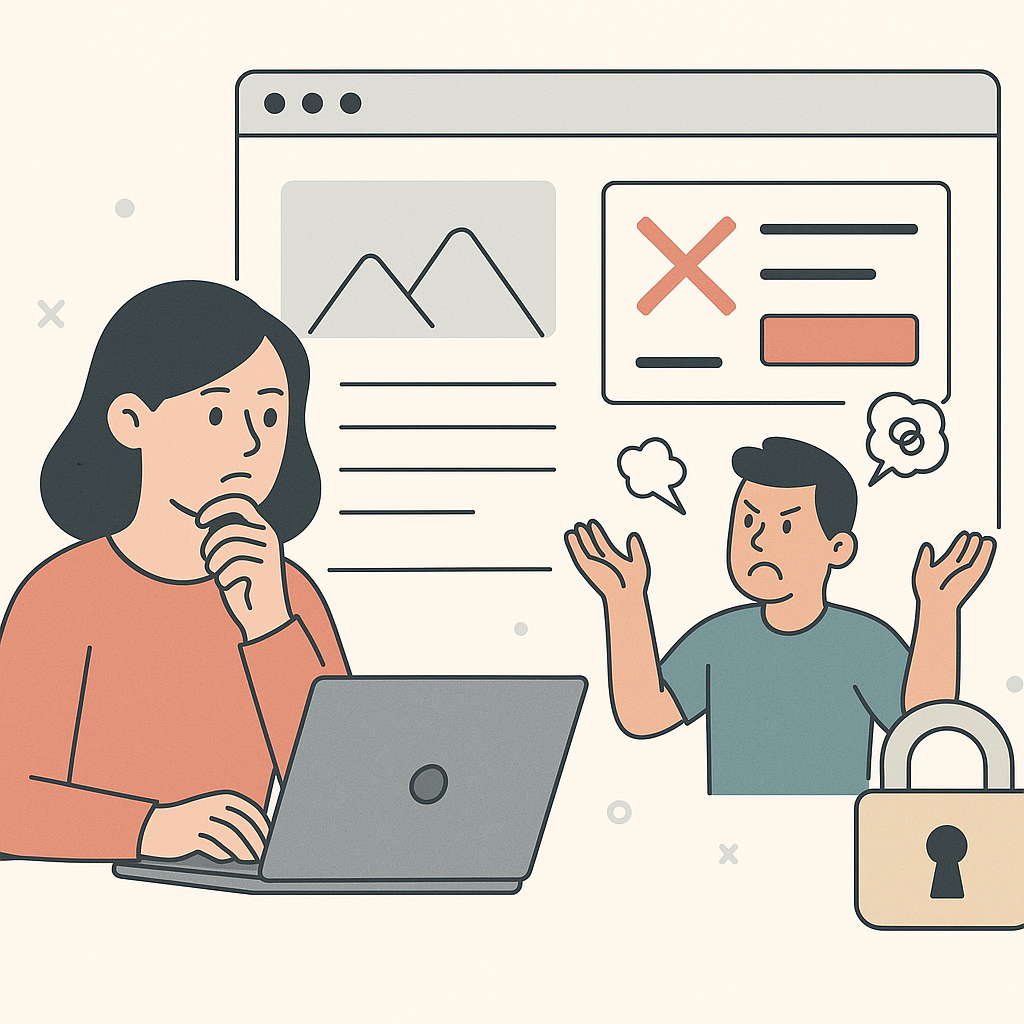
How Agencies Safely Edit Live Client Websites
Safely edit live client websites with a preview → publish workflow. Catch mobile and tracking issues early, and roll back fast if needed.

How Agencies Prevent Accidental Website Breakage
Prevent breaking client websites by using preview, small releases, a 10-minute verification routine, and fast rollback guardrails.

Agency Website Editing Permissions: A Practical Model
Agency website editing permissions decide how fast you can ship changes without breaking production. Use roles, approvals, and rollback to move safely.
What to Do When Editing Goes Wrong
Rollback procedures and how to restore the money path first.

What to Do When a Live Website Change Goes Wrong
When a live change breaks something, don't panic. Roll back first if the money path is broken. Verify the basics. Then ship the smaller fix.

Rollback Website Changes: A Safe Agency Workflow
Rollback website changes fast with a preview → publish → verify → revert workflow. Ship improvements safely on client sites without panic.
How to Prevent Breakage
Common mistakes and where to draw boundary lines.

Common Mistakes Agencies Make When Editing Live Websites
Agencies get burned by the same live-edit mistakes: skipping preview, trusting desktop, bundling changes, and shipping without rollback. Fix the patterns.

When You Should Not Edit a Live Client Website
Knowing when to stop is part of safety. Use clear tests and boundaries so you can ship fast on safe changes and escalate risky ones.
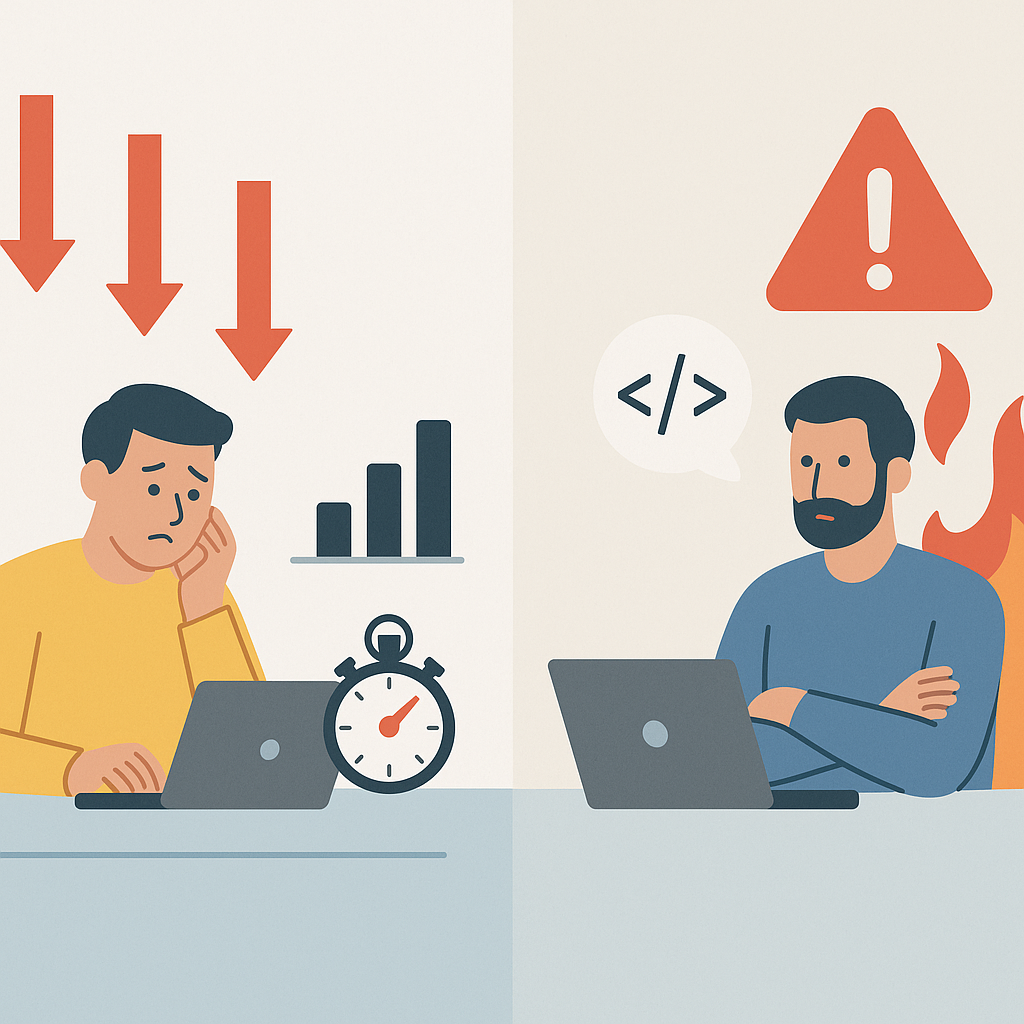
When Agencies Still Need Developers (And When They Don't)
When agencies need developers depends on scope and risk. Use a clear boundary line so you can ship faster without breaking production.
Creating Visibility and Managing Multiple Clients
Audit trail systems, tracking workflows, and multi-client editing.
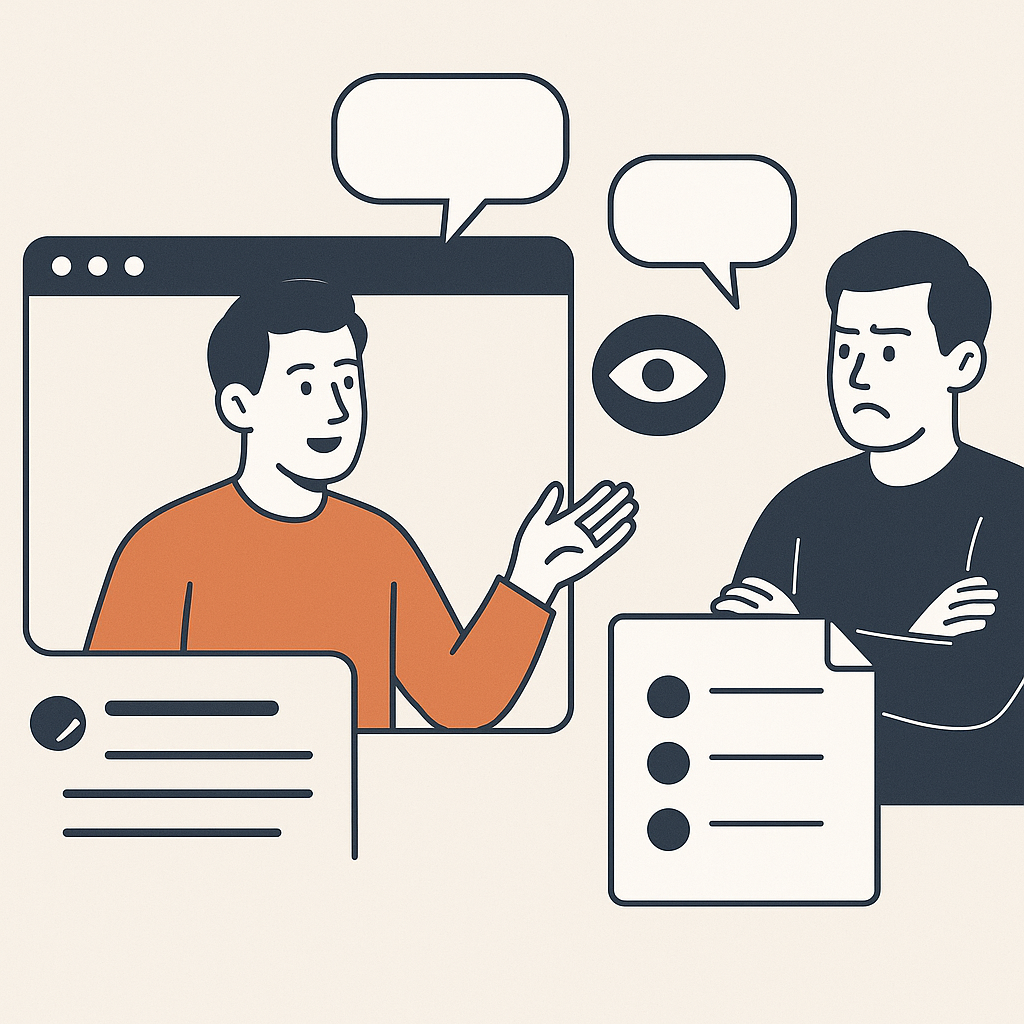
How Agencies Create Visibility Into Live Website Changes
Visibility prevents blame. Use a minimum audit trail and proof artifacts so you can answer 'what changed?' fast and roll back without chaos.
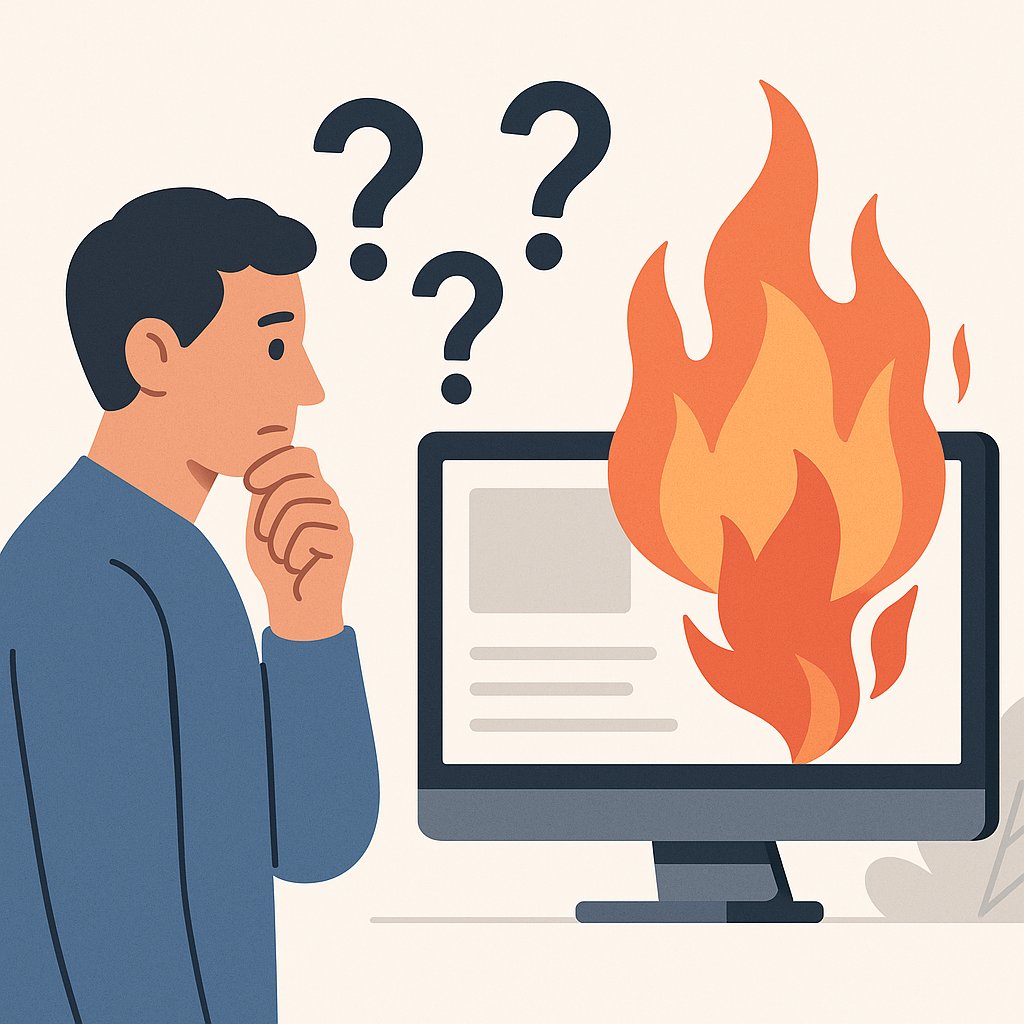
How Agencies Track and Audit Website Changes Across Clients
Track website changes agencies ship across client sites with a simple audit trail. Reduce disputes, speed up rollback, and make progress visible.
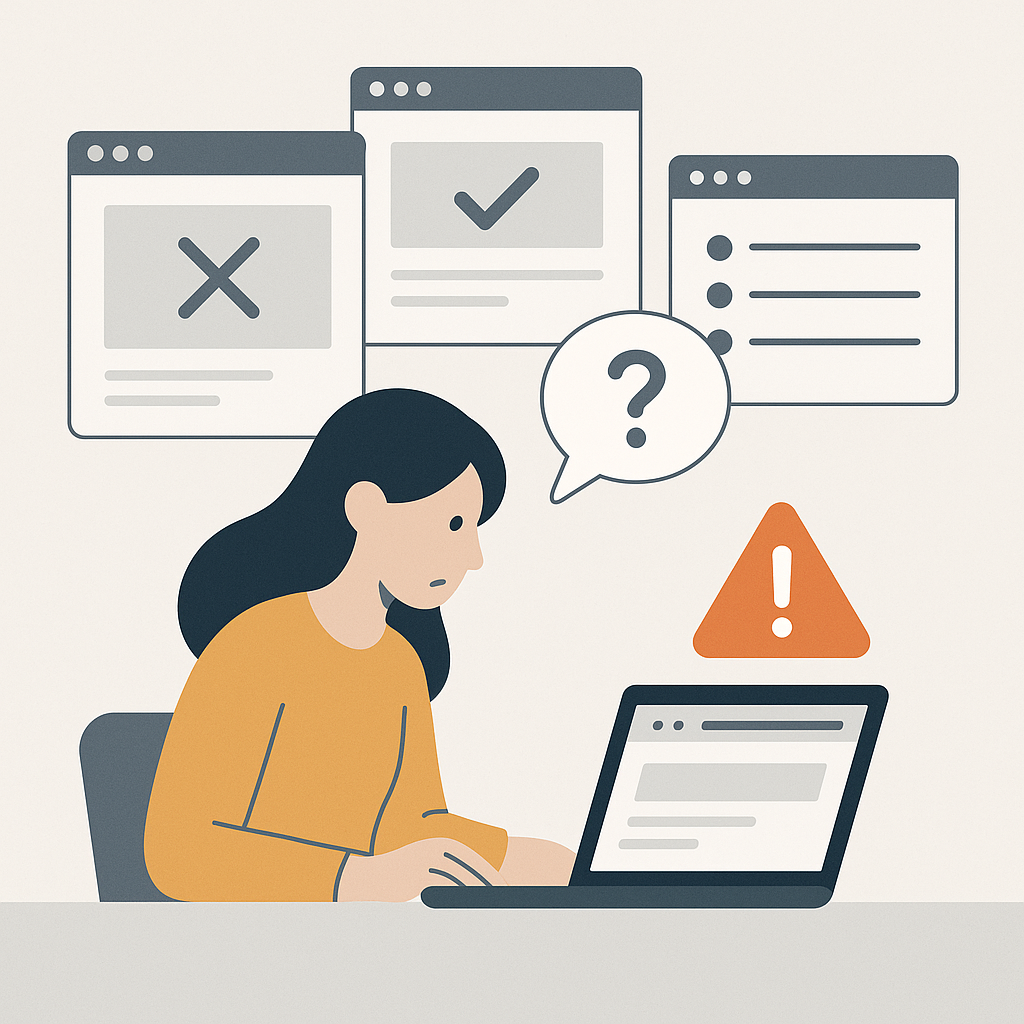
Edit Live Client Websites Across Multiple Clients
Multi-client editing fails without standards. Use one workflow, one audit trail, and one rollback rule so the same mistakes stop repeating.
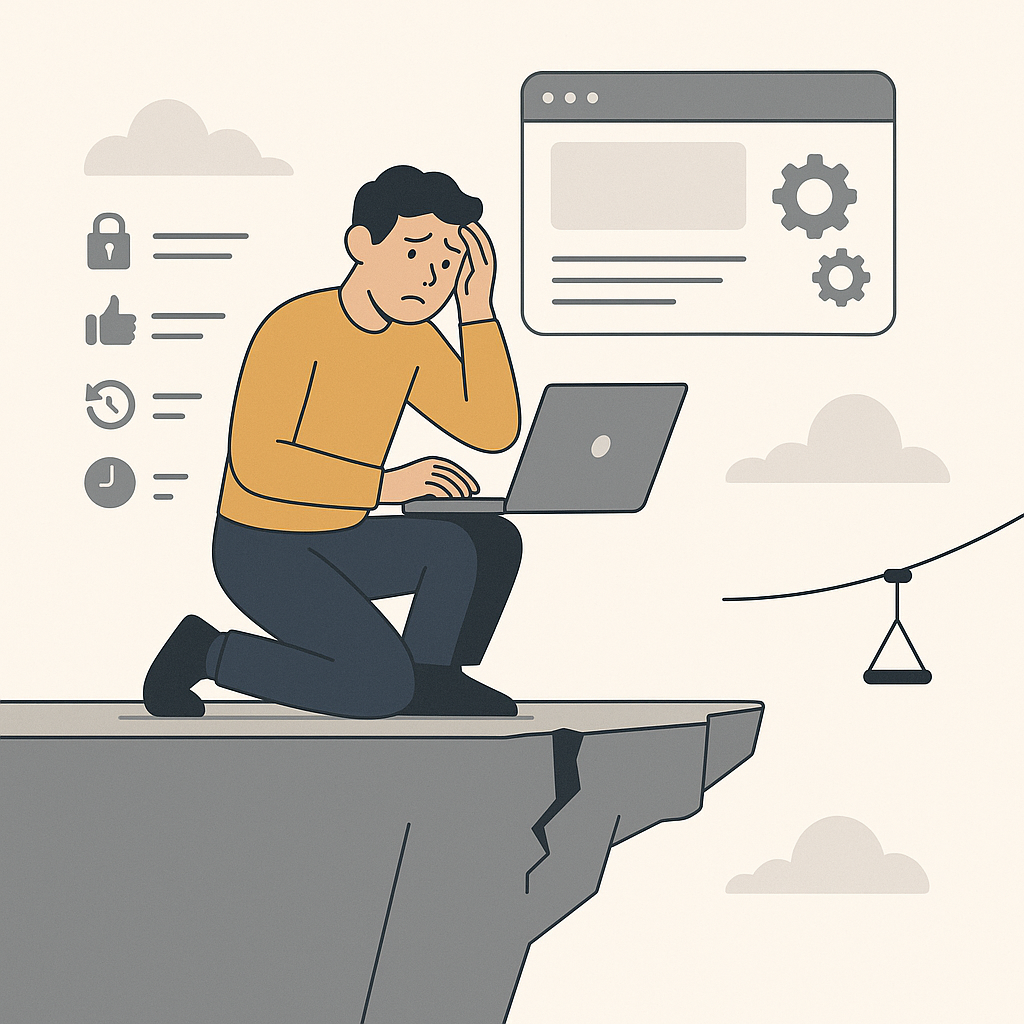
Edit Live Client Websites Safely as a Freelancer
When you're solo, live edits feel riskier. Use tighter boundaries, smaller changes, verification, rollback triggers, and proof to stay in control.
Campaign-Specific Editing and Tools
Isolated campaign surfaces, editing tool comparisons, and bottlenecks.
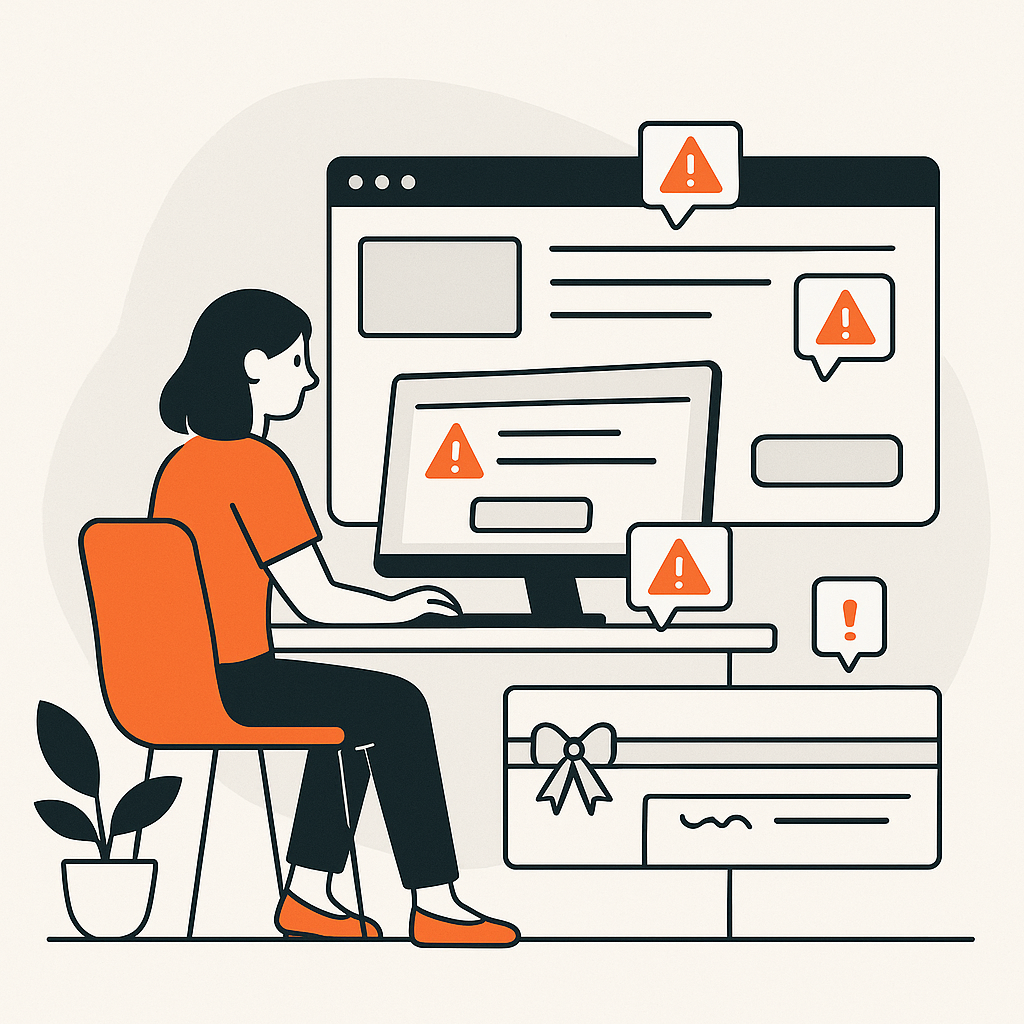
Change Website Content for Ads Without Breaking Production
Need ad-specific copy without touching the main page? Learn how agencies change website content for ads while keeping production pages stable and safe.

Tools for Agencies to Edit Client Websites
Compare tools for agencies to edit client websites using safety-first criteria: preview, permissions, rollback, audit logs, and a low-risk pilot plan.

Why Marketing Agencies Get Stuck Waiting on Developers
Tired of waiting on devs? Agencies waiting on developers lose weeks to queues and approvals. See the 3 bottlenecks. Ship changes safely.
All Articles
Why Small Website Changes Break Live Client Sites
Small edits break live client sites because mobile, forms, links, and tracking are connected. Learn the failure modes and guardrails.

Website Change Management: A Simple System for Agencies
Website change management feels chaotic on client sites. Stop approval loops. Track every change. Roll back fast. Ship safely across clients.
Edit Client Websites Without Developers
Need changes to ship faster? Edit client websites without developers. Preview first. Publish to paid traffic. Roll back cleanly. Keep control.
How Agencies Safely Edit Live Client Websites
Safely edit live client websites with a preview → publish workflow. Catch mobile and tracking issues early, and roll back fast if needed.
How Agencies Prevent Accidental Website Breakage
Prevent breaking client websites by using preview, small releases, a 10-minute verification routine, and fast rollback guardrails.
Agency Website Editing Permissions: A Practical Model
Agency website editing permissions decide how fast you can ship changes without breaking production. Use roles, approvals, and rollback to move safely.
What to Do When a Live Website Change Goes Wrong
When a live change breaks something, don't panic. Roll back first if the money path is broken. Verify the basics. Then ship the smaller fix.
Rollback Website Changes: A Safe Agency Workflow
Rollback website changes fast with a preview → publish → verify → revert workflow. Ship improvements safely on client sites without panic.
Common Mistakes Agencies Make When Editing Live Websites
Agencies get burned by the same live-edit mistakes: skipping preview, trusting desktop, bundling changes, and shipping without rollback. Fix the patterns.
When You Should Not Edit a Live Client Website
Knowing when to stop is part of safety. Use clear tests and boundaries so you can ship fast on safe changes and escalate risky ones.
When Agencies Still Need Developers (And When They Don't)
When agencies need developers depends on scope and risk. Use a clear boundary line so you can ship faster without breaking production.
How Agencies Create Visibility Into Live Website Changes
Visibility prevents blame. Use a minimum audit trail and proof artifacts so you can answer 'what changed?' fast and roll back without chaos.
How Agencies Track and Audit Website Changes Across Clients
Track website changes agencies ship across client sites with a simple audit trail. Reduce disputes, speed up rollback, and make progress visible.
Edit Live Client Websites Across Multiple Clients
Multi-client editing fails without standards. Use one workflow, one audit trail, and one rollback rule so the same mistakes stop repeating.
Edit Live Client Websites Safely as a Freelancer
When you're solo, live edits feel riskier. Use tighter boundaries, smaller changes, verification, rollback triggers, and proof to stay in control.
Change Website Content for Ads Without Breaking Production
Need ad-specific copy without touching the main page? Learn how agencies change website content for ads while keeping production pages stable and safe.
Tools for Agencies to Edit Client Websites
Compare tools for agencies to edit client websites using safety-first criteria: preview, permissions, rollback, audit logs, and a low-risk pilot plan.
Why Marketing Agencies Get Stuck Waiting on Developers
Tired of waiting on devs? Agencies waiting on developers lose weeks to queues and approvals. See the 3 bottlenecks. Ship changes safely.