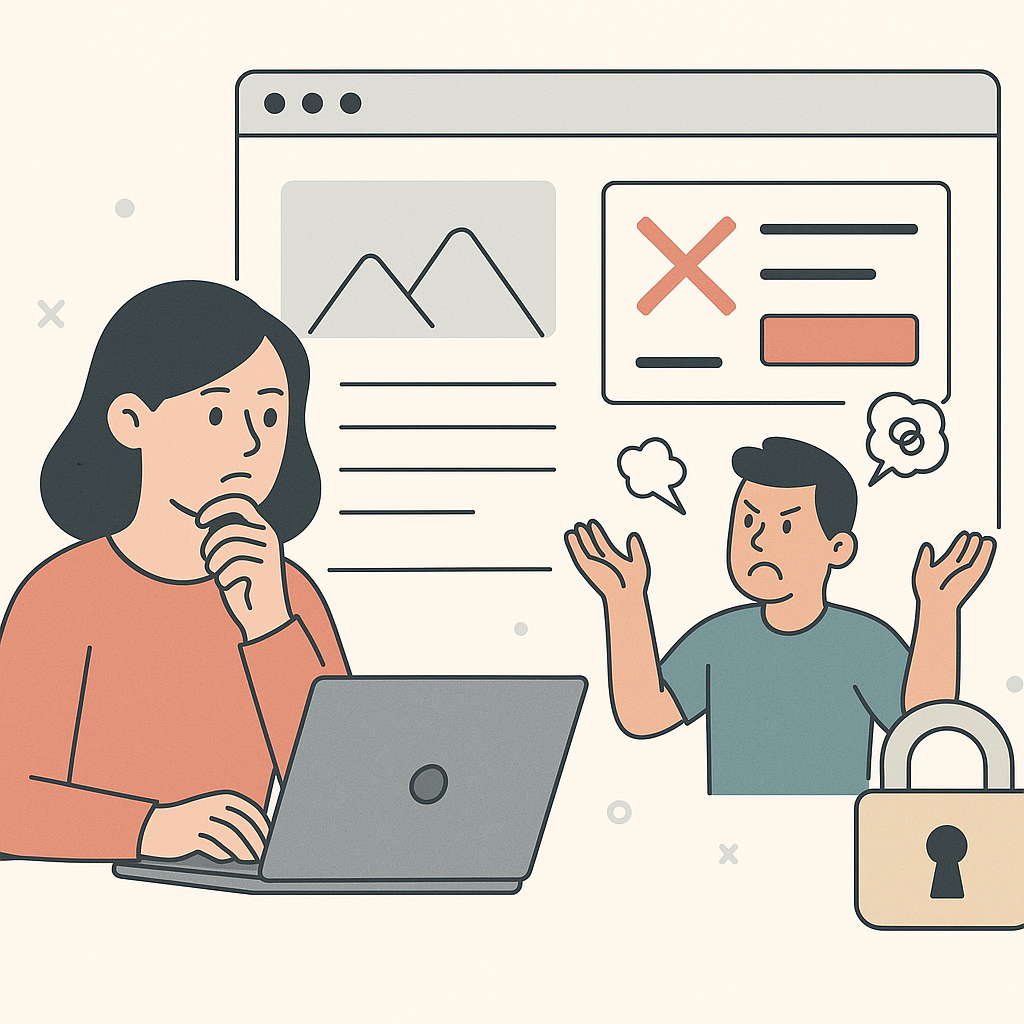
You can see the fix.
You can write the copy.
You can sketch the layout.
Then the client says something that sounds reasonable.
“We can’t give you access.”
That is why agency website editing permissions matter.
If you want the full guide for this category, start here:
editing client websites without developers
This article is about one thing.
How to set permissions so you can ship.
Without turning every change into a risky request.
Why Agency Website Editing Permissions Are the Real Bottleneck

Most agencies do not get stuck because they lack ideas.
They get stuck because the client owns production.
They own the risk.
They also own the approvals.
So the bottleneck is not “tools.”
It is permission.
The difference between “access” and “control”
Access is broad.
It is admin logins.
It is full CMS rights.
It is “do whatever you want.”
Control is narrower.
It is the ability to ship specific, reversible page changes.
It is the ability to preview.
Then publish.
Then roll back.
Agencies usually need control.
Clients usually fear access.
If you blur the two, you lose both.
What Agencies Actually Need Access To (And What Should Stay Locked)

Most high-impact work lives at the page layer.
It is visible.
It is testable.
And it should be reversible.
At the same time, some changes should stay with developers.
That boundary is a trust builder.
Examples of “safe-to-delegate” edits
These are common agency changes that still require guardrails.
They do not require full admin access to everything.
- Copy: headline, subhead, CTA text, proof blocks
- Layout: section order, spacing, element visibility per breakpoint
- Images: hero image swaps, icon changes, trust badge placement
- Page variants: different versions for different campaigns or audiences
- Targeting rules: show a version to a specific traffic segment
If your workflow includes preview, publish, and rollback, these edits are manageable.
They also map to how agencies actually operate.
You ship.
You measure.
You iterate.
Examples of “developer-owned” changes
These changes are tightly coupled to systems and risk.
They should stay with developers.
- Checkout and payments
- Authentication and account flows
- Backend business logic
- Data models and pricing calculations
- Security-sensitive settings
- Core templates and build/deploy pipelines
If you need a boundary guide, this article helps:
When Agencies Still Need Developers (And When They Don’t)
A Least-Privilege Role Map Agencies Can Reuse

Clients approve permission models that feel controlled.
They do not approve “give us admin.”
A clean role map gives you speed.
It also gives the client safety.
Roles and responsibilities table
| Role | What they can do | What it prevents |
|---|---|---|
| Viewer | See changes, previews, and logs | “I never saw that” disputes |
| Editor | Draft page changes in preview | Accidental publishing |
| Publisher | Publish approved changes | Random team members pushing live edits |
| Approver | Approve specific changes | Endless back-and-forth and unclear ownership |
| Admin | Manage roles and policies | Permission sprawl |
Default rule:
Give editing access to the agency.
Keep publishing access narrow.
Make approvals explicit.
Then add rollback.
If you need the operating system around this, read:
Website Change Management: A Simple System for Agencies
For a useful security reference on least privilege, see:
Web security guidance on authorization and least privilege
Approval Patterns That Don’t Kill Speed

Approvals fail when everything needs approval.
They also fail when nothing needs approval.
You want a middle path.
One that keeps momentum.
Pre-approval lists clients accept
Clients will often pre-approve a class of changes.
They like boundaries.
Examples of changes that can be pre-approved:
- Copy tweaks that do not change claims
- Image swaps that do not change meaning
- Spacing and layout fixes
- CTA styling changes
- Adding a proof block that uses existing approved assets
Examples of changes that should require explicit approval:
- Pricing
- Guarantees
- Legal language
- Medical or financial claims
- Anything that changes a promise
Time-box the approval.
For example:
If there is no response in 24–48 hours, the change does not ship.
Or it ships to a limited segment first.
That keeps you from waiting forever.
If approvals are the bigger bottleneck, start here:
Why Marketing Agencies Get Stuck Waiting on Developers
Granular Edits vs. Full Page Changes: Set Expectations Early

Clients hear “website change.”
They imagine a redesign.
Agencies often mean something smaller.
Or something targeted.
This is where permission models break.
Granular edits feel safer.
They also hide risk.
Full page changes feel riskier.
They can be safer if they are isolated and reversible.
The “small change” that isn’t small
A single “small” change can still break production.
The CTA moves below the fold on mobile.
The sticky bar covers the submit button.
A link points to the wrong place.
A key event stops firing.
That is why you tie permissions to guardrails.
Preview before publish.
Verify after publish.
Rollback when needed.
This workflow is covered here:
How Agencies Make Website Changes Safely on Live Client Sites
Failure Modes: What Goes Wrong When Permissions Are Wrong

Over-permissioning: the client’s nightmare
Too much access creates fear.
Fear slows everything down.
When something breaks, the conversation becomes blame.
Then access gets removed.
Then you are back to tickets.
Under-permissioning: the agency’s slow death
Everything becomes a request.
Every request becomes a queue.
Every queue becomes a delay.
The client sees “no progress.”
Then retention gets shaky.
Untracked changes: nobody can prove what happened
This is the quiet killer.
When performance shifts, everyone asks the same questions.
What changed?
When did it change?
Why did we change it?
If you cannot answer fast, you lose trust.
This is why audit trails are not “process.”
They are protection.
If tracking is your weak spot, read:
How Agencies Track and Audit Website Changes Across Clients
When Developers Are Still Required (Credibility Section)

Some work should stay with developers.
That is not a failure.
It is a boundary.
If the change touches checkout, authentication, backend logic, or security, escalate it.
If the change requires template refactors, escalate it.
If the change requires build or deployment changes, escalate it.
You do not earn trust by pretending otherwise.
You earn trust by being clear.
Getting Started: Your Permission Setup Checklist

Start with one client.
Start with one page type.
Start with a controlled role model.
Then expand.
- Define what you will edit: Pick one page type (homepage, product page, lead-gen page).
- Define what you will not edit: List developer-owned areas (checkout, auth, backend logic).
- Set roles: Assign Editor, Publisher, and Approver roles with least privilege.
- Agree on approvals: Pre-approve low-risk change types. Require approval for claims and pricing.
- Standardize verification: Mobile check, form check, link check, and key event sanity check.
- Write the rollback rule: Decide what triggers rollback and who can execute it.