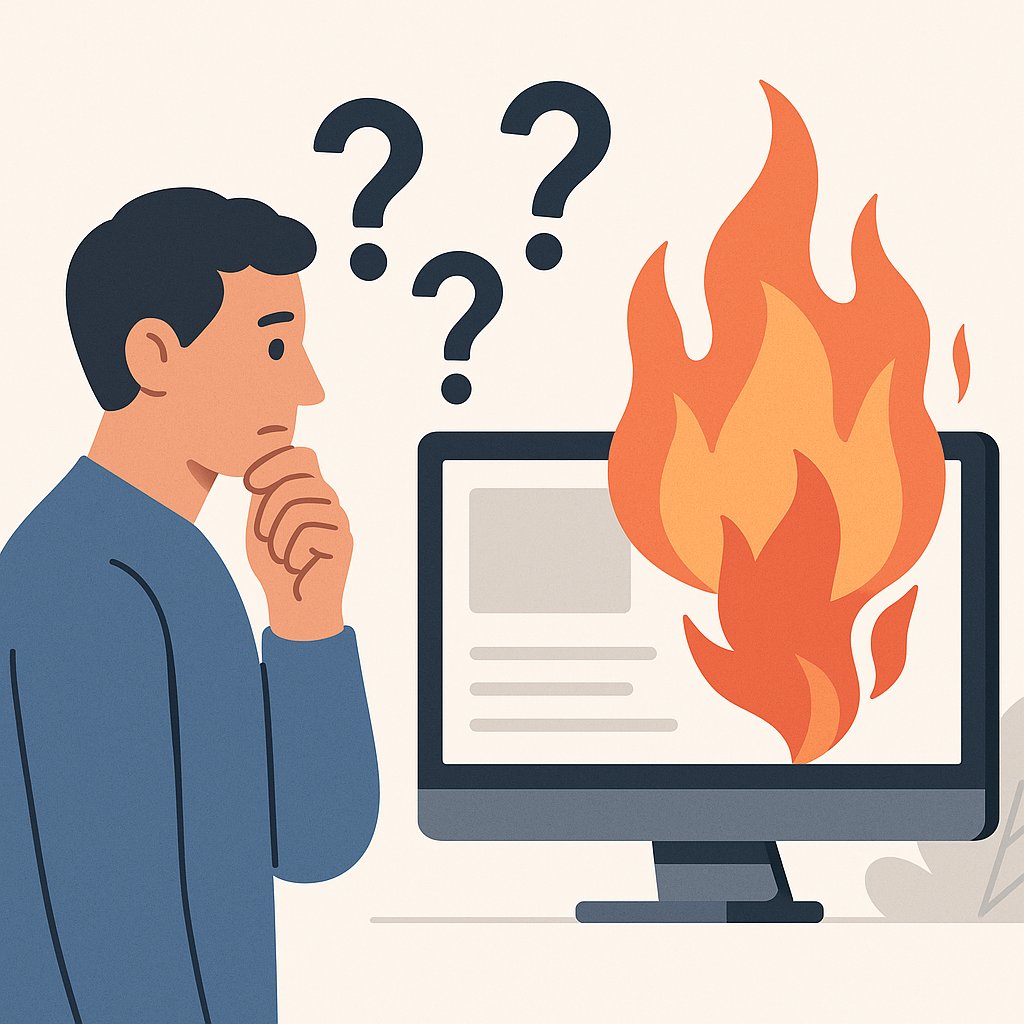
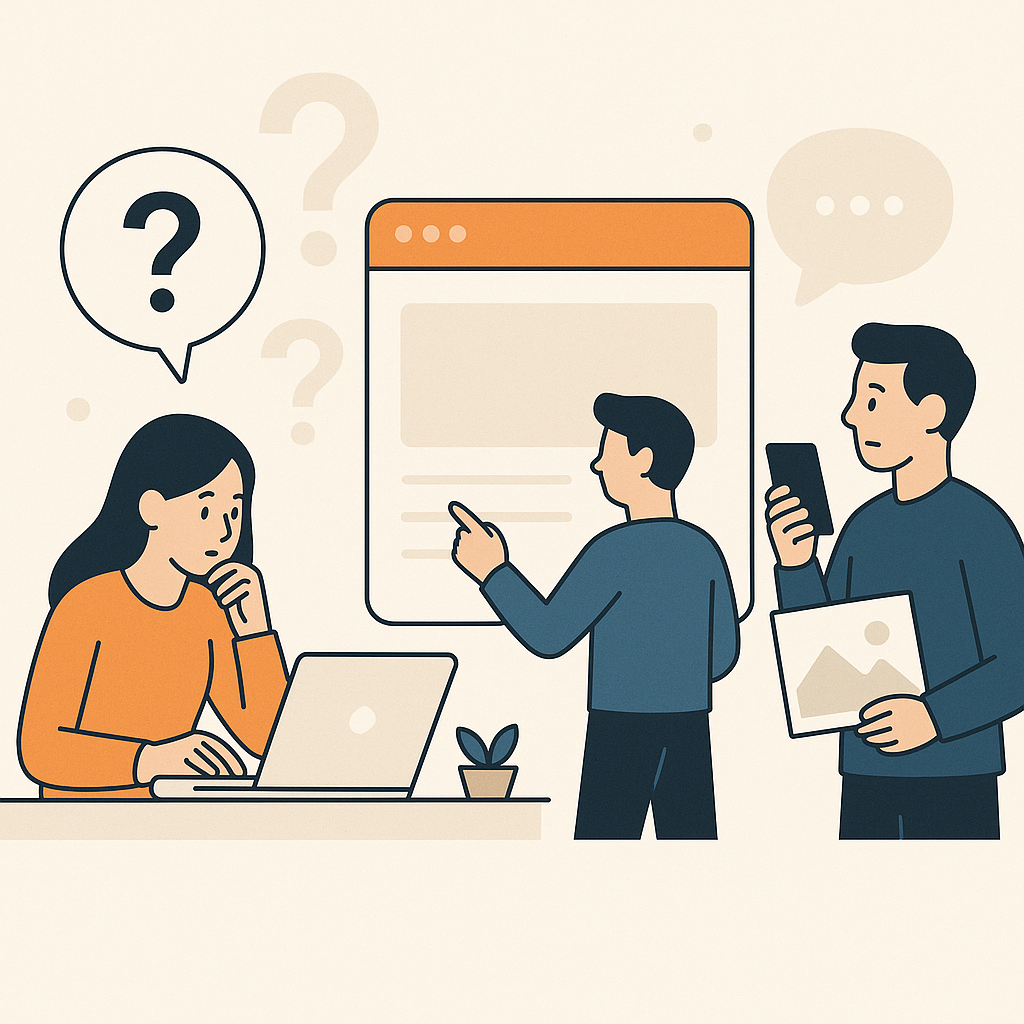
You publish a “small” change.
The client texts five minutes later.
“The form isn’t working.”
Or:
“Mobile looks broken.”
Or:
“People can’t find the checkout button.”
In that moment, rollback website changes is not a nice-to-have.
It is the difference between calm and chaos.
If you want the full guide for this category, start here:
editing client websites without developers
This article is narrower.
It is the agency rollback workflow.
Why Rollback Website Changes Is the Difference Between Speed and Fear

Most teams say they want speed.
What they actually want is speed with safety.
Rollback is the safety.
It makes publishing feel reversible.
That changes behavior.
You ship more often.
You learn faster.
You stop treating every release like a bet-your-weekend moment.
The calm truth
Rollback is not a disaster tool.
Rollback is a shipping tool.
If rollback is easy, shipping is easy.
If rollback is scary, shipping is slow.
Rollback vs Backup: Why Backups Don’t Save You in the Moment

Backups are blunt.
Rollback is precise.
| Question | Backup | Rollback |
|---|---|---|
| Speed | Slow | Fast |
| Scope | Broad | Specific |
| Who can do it | Often developers | Often ops or marketing |
| Best for | Catastrophic recovery | Day-to-day iteration |
Backups matter.
They just do not solve the day-to-day agency problem.
Agencies need to undo one change.
Not restore a whole system.
Common Rollback Triggers on Live Client Sites

Most rollbacks are boring.
That is good.
It means you caught the issue early.
Here are common triggers agencies see:
- The CTA is below the fold on mobile
- A sticky bar covers the submit button
- A form stops submitting
- A key event stops firing
- A critical link goes to the wrong page
- A page loads slower than usual
- A client flags a claim that needs approval
A rollback trigger checklist
If any of these are true, roll back first:
- Revenue path is broken (checkout, lead form, booking flow)
- Tracking truth is broken (key events disappear)
- Mobile experience is broken (layout collapses, CTA hidden)
- Links are wrong (buttons point to the wrong destination)
Then investigate.
Do not investigate first.
The Agency Rollback Workflow: Preview → Publish → Verify → Revert

This workflow is simple.
The hard part is doing it every time.
Use a workflow you can repeat under pressure.
Verification that catches the real failures
Verification is not “looks good.”
Verification is testable.
Run this after every publish:
- Check the main page on a small mobile screen
- Click the primary CTA
- Submit the primary form (or complete the primary purchase step)
- Click the top three links on the page
- Confirm key events still fire (whatever you use as “truth”)
Keep it short.
Keep it consistent.
Why link verification matters
Links are easy to get wrong.
Especially when a page changes.
Buttons move.
Menus change.
New CTAs appear.
Even if a system “tries to infer” where a button should go, you still test it.
Before launch.
Every time.
How to Design Changes So Rollback Is Easy

Rollback gets hard when changes are bundled.
You ship ten things at once.
Then conversion drops.
Now what?
You cannot know.
You also cannot safely revert.
Because you do not know which change mattered.
One idea per release
Use one change statement.
For example:
“Move the primary CTA above the fold on mobile.”
That is a release.
Not:
“Update headline, change hero image, add proof, and redesign the layout.”
If you need a system for this discipline, use:
Website Change Management: A Simple System for Agencies
If your team keeps shipping changes without a record, fix that next:
How Agencies Track and Audit Website Changes Across Clients
Failure Modes: When Rollback Goes Wrong

Rollback fails in predictable ways.
Here are the common ones.
- No version history: nobody knows what “last good” even means.
- Unclear ownership: nobody is sure who is allowed to revert.
- Overlapping changes: multiple edits stack on top of each other.
- Reverting the wrong thing: you undo the symptom, not the cause.
- Rollback breaks something else: because the change touched more than you thought.
Prevention is boring.
That is also good.
Make versions explicit.
Keep changes small.
Write the verification checklist down.
If you want the guardrails that prevent most incidents in the first place, read:
prevent breaking client websites
Store proof artifacts.
When Developers Are Still Required

Rollback is not magic.
If the issue is backend logic, escalate it.
If checkout is broken in the core code, escalate it.
If the build or deployment pipeline is failing, escalate it.
If there is a security issue, escalate it.
The agency rollback workflow is for page-layer changes.
It is not for rewriting systems.
Getting Started: Your First Rollback Drill

Do not wait for the incident.
Practice once.
Pick a low-risk page.
Ship a small change.
Run the verification routine.
Then revert it.
That single drill changes how your team ships.
- Pick one page: Choose a page with traffic but low risk.
- Ship one small change: One idea. One expected outcome.
- Verify in 10 minutes: Mobile, form, links, and key events.
- Save proof: Screenshot before/after and note the publish time.
- Revert on purpose: Practice returning to the known-good version.
- Write your rollback triggers: Define what forces an immediate revert.
If you want the safety workflow that wraps rollback, read:
How Agencies Make Website Changes Safely on Live Client Sites
For a deeper change-control reference, see this:
U.S. government guidance on configuration and change control