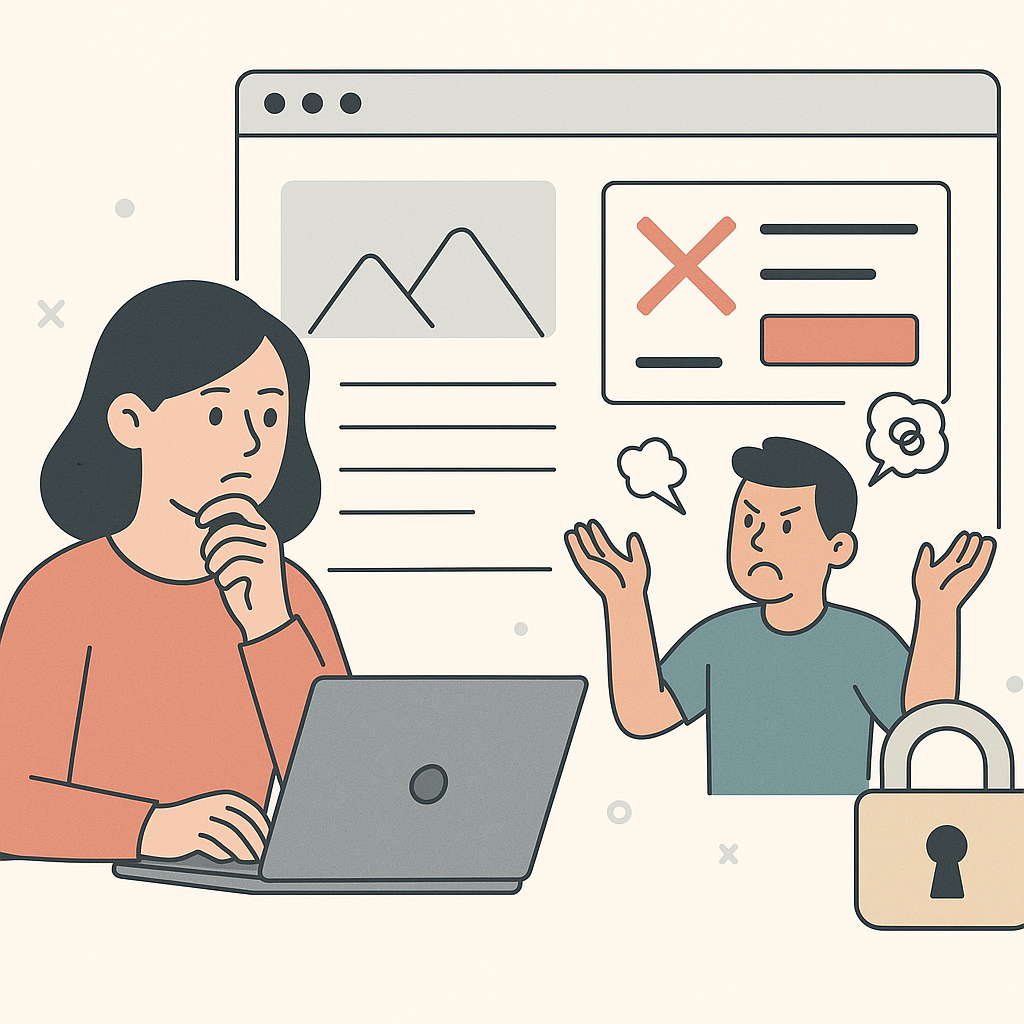
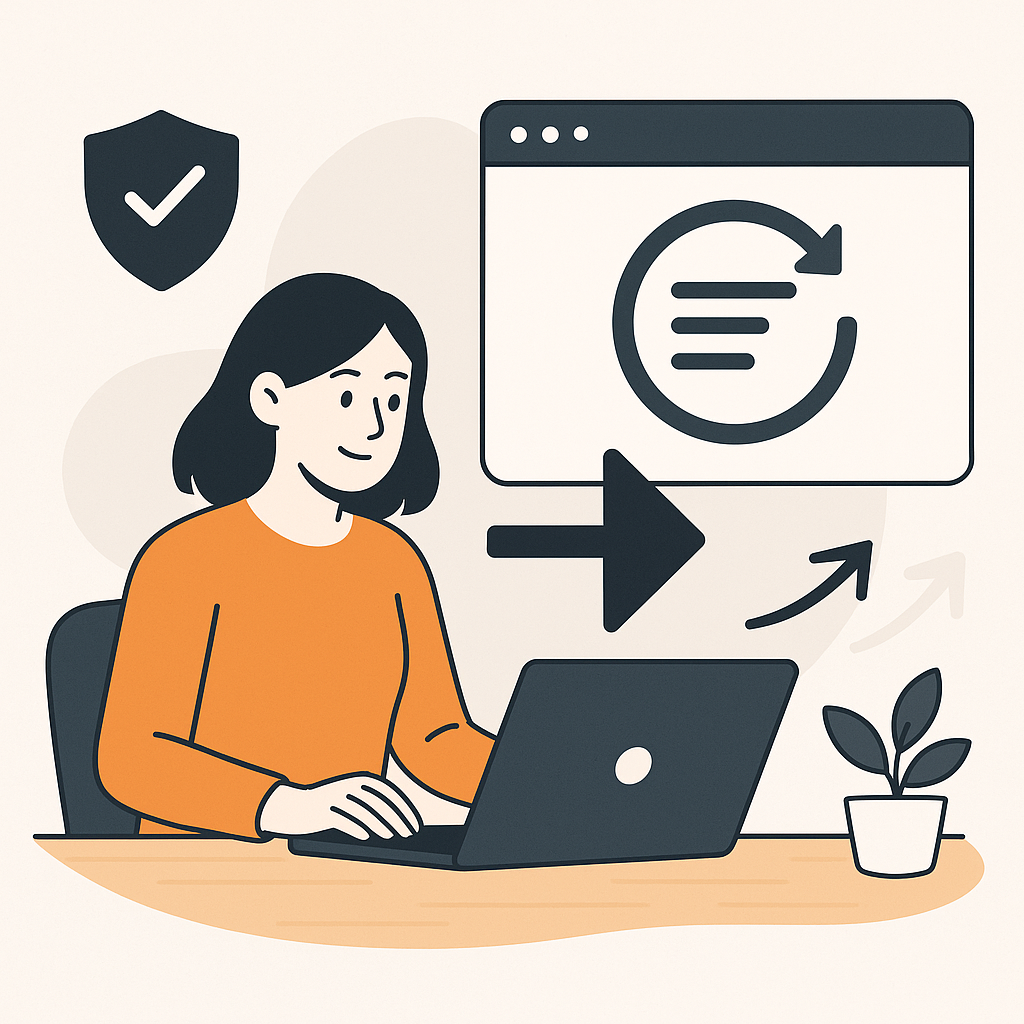
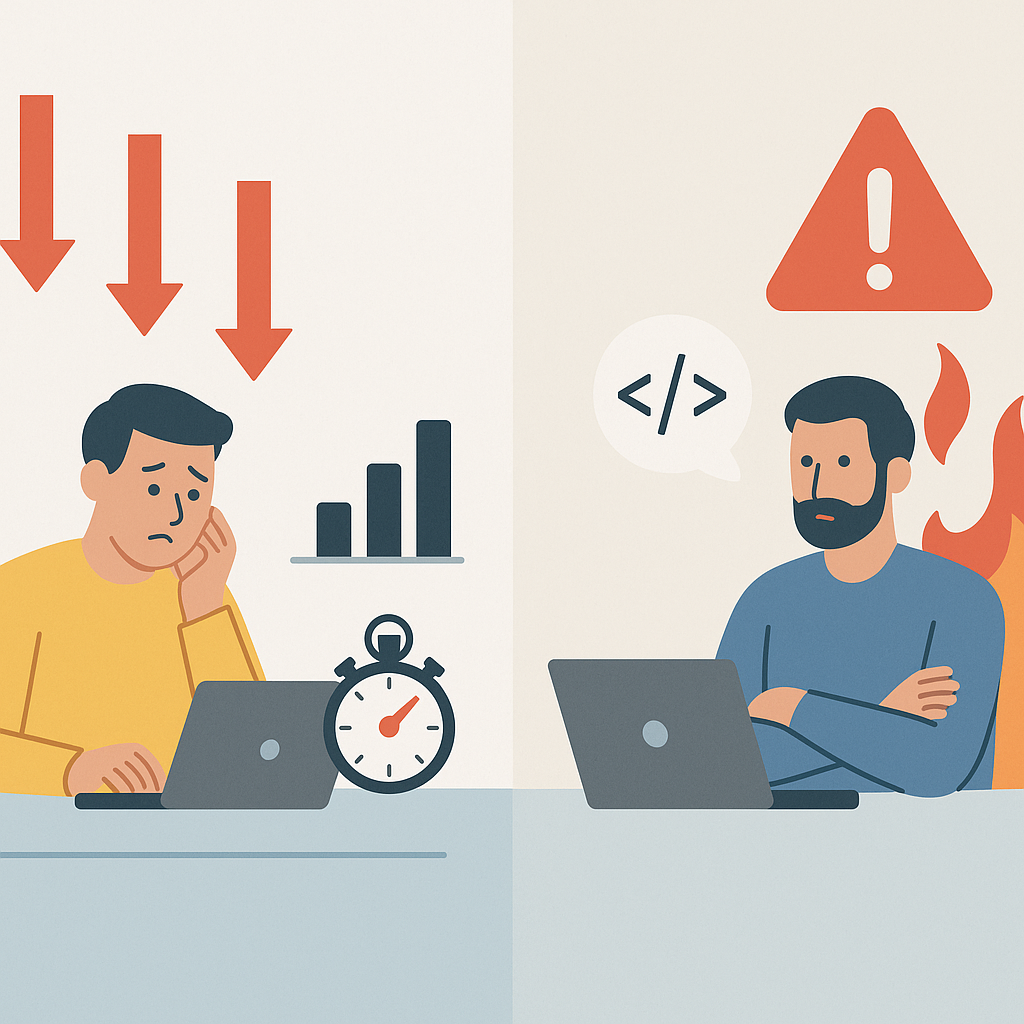
When you are solo, risk hits harder.
If something breaks, there is no handoff.
There is no “dev team will fix it.”
It’s you.
If you want the full system this fits into, start here:
edit client websites without developers
Why Risk Hits Harder When You’re Solo

Freelancers get the same pressure as agencies.
Sometimes more.
Because clients still want “quick changes.”
But you don’t always have:
- Access
- Approvals
- Backup
- Time
You Don’t Have a Safety Net
So you need a safer default.
Not a perfect process.
A repeatable one.
Rule 1: Shrink the Blast Radius

The safest freelancer move is simple:
Ship smaller.
Ship slower than panic.
Faster than waiting weeks.
One Page. One Goal. One Change.
Good solo changes look like:
- One headline clarification
- One CTA placement fix on mobile
- One proof block swap
Risky “small” changes look like:
- Sitewide navigation edits
- Anything that changes checkout steps
- Anything you can’t roll back quickly
If you need the boundary line, read:
When Agencies Still Need Developers (And When They Don’t)
Rule 2: Write the Boundary Before You Touch the Page

Freelancers lose time in approval loops.
They also lose trust when scope is fuzzy.
So write the boundary first.
Then ship inside it.
A One-Page Boundary You Can Reuse
Your boundary page should include:
- What you will edit (copy, layout order, CTA placement)
- What you will not edit (checkout, auth, backend logic)
- What needs explicit sign-off (pricing, claims, legal language)
- What you will verify every time (mobile, links, forms, key events)
- What triggers rollback (and who can do it)
If you need a conservative “when to say no” guide, use:
when you should not edit a live client website
Rule 3: Preview, Then Verify (Every Time)

You do not need a huge QA plan.
You need a short routine you actually run.
The 10-Minute Verification Routine
After you publish:
- Check the page at 375px and 414px
- Tap the primary CTA and complete the next step once
- Submit the primary form once
- Confirm the key event fires
- Confirm the conversion record appears
If you want the end-to-end workflow, read: Use the same preview → verify routine on every change.
Rule 4: Make Rollback Normal

Rollback changes behavior.
It makes shipping feel reversible.
That’s how fear drops.
Define Rollback Triggers Before You Publish
Pick triggers like:
- The form does not submit
- Mobile collapses on key devices
- The CTA goes to the wrong place
- A key event stops recording
Then follow one rule:
Roll back first when the money path is broken.
If you need the rollback playbook, use:
Rule 5: Keep Proof (So You Don’t Get Blamed)

If you can’t prove what changed, you will argue about it.
Proof protects you.
It also protects the client.
The Minimum Proof Pack
Save:
- Before/after screenshots (desktop + mobile)
- Publish time
- One-sentence change statement
- What you verified
- Rollback triggers you agreed on
If you want a lightweight audit trail, start here:
track and audit website changes across client sites
Getting Started: Your Solo Safe-Edit Kit

You don’t need a new tool.
You need a kit you can run under pressure.
Build the Routine Once, Then Repeat It
Build the checklist once.
Then reuse it on every client.
- Write your boundary page: What you edit, what you don’t, and what needs approval.
- Pick one high-impact page: Tie it to paid traffic or the main conversion step.
- Ship one reversible change: One idea. One expected outcome.
- Run the 10-minute verification: Mobile, CTA path, form submit, key event sanity check.
- Save proof: Before/after screenshots, publish time, and verification notes.
- Set rollback triggers: Decide what forces an immediate revert and follow it.