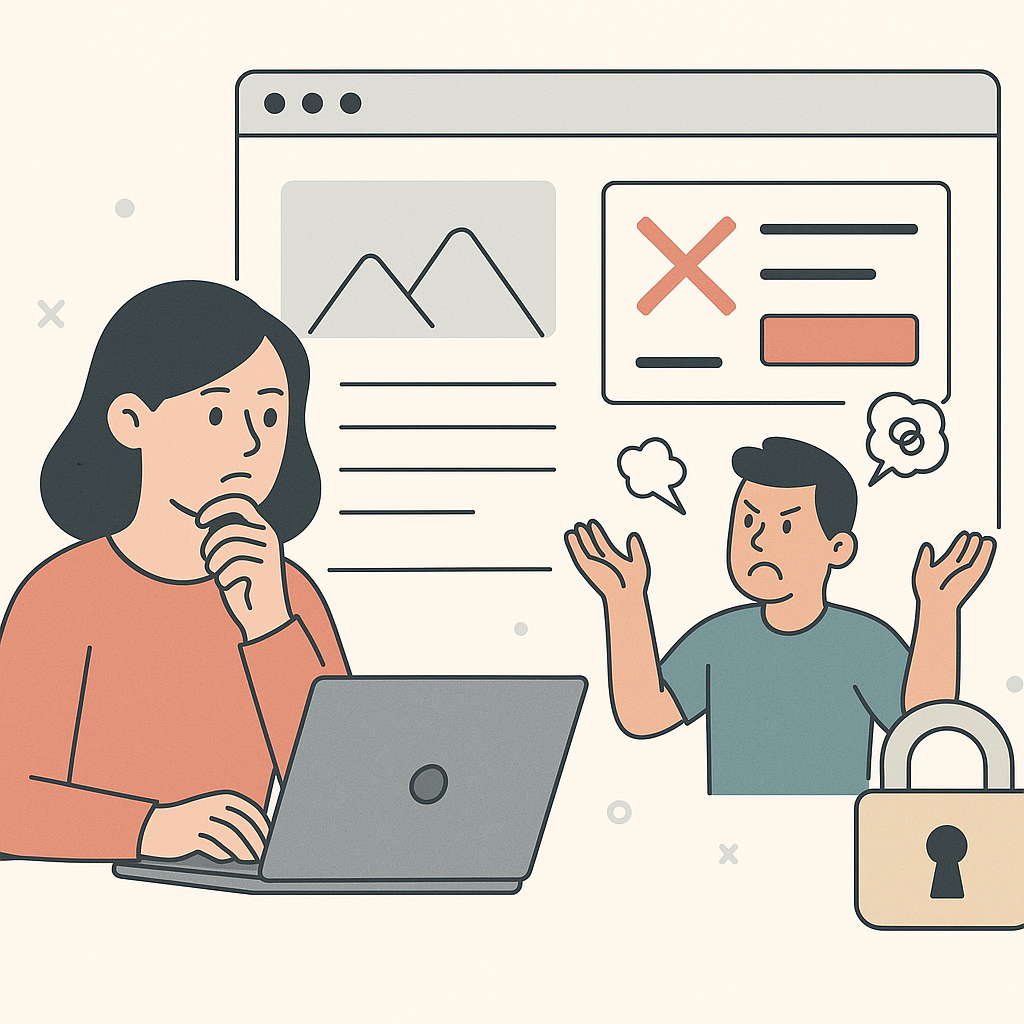
You publish a “small” change.
Then something breaks.
Usually on mobile.
Sometimes in the form.
Sometimes in tracking.
If you want to move fast without getting burned, start here:
edit client websites without developers
The ‘Small Change’ Myth

Small changes break live sites because websites are connected systems.
You touch one thing.
It bumps into three other things.
You do not see it until real traffic hits it.
Websites Are Connected Systems
One edit affects:
- Layout
- Click paths
- Form behavior
- Measurement
That is why “just move the button” is not a low-risk request.
It is a production change.
Breakage Pattern #1: Mobile Layout Collisions

Desktop is forgiving.
Mobile is not.
Here is what happens all the time:
- A headline gets longer.
- The hero gets taller.
- The CTA drops below the fold.
The page still “looks fine.”
But conversions drop.
The CTA Below the Fold Scenario
The chain reaction is simple:
- You change copy or spacing.
- The layout shifts on 375px.
- The CTA is no longer visible without scrolling.
- People bounce.
The guardrail is boring.
That is why it works.
Before you publish, do a quick mobile check.
If you need the full routine, use:
How Agencies Make Website Changes Safely on Live Client Sites
Breakage Pattern #2: Forms and Conversion Paths

Forms break in quiet ways.
The button still clicks.
But the submit never completes.
Or the confirmation never shows.
Or the next step link points to the wrong place.
Broken Links Are Revenue Bugs
Broken links are not “content issues.”
They are revenue bugs.
If the primary CTA points to the wrong page, your ads can be perfect.
The site still loses.
This is why teams who ship fast still run link checks.
Not because they love process.
Because they hate surprises.
If you want a quick checklist of what usually causes those surprises, read:
common mistakes agencies make when editing live websites
Breakage Pattern #3: Tracking Drift

Tracking drift is the most expensive “small change” failure.
Because it destroys truth.
You can’t tell if performance changed.
Or if measurement changed.
The Two-Week Debate Nobody Wants
The pattern looks like this:
- You publish a UI change.
- A key event stops firing.
- The campaign looks worse.
- Everyone argues for two weeks.
The fix is not complicated.
After you publish, trigger the conversion once.
Confirm the key event.
Confirm the conversion record.
If you want the guardrails that prevent drift, start with:
prevent breaking client websites
Breakage Pattern #4: Bundled Changes Hide the Cause

Bundling makes breakage harder to diagnose.
It also makes wins harder to repeat.
You ship ten edits.
The number moves.
Now what?
One Page. One Goal. One Change.
This rule sounds slow.
It is faster.
Because it keeps the blast radius small.
And it keeps learning clear.
The Guardrails That Make Breakage Rare

You do not need perfection.
You need a routine.
Use these three guardrails:
- Preview before publish
- Verify the basics
- Make rollback normal
A 10-Minute Verification Routine
After every publish, do this:
- Check the page on a small mobile screen
- Click the primary CTA
- Submit the primary form (or complete the primary step)
- Click the top links the page depends on
- Confirm key events still fire
If a core path is broken, roll back first.
Then diagnose.
If you want a rollback playbook, use:
Getting Started: Prevent One Incident This Week

You do not need a full process overhaul.
You need one guardrail that you actually run.
Pick One Page and Install One Guardrail
Pick the page where breakage would hurt most.
Then add one habit you will not skip.
- Pick one high-impact page: Choose the page tied to paid traffic or the main conversion step.
- Ship one small change: One idea. One expected outcome. No bundling.
- Check mobile first: Look at 375px and 414px. Make sure the CTA is visible and tappable.
- Click the money path: Click the primary CTA and complete the next step once.
- Confirm tracking truth: Trigger one conversion and verify the key event records.
- Write a rollback trigger: Decide what forces an immediate revert, and who does it.
If you run this once, the fear drops.
Then shipping gets easier.